Free AI Shadow & Glare Remover

Remove Harsh Shadows. Kill the Glare. In Seconds.

GoStudio's AI fixes harsh lighting, blown highlights, and split sun-and-shade in any photo — softening shadows, recovering detail, and re-balancing exposure so faces look evenly lit. No Photoshop. No sliders. No reshoot.

Free — no credit card required No watermark on downloads Works on portraits, products, real estate
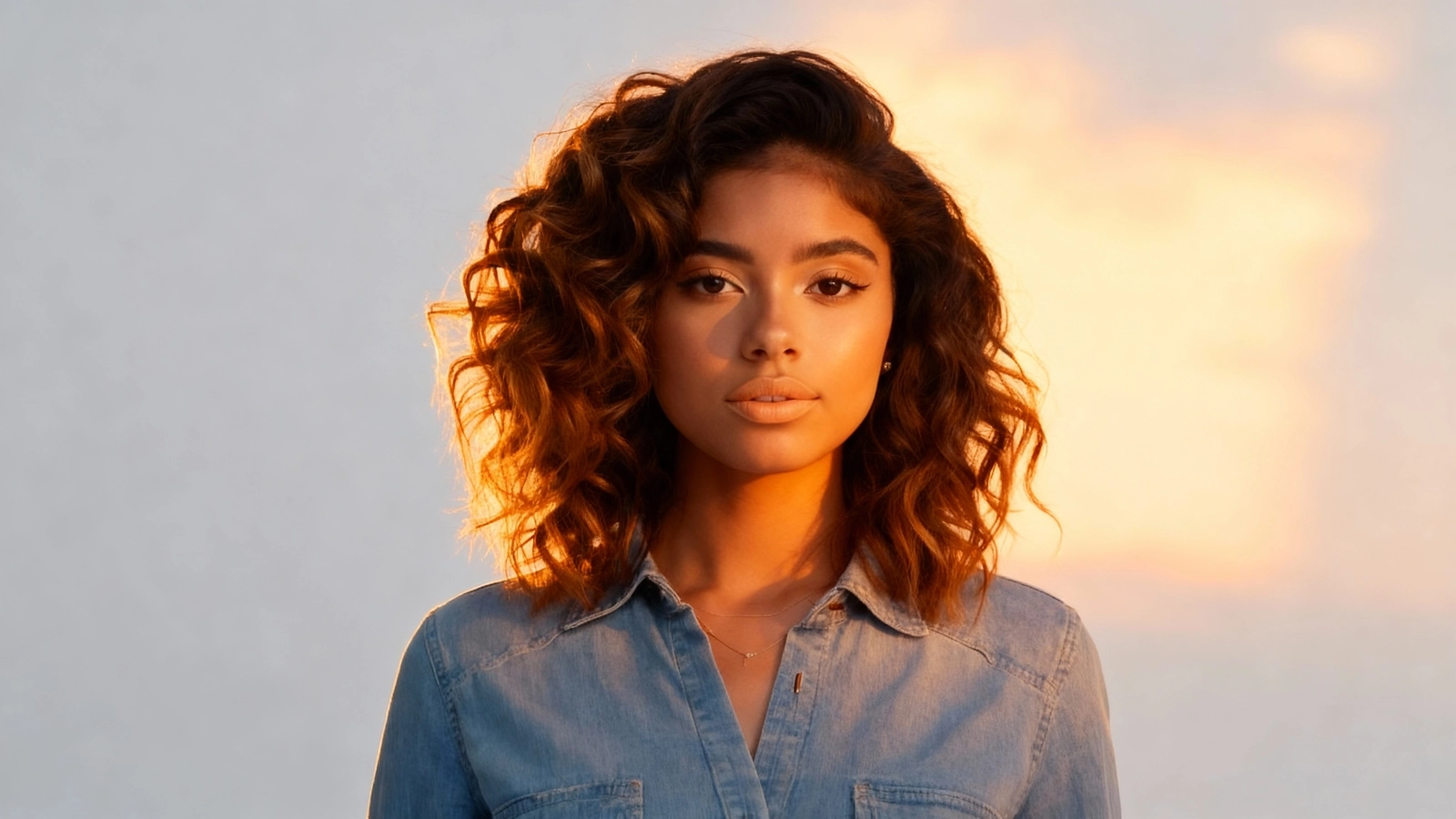
Photo before AI lighting removal — harsh shadows and uneven exposure across the scene
Photo after AI lighting removal — softened shadows, balanced highlights, naturally even light
BeforeAfter

Drop your photo here

PNG, JPG, JPEG, WEBP, HEIC — up to 10MB

No image to test? Try one of our samples

HOW IT WORKS

Three Steps to Naturally Balanced Lighting

Upload your harsh-light photo, let the AI re-balance shadows, glare, and exposure, and download the fixed version. Most photos finish in under 30 seconds.

Click or drag and drop

PNG, JPG, WEBP up to 10MB

01

Upload Your Photo

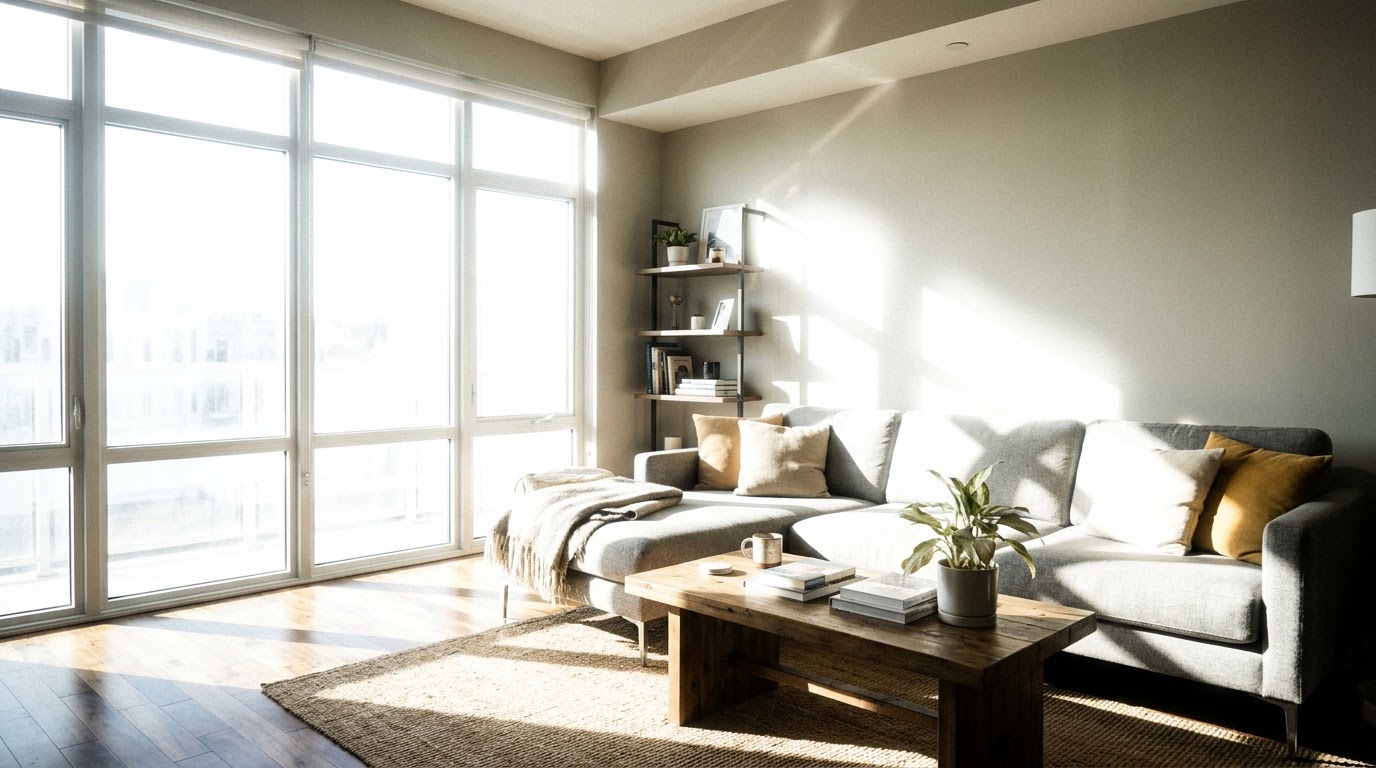
Drag and drop or browse to upload. Accepts PNG, JPG, JPEG, and WEBP files up to 10MB. Works on portraits, real-estate interiors, glossy products, and outdoor shots taken in harsh sun.

AI detecting harsh shadows, glare, and uneven lighting in the uploaded photo
02

AI Detects the Harsh Light

GoStudio AI analyzes the photo, maps where shadows fall and where highlights blow out, and identifies every patch of uneven exposure — from sun glare on a face to hotspots on a glossy product. No prompts to type, no masks to brush.

Download the photo with shadows softened, glare removed, and lighting balanced
03

Download Your Re-Balanced Photo

The AI softens hard shadow edges, recovers blown highlights, and re-lights the scene to look naturally exposed. Preview the result and download a high-resolution PNG with no watermark — ready for LinkedIn, real-estate listings, e-commerce, or print.

BEFORE & AFTER

See What the AI Recovers

Real examples of how GoStudio rebalances photos shot in harsh light — from sun-blasted portraits to glare-blown product shots.
Portrait with harsh shadow across one side of the faceBefore
Same portrait with the shadow softened and skin tone evened outAfter

Soften Harsh Shadows on Faces — Without Looking Edited

Side-window light, midday sun, and overhead venue lighting all leave hard shadow edges across faces. GoStudio softens them, restores skin tone in the dark half, and keeps the result photographic — not airbrushed.

Event portrait with blown-out highlights and harsh exposureBefore
Same event portrait with recovered highlight detail and balanced exposureAfter

Recover Blown Highlights and Sun-Bleached Skin

When the sun blows out one side of a photo, you usually lose detail forever. The AI reconstructs texture and tone in the over-exposed area so the highlight rolls off naturally instead of clipping to white.

Car photo with the hotspots removed and surface detail recoveredAfter
Car photo with bright reflective hotspots and harsh glare on bodywork
Before

Remove Glare from Glossy Products for E-Commerce

Bottles, jewellery, packaging, and car bodywork all reflect studio lights as hot spots that hide the product. GoStudio removes the glare and reconstructs the detail underneath — so listings show what buyers are actually paying for.

Choose Your Plan

From one-time headshots to full brand photography, we have a plan for everyone.

Lite

Get started with monthly AI credits.

Monthly
$3.90$7

80 credits

80 credits/month
20 quality headshots per month
30 mins processing time
Full access to AI Tools
New packs released every month
Cancel anytime

Credits reset monthly.

Popular

Pro

More credits for regular content creators.

Monthly
$6.90$12

160 credits

160 credits/month
40+ quality headshots per month
30 mins processing time
Full access to AI Tools, AI Editor and AI Canvas
New packs released every month
Cancel anytime

Credits reset monthly.

Max

AI Trained on your face. Fresh packs every month.

Monthly
$19

500 credits/month

500 credits/month
Choose 1 pack from 200+ photoshoot packs
Your AI Model stays active — no retraining required
15 mins processing time
Full access to AI Tools, AI Editor and AI Canvas
New packs released every month
Cancel anytime

Credits reset monthly. Cancel anytime.

What to Try Next

After fixing the lighting, these are the tools creators and businesses use most on GoStudio.

REAL FEEDBACK

Real People. Real Results.

From LinkedIn to studios — what our customers actually say.
Shimona

Shimona

Content Creator

"So, what are your career goals?
Me: I want to be a princess"

I know that’s "unrealistic" and "not a real job title," but Disney lied to me for 20 years so I’m sticking to my story. 👑
Shimona's post
Feb 17, 2026
Shimona

Shimona

Content Creator

"Professional photoshoots are just expensive ways to confirm I don’t know what to do with my hands when people look at me" 🤦🏻‍♀️

I tried to take my own "branding" photos last week.
Shimona's post
Nov 5, 2025
Arifa Hussain

Arifa Hussain

Brand Storyteller

2024: I shut down a business…
2025: I remembered what my father taught me. 👇

When I shut down my coaching business, it wasn’t just a professional decision. It came with stress, self-doubt, and a quiet identity shift no one really talks about.
Arifa Hussain's post
Dec 23, 2025
Rodd Santomauro

Rodd Santomauro

Professional

Did anyone text, email, and/or call ☎️ you today and tell you⁉️

You are wonderful.

You are a gift 🎁.
Rodd Santomauro's post
Nov 30, 2025
Elizabeth Silva

Elizabeth Silva

Professional

AI photos… yay or nay?

On Wen I tried GoStudio.ai head shots as a bit of fun.

The AI made me out with brown hair mixed with a scarf or scarfless (I don’t think this is a real word).
Elizabeth Silva's post
Nov 13, 2025
Meenakshi Yadav

Meenakshi Yadav

Content Creator

I’ve always believed that creativity has no rules - and no single look.

One day you might want a CEO headshot.
The next, a gym-style portrait.
Or maybe something wild - neon lights, a streetwear vibe, or even a Barbie-inspired look.
Meenakshi Yadav's post
Nov 12, 2025
Shimona

Shimona

Content Creator

Raise your hand if you've ever tried to generate an image with an AI tool and ended up with a slightly melted, three-eyed blob trying to pass as a human. 🙆🏻‍♀️

We've all been there.

It's a mental health hazard just trying to get a decent picture.

Seriously, I was about to give up and start drawing my own stick figures again for my personal branding, but then I stumbled upon GoStudio.ai.
Shimona's post
Nov 5, 2025
Arifa Hussain

Arifa Hussain

Brand Storyteller

It's a good day to be a D*ck on LinkedIn.
Cuz it doesn’t get better than this for perverts!

Here’s the thing,
I’ve grown up in a culture where wearing short skirts/ showing your legs isn’t a thing.

So naturally, I’ve never worn a short dress in my entire existence.
Enter GoStudio.ai [ad]
Arifa Hussain's post
Nov 4, 2025

About Removing Harsh Lighting with AI

AI shadow and glare removal uses a depth-aware machine learning model to understand how light falls across a scene, then rebuilds exposure where it is uneven — softening hard shadow edges, recovering blown highlights, and removing specular hotspots. Unlike global tone adjustments in Lightroom or Photoshop sliders, the AI respects the 3D structure of the scene, so the result looks like the photo was shot in good light to begin with rather than aggressively edited after the fact.

What does it mean to "remove lighting" from a photo?

In photography, "remove lighting" usually means correcting harsh or unwanted lighting effects — hard shadows on a face, sun glare across a scene, hotspots on glossy products, blown-out highlights — and rebalancing the exposure so the image looks evenly lit. The original light is not literally erased; it is re-modelled to look softer and more natural.

What is the difference between removing lighting and relighting?

"Remove lighting" is corrective — it fixes a problem already in the photo (harsh shadow, glare, hotspot, blown highlight). "Relighting" is creative — it changes the lighting style of the photo (adding dramatic studio light, golden hour, soft beauty light). One restores; the other transforms.

When should you use AI shadow removal instead of a traditional editor?

Use AI shadow removal when sliders alone leave the photo looking flat, washed-out, or obviously HDR; when the harsh light is on a face and you need natural skin tone in both the lit and shaded halves; when you want a one-click fix instead of 10 minutes of masking; or when you need to fix a batch of photos quickly without learning Lightroom.

How does GoStudio's shadow & glare remover compare?

  • vs Lightroom shadow/highlight sliders: Lightroom sliders push pixel values globally and often produce flat, washed-out, or overly HDR-looking results. GoStudio rebuilds light with depth awareness, so the photo still looks photographic — not edited.
  • vs Photoshop dodge & burn: Manual dodge & burn requires hours of brushwork, layer masks, and skill. GoStudio handles harsh shadow softening, highlight recovery, and glare removal in one upload — no brushes, no masks, no plugins.
  • vs Reshooting in better light: Reshooting takes time, equipment, and access to the original subject. GoStudio fixes the photo you already have — useful for travel, event, real-estate, and product shots you cannot retake.

AI Shadow & Glare Remover — Frequently Asked Questions

Everything you need to know before fixing your first harsh-light photo.

Stop accepting harsh-light photos. Fix shadows and glare in seconds.

GoStudio's AI shadow and glare remover rebalances exposure in any photo — softening shadows, recovering highlights, killing glare. Free, in your browser, no equipment.