Expand Any Image. Any Direction. Any Ratio.
GoStudio's AI image extender outpaints your photos beyond their original borders. Custom extensions up to 700px per side. No Photoshop. No re-shooting.
Drop your photo here
PNG, JPG, JPEG, WEBP, HEIC — up to 10MB
No image to test? Try one of our samples
Four Steps to a Perfectly Expanded Photo
Upload, set your canvas size, let the AI generate, and download. Most images ready in under 30 seconds.
Click or drag and drop
JPEG, PNG, HEIC
Upload Your Image
Drag and drop or browse to upload the photo you want to extend. Our AI outpainting tool accepts JPEG, PNG, and HEIC files.
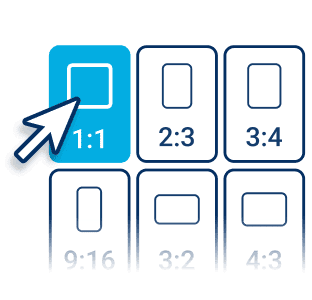
Choose Your Canvas Size
Select a preset aspect ratio for Instagram, TikTok, YouTube, LinkedIn, or enter custom pixel dimensions. Extend up to 700px each side.
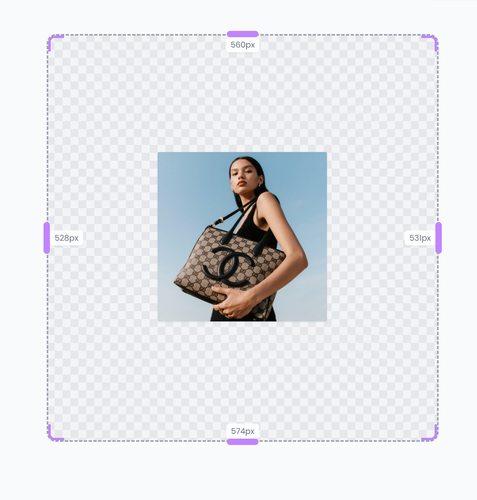
AI Extends Your Photo
GoStudio's AI outpainting engine fills the new canvas area. It matches lighting, color, and scene context so the expansion looks seamless and natural.
.png?width=720&height=500 "Download AI outpainted image for social media and marketing")
Download & Share
Download your expanded image in PNG. Use it instantly on social media, e-commerce listings, or any design project — no watermark added.
What Can You Do With AI Outpainting?
From product photography to social media content — here's how creators and businesses use GoStudio's AI image extender every day.


Expand Product Photos to Fit Any Platform
Seamlessly uncrop and expand product backgrounds to fit Shopify banners, Amazon product listings, or Etsy store headers. Easily adjust aspect ratios, add white space for text overlays, or reframe without re-shooting.
Extend Social Media Reach with AI Outpainting
Seamlessly outpaint your photos into 9:16 vertical masterpieces for TikTok and Instagram Reels, 16:9 for YouTube thumbnails, or 1:1 LinkedIn profiles. Repurpose high-impact content without re-shooting.


Maximize Design Assets With AI Generative Fill
Use this AI background extender to generate matching background pixels for billboard advertising, poster headings, website banners, and Facebook ads. Expand your canvas instantly without losing quality.
Refine Portrait and Landscape Compositions
Fixing tight crops or awkward framing is now easier than ever. Uncrop and restore your favorite moments while maintaining realistic lighting and details. Extend your borders seamlessly for cinematic depth.


Simple pricing.
Pay only for what you use.
Every plan unlocks every AI model and every editing tool. Pick the credit pack that fits.
Lite
Billed monthly
80 credits/month
GPT Image 2 · 8 images
Nano Banana 2 · 10 photos
Wan 2.7 · 1 video
Seedance 2 · 1 video (5s)
Full access to all AI image & video models
Pro
Billed monthly
150 credits/month
GPT Image 2 · 16 images
Nano Banana 2 · 20 photos
Wan 2.7 · 2 videos
Seedance 2 · 2 videos (5s)
Full access to all AI image & video models
Max
Billed monthly
500 credits/month
GPT Image 2 · 50 images
Nano Banana 2 · 62 photos
Wan 2.7 · 9 videos
Seedance 2 · 8 videos (5s)
Full access to all AI image & video models
Sign up for 10 free credits — no credit card required. Free credits go to eligible new accounts. Seeing wrong pricing? Contact us
Our Best Tools
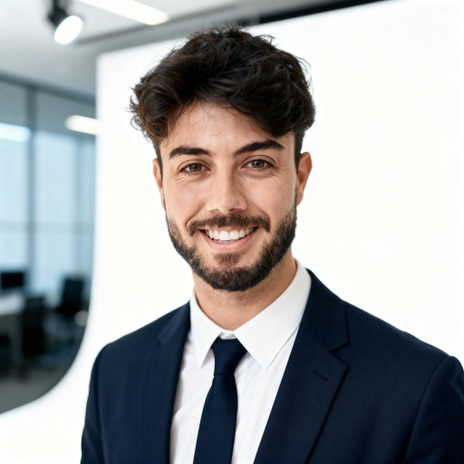
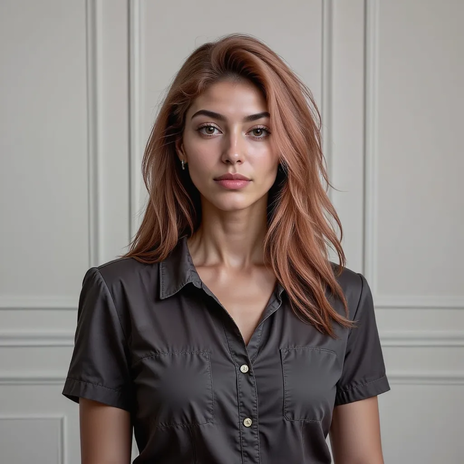
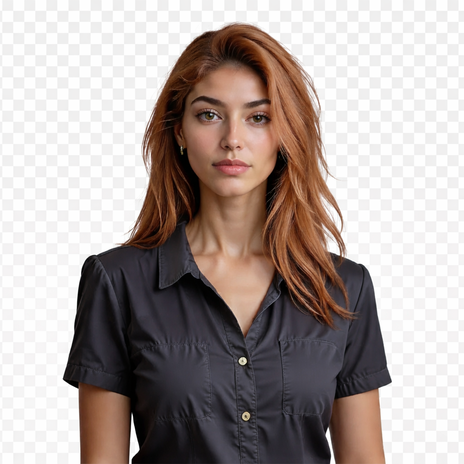
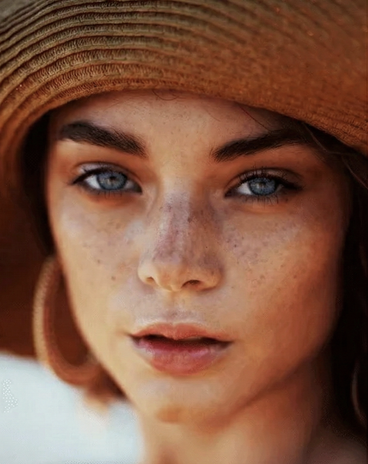
After enhancing, these are the tools creators and businesses use most on GoStudio.
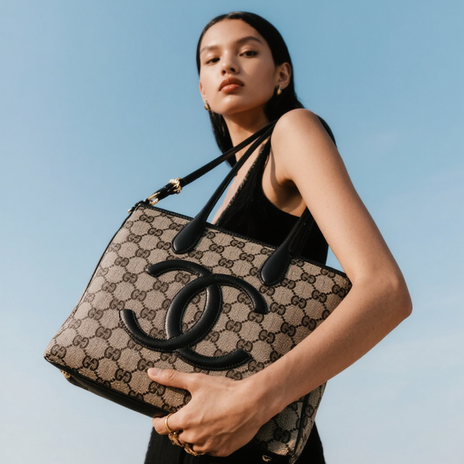
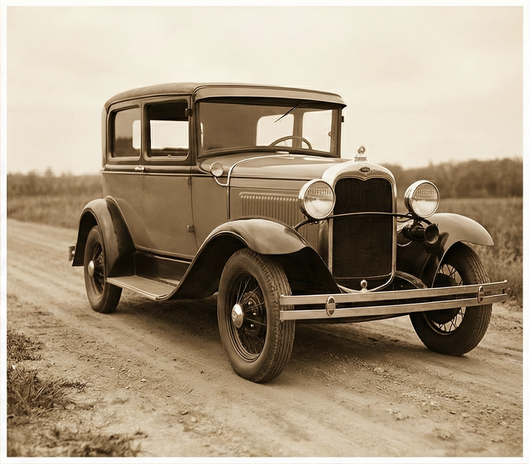
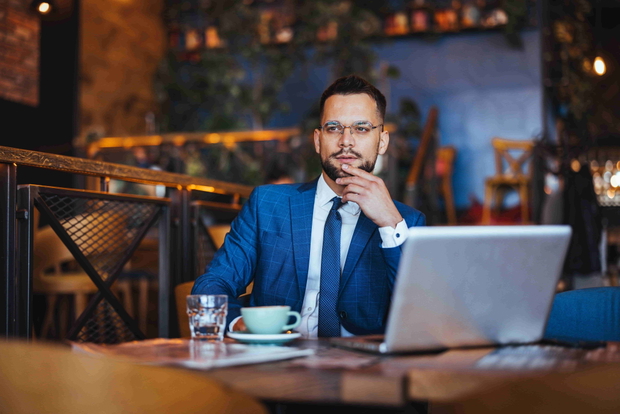
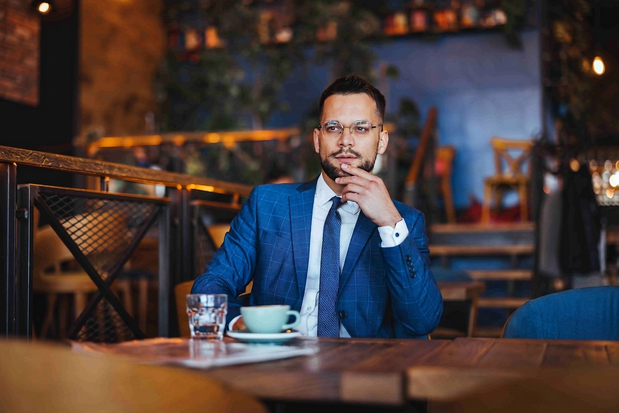
.png?width=620&height=464 "AI Outpaint after")
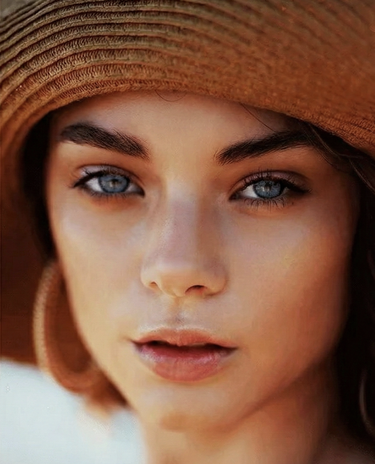
TESTIMONIALS
Real customers.
Real reviews.
Real people, real posts. Every review below is written by a GoStudio.ai customer on social media — not edited, not paid for. Click any review to read the original.
Two years ago we spent thousands on branded images and professional headshots. Then I found GoStudio.ai — it helps you look like yourself, just on your best, most confident day.

Sometimes, you don't need a photo shoot to look like your future self. You just need a visual story that says, 'I made it.' That's where GoStudio.ai can help.
The founder personally fixed all of my photos. Her commitment to giving everyone an excellent experience makes her a cut above many others. I have to give the experience 5 stars.
The images look so close to my original that if I didn't tell you they were AI-generated, you'd probably never notice. AI is your assistant — not your identity.
Kanika personally hopped on a call to help. That level of professionalism and kindness really impressed me. The AI photo is beautiful — GoStudio.ai makes professional identity accessible.
GoStudio.ai helped me show up as who I'm actually becoming — not who I thought I was supposed to be. It replaced two photographers and a retoucher for our catalog.
Kanika built GoStudio.ai — an app that turns your daily selfies into professional photos. She built it solo, and it's jaw-droppingly good.

I've seen other companies do AI headshots, but I've found her images to be the best. Dozens of images in 30 minutes — why do this yourself?
Two years ago we spent thousands on branded images and professional headshots. Then I found GoStudio.ai — it helps you look like yourself, just on your best, most confident day.
Sometimes, you don't need a photo shoot to look like your future self. You just need a visual story that says, 'I made it.' That's where GoStudio.ai can help.
The founder personally fixed all of my photos. Her commitment to giving everyone an excellent experience makes her a cut above many others. I have to give the experience 5 stars.
The images look so close to my original that if I didn't tell you they were AI-generated, you'd probably never notice. AI is your assistant — not your identity.
Kanika personally hopped on a call to help. That level of professionalism and kindness really impressed me. The AI photo is beautiful — GoStudio.ai makes professional identity accessible.
GoStudio.ai helped me show up as who I'm actually becoming — not who I thought I was supposed to be. It replaced two photographers and a retoucher for our catalog.
Kanika built GoStudio.ai — an app that turns your daily selfies into professional photos. She built it solo, and it's jaw-droppingly good.
About AI Image Outpainting
AI Image Extender — Frequently Asked Questions
Everything you need to know before expanding your first image.
Forget the photoshoot. Expand any image in seconds.
GoStudio's AI image extender fills in up to 700px of new canvas on every side — matching your original scene perfectly.