v2.8.1
Update — Create and Edit, Pulled Apart
UpdateAI Tools
Update — Create and Edit, Pulled Apart
Making something new and changing something you already have are two different jobs, and the studio now treats them that way. Both editors split into Create and Edit, and the dashboard works out which one you want on its own.
- Create
Start from a prompt and generate something that does not exist yet.
- Edit
Start from an image or video you already have and change it.
What’s New
- AI Video split into Create Video / Edit Video, plus an Other Apps video category
- Create / Edit mode tabs added to AI Image
- Templates now auto-switch AI Image to Edit mode when applied
- Manual Edit/Create toggle removed from the dashboard prompt bar — mode auto-detected from whether an image/video is attached
- “Edit” links across the app (gallery, generations panel, etc.) now land on the correct tab/URL
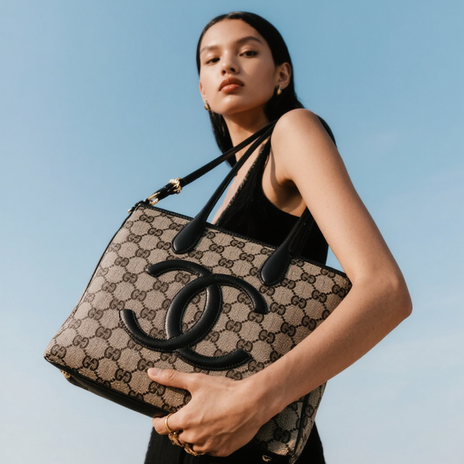
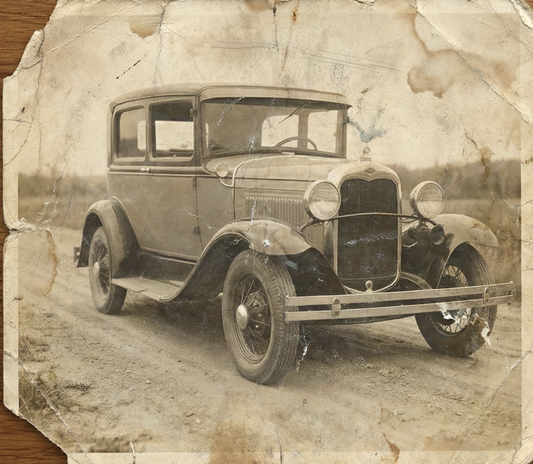
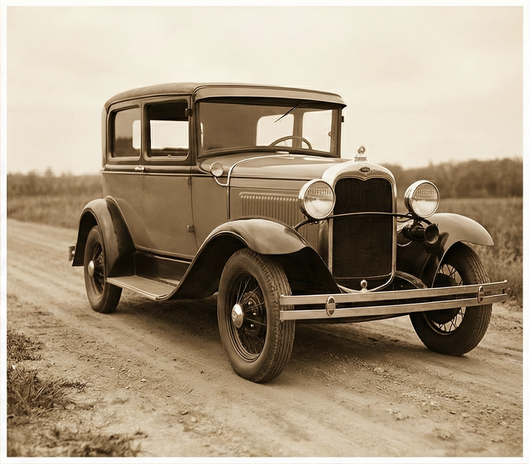
.png?width=620&height=464 "AI Outpaint after")