v2.6.1
Update — Pick Any Background Colour for Video Background Removal
UpdateAI Tools
Update — Pick Any Background Colour for Video Background Removal
Removing a video background no longer means settling for a default. Choose the exact colour you want and the AI drops it in behind your subject as the original background comes out.
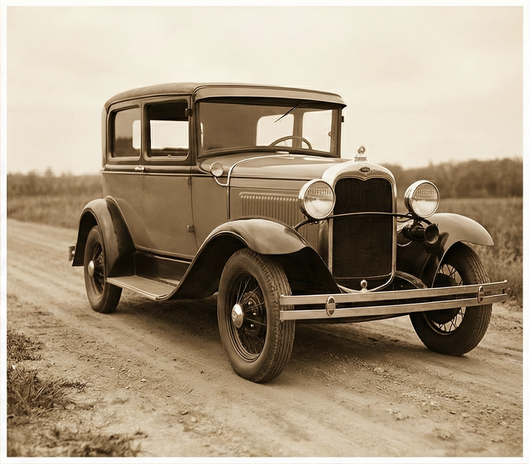
Before
After — Transparent
After — Blue
What’s New
- Colour picker built in — choose any background colour instead of being locked to a fixed default.
- Applied as it removes — the new colour is composited in the same pass, so there’s no second export step.
- Clean edges — hair and outline detail stay sharp against the colour you pick.

.png?width=620&height=464 "AI Outpaint after")