v3.6.0
Update — Instant Photo Becomes Recreate Photo, Plus GPT Image 2.5
UpdateAI Tools
Update — Instant Photo Becomes Recreate Photo, Plus GPT Image 2.5
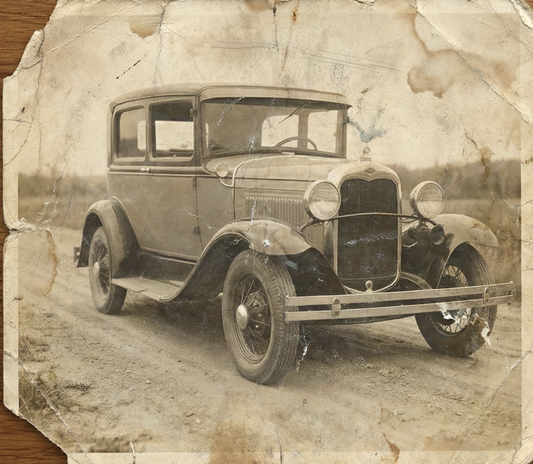
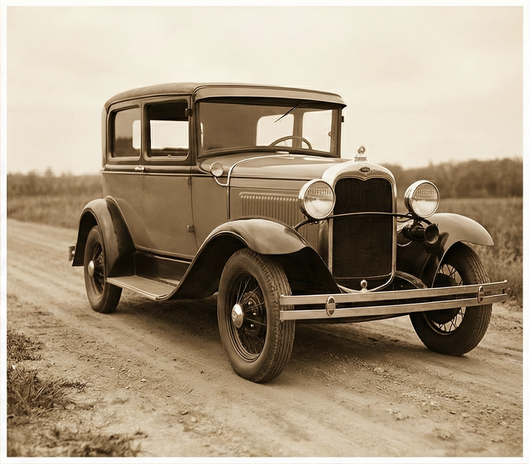
Instant Photo is now Recreate Photo, with a walkthrough for each mode and a clear split between your photo and the reference you are copying. GPT Image 2.5 arrives in the AI Editor and Magic Canvas, the 1980s photo trend gets its own page, and the gallery and profiles got a round of cleanup.
- Recreate Photo
The new name for Instant Photo, with a walkthrough for every mode.
- GPT Image 2.5
A newer image model in the AI Editor and Magic Canvas.
- Profiles and Gallery
Training progress, expired-profile checks, and filters, likes and archive in the gallery.
What’s New
- Recreate Photo — Instant Photo has a new name, a “How it works” walkthrough for each mode, and an Instructions box in Enhance.
- Reference images shown separately — the reference you recreate from has its own labelled section in the viewer, Gallery, Dashboard and Credit History.
- GPT Image 2.5 — now available in the AI Image Editor and Magic Canvas.
- 1980s Flashback — a new page at /1980s-flashback for the 80s photo trend.
- Personas are now Profiles — and gender is chosen on the pack finish page instead of during profile creation.
- Training you can follow — a progress bar and status messages while a profile trains.
- Expired profiles marked — an expired profile can no longer be used to generate, and its badge says so.
- Gallery filters — a new filter panel, plus like, archive and delete on samples. Uploaded images can be rotated and archived, and uploaded videos show as video tiles.
- Blur Background is free again — it runs in your browser: no credits, nothing added to history.
- Templates open on Featured — and video templates bring their reference images with them.
- Run a prompt from the library — “Run this prompt” opens the editor with the prompt already filled in.
- Better uploads — click anywhere in the drop zone to pick a file, and scanned photos no longer arrive upside down.
- A new pricing card — clearer plan cards on the pricing modal.

.png?width=620&height=464 "AI Outpaint after")