v4.3.0
Update — Six Photo Tools, Easier to Find and Easier to Understand
UpdateAI Tools
Update — Six Photo Tools, Easier to Find and Easier to Understand
We rebuilt the pages for six photo tools around the words people actually search for, so they are easier to find and quicker to understand. Each page now shows more examples and answers more of your questions before you upload a photo.
- Whiten Teeth in Photo
- AI Baby Generator

- Remove Glasses from Photo
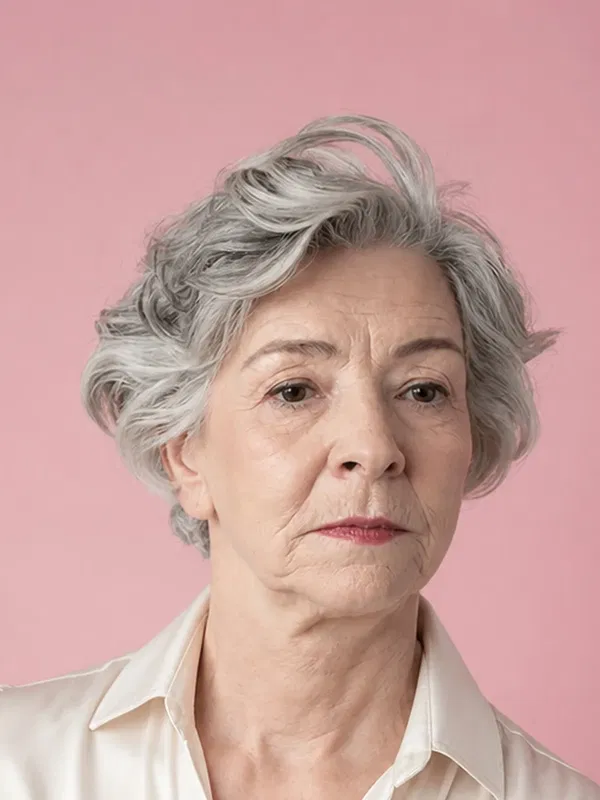
- AI Clothes Changer
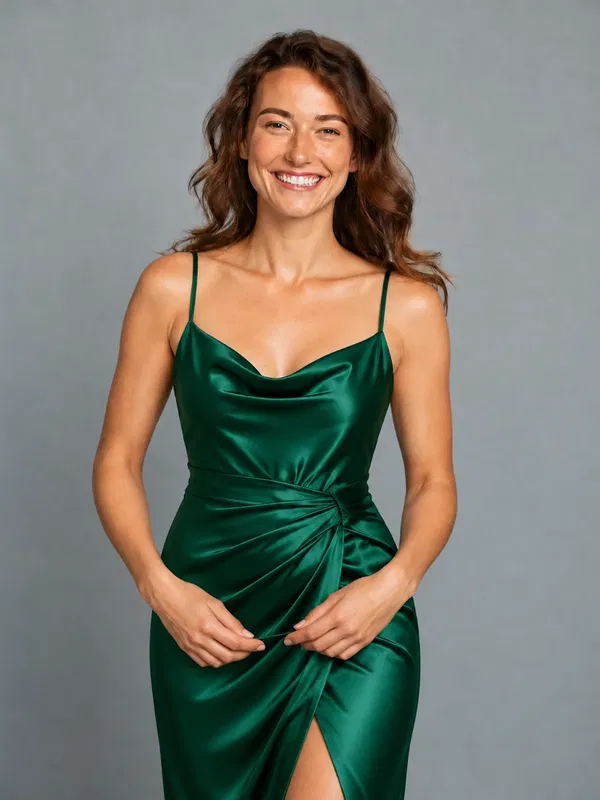
- Nail Color Changer
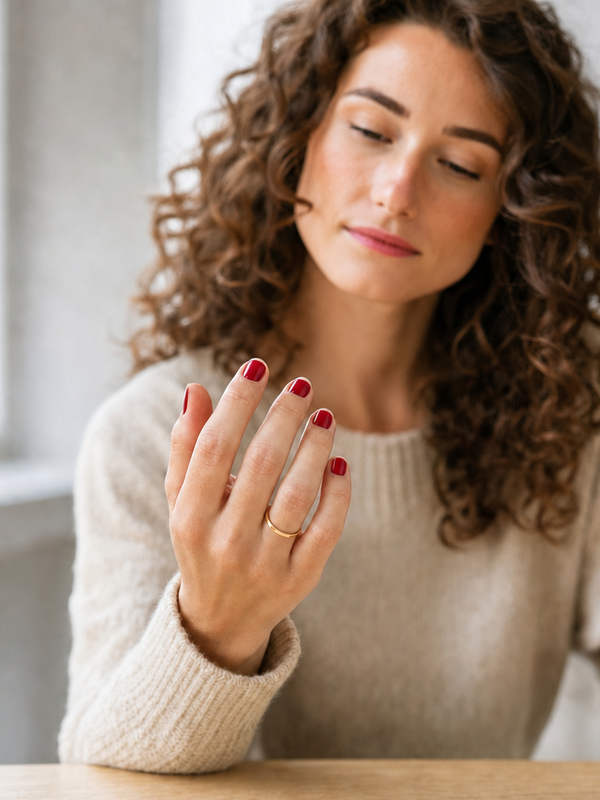
- Remove People from Photos
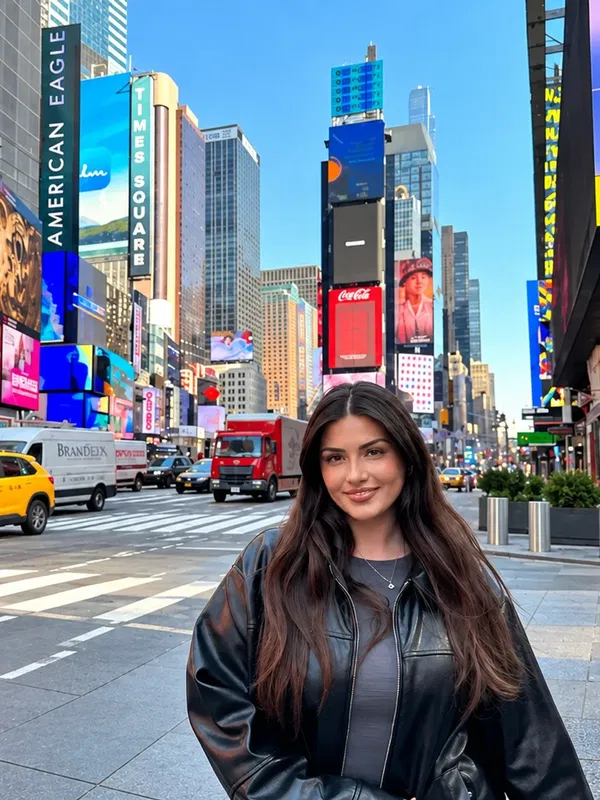
What’s New
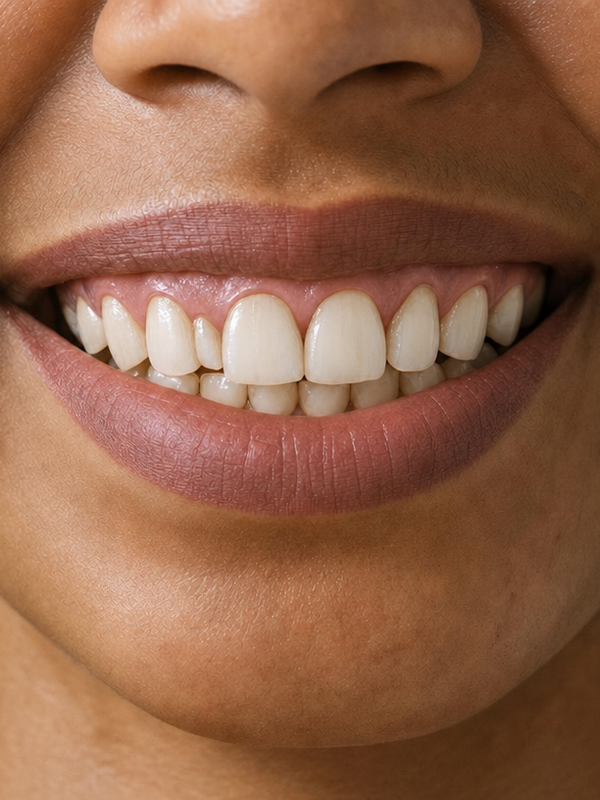
- Whiten Teeth in Photo — new feature list, 8 real ways people use it, and 21 answers to common questions.
- AI Baby Generator — a new newborn photo up top, and an answer to “What will my son look like?”.
- Remove Glasses from Photo — new before and after examples for jewelry, sunglasses and caps, not just glasses.
- AI Clothes Changer — new examples for shops that want to show their clothes on a model without a photoshoot.
- Nail Color Changer — help with “What color should I paint my nails?”, and new examples on deeper skin tones.
- Remove People from Photos — the page now shows the correct price, $7.90, and our privacy wording now says only what we can promise.