Resize Any Image. Any Ratio. No Cropping.
GoStudio's universal resizer reframes your photo to fit any aspect ratio — and uses AI to fill the new space instead of cropping or stretching your subject. One upload, every platform.
.jpeg)
Drop your photo here
PNG, JPG, JPEG, WEBP, HEIC — up to 10MB
No image to test? Try one of our samples
Resize Any Photo in Four Steps
Upload, pick your target ratio, let the AI reframe, and download. Most images ready in under 30 seconds.
Click or drag and drop
JPEG, PNG, HEIC
Upload Your Image
Drag and drop or browse to upload the photo you want to resize. The universal resizer accepts JPEG, PNG, and HEIC files.
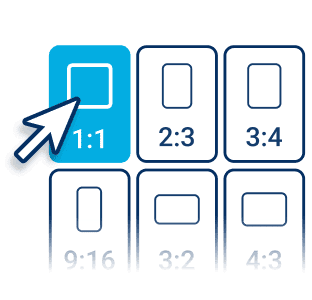
Pick a New Aspect Ratio
Select a preset for Instagram, TikTok, YouTube, or LinkedIn — or enter custom dimensions. No cropping decisions to make.
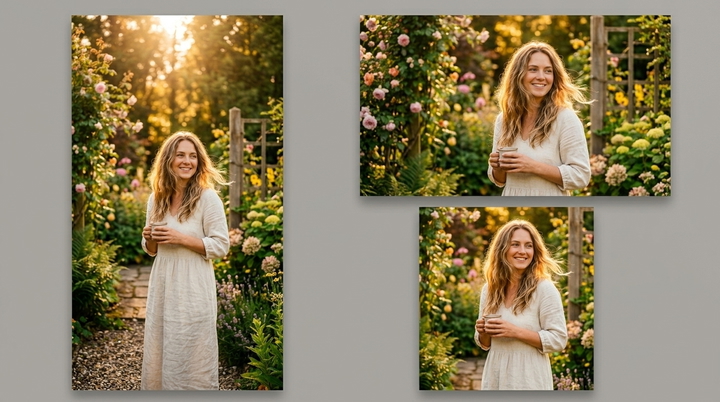
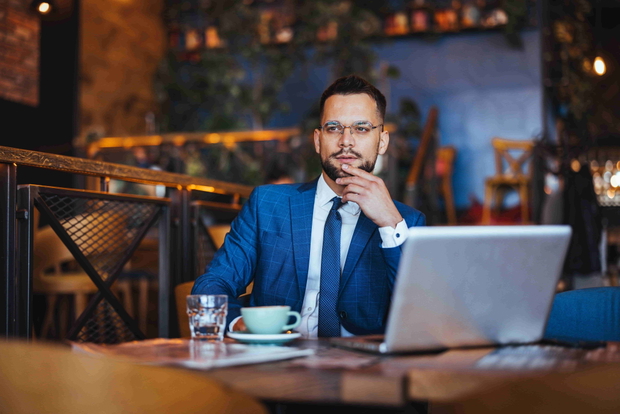
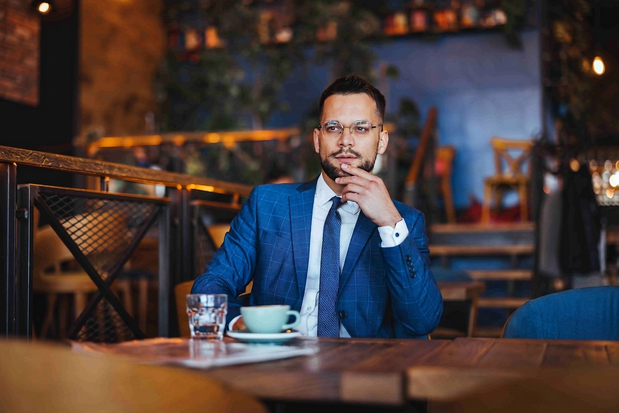
.jpeg?width=720&height=500 "AI reframes a photo to a new aspect ratio without cropping")
AI Reframes Your Photo
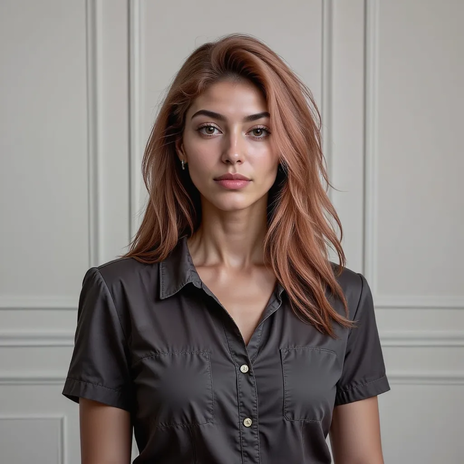
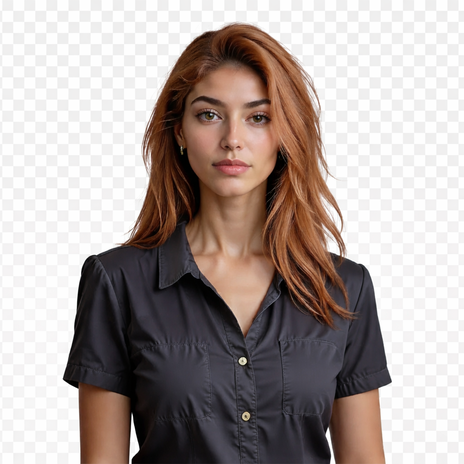
GoStudio's AI fills the new canvas area instead of cutting off your subject. It matches lighting, color, and scene context so the resize looks native.
Download & Share
Download your resized image in PNG. Use it instantly on social media, ads, e-commerce listings, or any design project — no watermark added.
One Image, Every Aspect Ratio
Stop re-shooting and re-cropping for every channel. Here's how creators and brands resize a single asset to fit everywhere with GoStudio.
.jpeg)
Resize Portraits for Every Platform
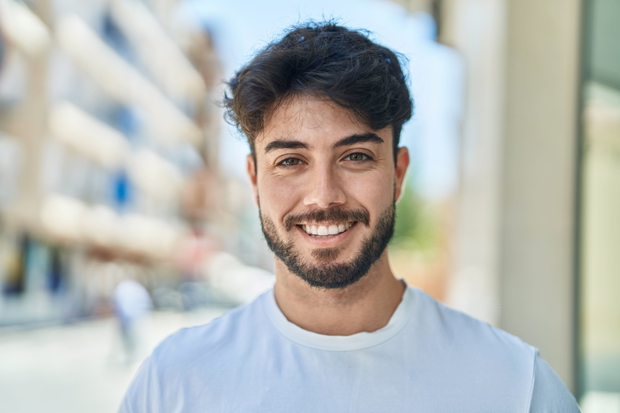
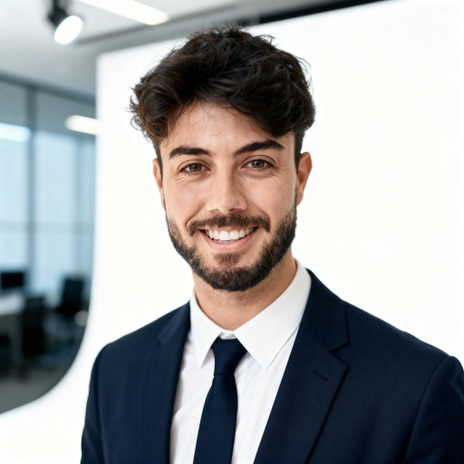
Turn one portrait into a LinkedIn banner, an Instagram profile, and a story cover without cropping yourself out. The AI reframes the background to the exact ratio each platform needs.
Reformat Content for Every Social Channel
Resize one photo into 9:16 for TikTok and Reels, 16:9 for YouTube thumbnails, and 1:1 for the feed — without losing your subject. Repurpose high-performing content in seconds.


Fit Design Assets to Any Canvas
Resize a single design asset to billboard, poster, web banner, and ad dimensions. The AI generates matching background pixels so nothing gets stretched or cut off.
Reframe Portraits and Landscapes
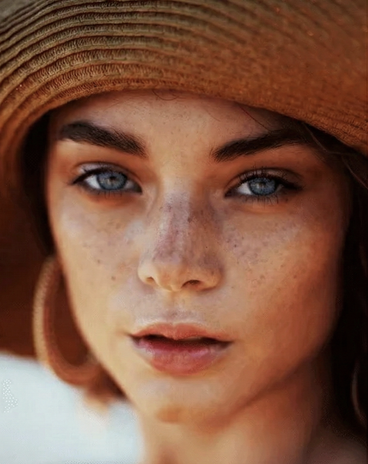
Convert a tight portrait into a wide landscape, or a landscape into a vertical story — with realistic lighting and detail in the newly generated areas. No re-shooting, no awkward crops.


Who Uses the Universal Resizer?
BEFOREOne Hero Shot, Every Ad Placement
Resize a single campaign visual into every ad format — Meta, Google Display, billboard, and email banner — without re-cropping the subject. Ship a full placement set from one asset.
Simple pricing.
Pay only for what you use.
Every plan unlocks every AI model and every editing tool. Pick the credit pack that fits.
Lite
Billed monthly
80 credits/month
GPT Image 2 · 8 images
Nano Banana 2 · 10 photos
Wan 2.7 · 1 video
Seedance 2 · 1 video (5s)
Full access to all AI image & video models
Pro
Billed monthly
150 credits/month
GPT Image 2 · 16 images
Nano Banana 2 · 20 photos
Wan 2.7 · 2 videos
Seedance 2 · 2 videos (5s)
Full access to all AI image & video models
Max
Billed monthly
500 credits/month
GPT Image 2 · 50 images
Nano Banana 2 · 62 photos
Wan 2.7 · 9 videos
Seedance 2 · 8 videos (5s)
Full access to all AI image & video models
Sign up for 10 free credits — no credit card required. Free credits go to eligible new accounts. Seeing wrong pricing? Contact us
Our Best Tools
After enhancing, these are the tools creators and businesses use most on GoStudio.
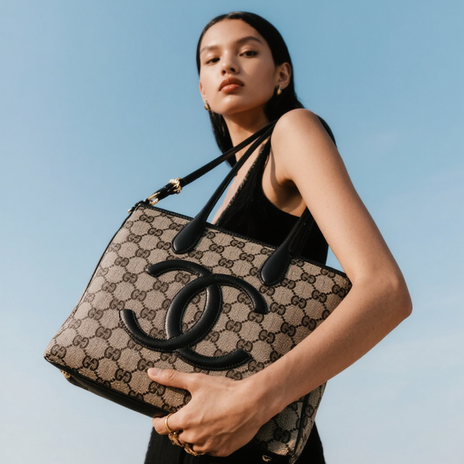
.png?width=620&height=464 "AI Outpaint after")
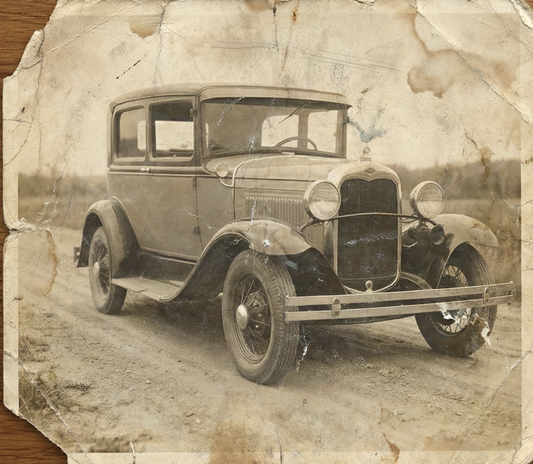
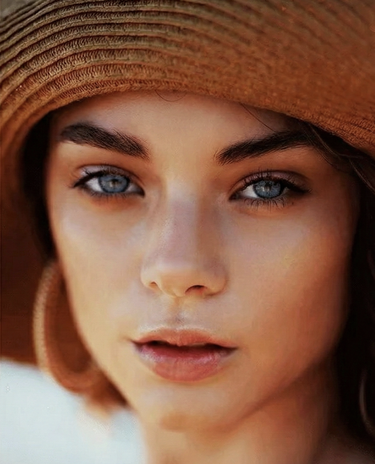
TESTIMONIALS
Real customers.
Real reviews.
Real people, real posts. Every review below is written by a GoStudio.ai customer on social media — not edited, not paid for. Click any review to read the original.
Two years ago we spent thousands on branded images and professional headshots. Then I found GoStudio.ai — it helps you look like yourself, just on your best, most confident day.

Sometimes, you don't need a photo shoot to look like your future self. You just need a visual story that says, 'I made it.' That's where GoStudio.ai can help.
The founder personally fixed all of my photos. Her commitment to giving everyone an excellent experience makes her a cut above many others. I have to give the experience 5 stars.
The images look so close to my original that if I didn't tell you they were AI-generated, you'd probably never notice. AI is your assistant — not your identity.

Kanika personally hopped on a call to help. That level of professionalism and kindness really impressed me. The AI photo is beautiful — GoStudio.ai makes professional identity accessible.
GoStudio.ai helped me show up as who I'm actually becoming — not who I thought I was supposed to be. It replaced two photographers and a retoucher for our catalog.
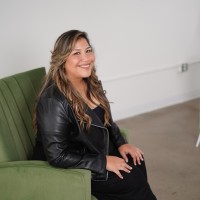
Kanika built GoStudio.ai — an app that turns your daily selfies into professional photos. She built it solo, and it's jaw-droppingly good.

I've seen other companies do AI headshots, but I've found her images to be the best. Dozens of images in 30 minutes — why do this yourself?
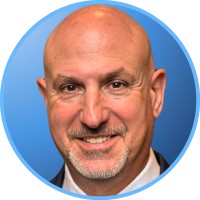
Two years ago we spent thousands on branded images and professional headshots. Then I found GoStudio.ai — it helps you look like yourself, just on your best, most confident day.
Sometimes, you don't need a photo shoot to look like your future self. You just need a visual story that says, 'I made it.' That's where GoStudio.ai can help.
The founder personally fixed all of my photos. Her commitment to giving everyone an excellent experience makes her a cut above many others. I have to give the experience 5 stars.
The images look so close to my original that if I didn't tell you they were AI-generated, you'd probably never notice. AI is your assistant — not your identity.
Kanika personally hopped on a call to help. That level of professionalism and kindness really impressed me. The AI photo is beautiful — GoStudio.ai makes professional identity accessible.
GoStudio.ai helped me show up as who I'm actually becoming — not who I thought I was supposed to be. It replaced two photographers and a retoucher for our catalog.
Kanika built GoStudio.ai — an app that turns your daily selfies into professional photos. She built it solo, and it's jaw-droppingly good.
About the AI Universal Resizer
Universal Resizer — Frequently Asked Questions
Everything you need to know before resizing your first image.
One upload. Every aspect ratio.
GoStudio's universal resizer reframes any image to any ratio and fills the new canvas with AI — no cropping, no stretching, no re-shooting.