Upscale Any Video to 4K
Upscale a video online with GoStudio's AI Video Upscaler and get back more than a bigger file. Detail is rebuilt frame by frame, so soft phone clips, old footage and over-compressed exports come back sharp — with your audio, length and frame rate exactly as they went in. Free credits to start, and nothing to install.
Drop your video in
MP4, MOV or WEBM — up to 100MB
Note: Source clips up to 1080p — an upscaler is for footage smaller than the screen it has to fill. Your video is processed securely and never shared with third parties. Runs are billed per second and by output size, and the exact credit cost is shown before anything starts.
- Online — nothing to install
- Detail rebuilt, not stretched
- Up to 4K output
- Audio, length & frame rate kept
HOW IT WORKS
How to upscale a video in 3 steps
Upload your clip and the AI rebuilds its detail on every frame. Upscale video with no re-shoot and no plugin to install.
1. Upload your video
MP4, MOV or WEBM up to 100MB. A phone clip, a screen recording, an old export — anything soft or over-compressed.
2. Pick how far to enlarge
2× takes a 1080p clip to 4K, and 4× lifts a 360p or 480p source the same way. Every frame is rebuilt rather than stretched.
3. Download the sharp cut
The result comes back at the higher resolution with the same length, frame rate and audio — and no GoStudio watermark.
WHY CHOOSE US
The best AI video upscaler online
Enlarging a video is easy; keeping it convincing is not. Here is how it holds up, industry by industry.
Post phone clips at 4K
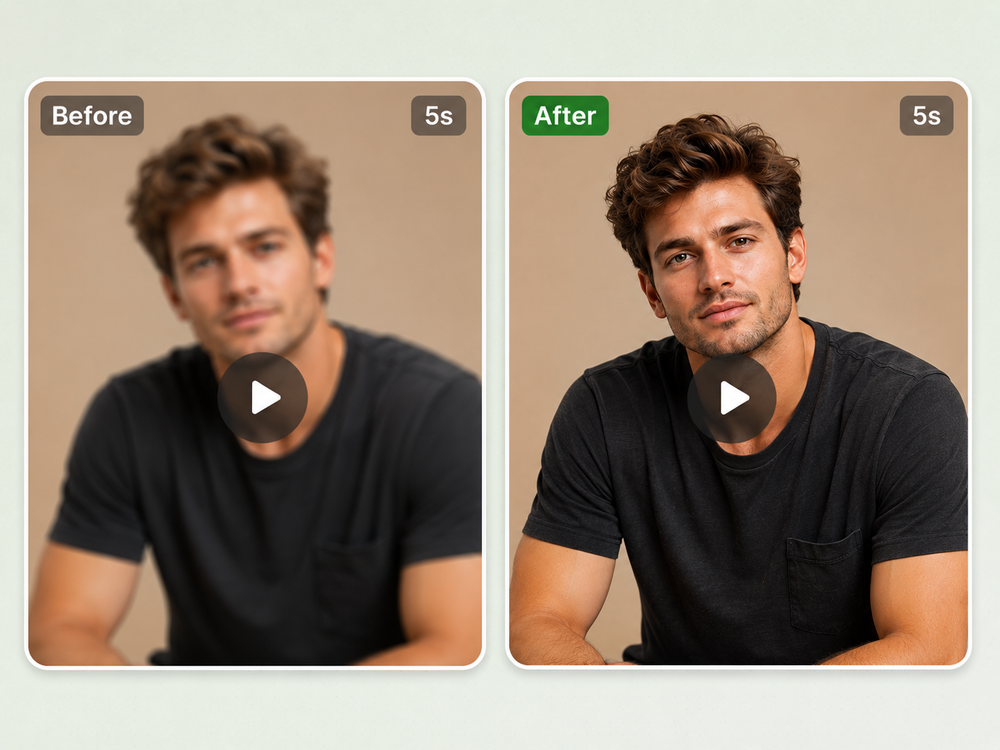
A clip shot on an old phone, or one a platform has already re-compressed on the way through, goes soft the moment it is played full-screen. The AI rebuilds the detail rather than stretching what survived, so the same take can carry a 4K upload instead of being re-shot — a video quality booster on footage you have already posted once.
Close-ups, no flicker
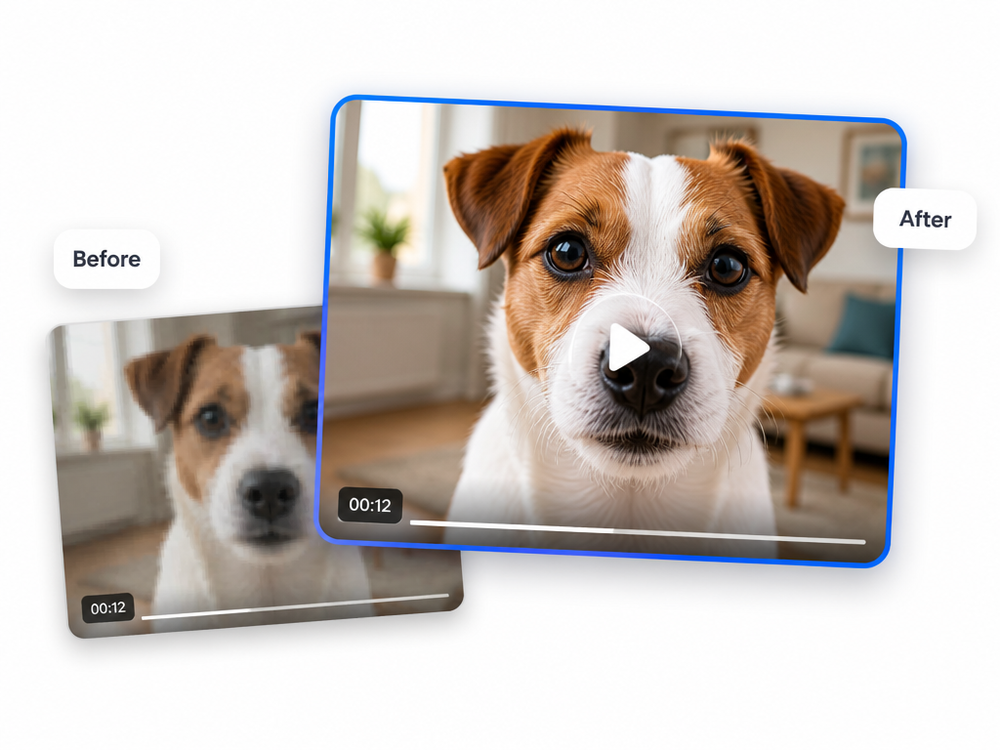
Home video is mostly close-ups, and a close-up is where a plain enlargement gives itself away — fur, whiskers and fine edges crawl from one frame to the next. Each frame is rebuilt with the frames around it as context, so that detail stays put while the camera moves. Use it to improve video quality on a clip that was already 1080p and lost its detail to an export, or to take that same clip to 4K.
Motion without smear
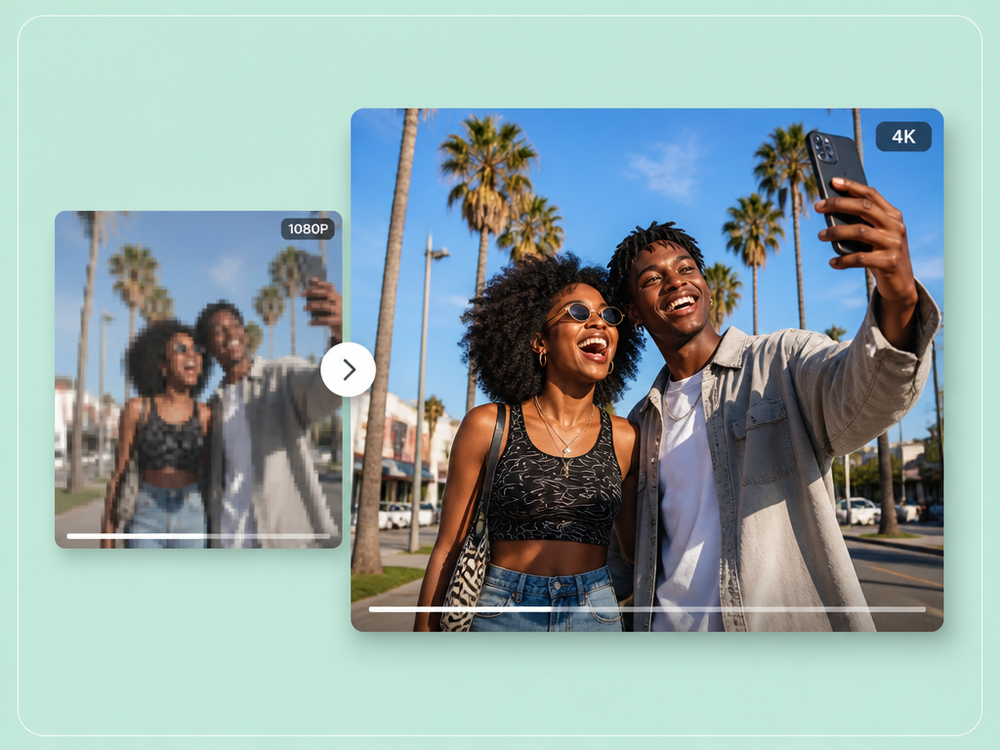
Fast motion is the case a naive enlargement fails: it doubles the pixels and doubles the blur with them. Here the detail is reconstructed frame by frame, and the audio, the length and the frame rate come back exactly as they went in — nothing but the picture is touched.
Sharp faces from 360p
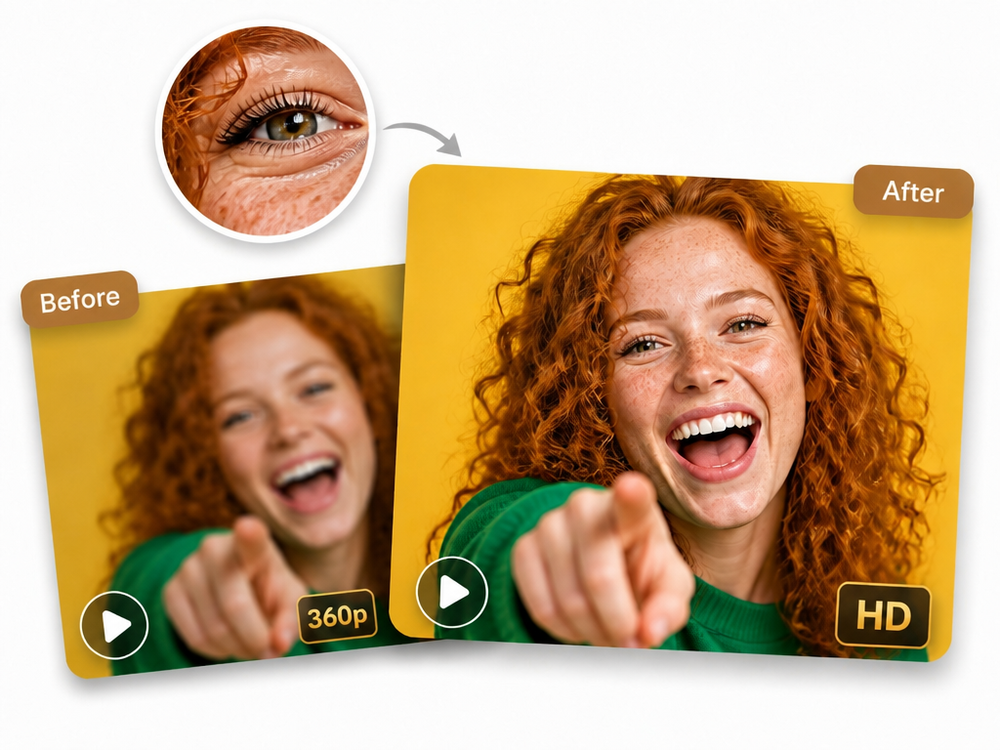
A face is where a weak source gives itself away first. At 360p the eyelashes, the freckles and the individual curls are what a plain enlargement flattens into smooth patches — a video quality enhancer that only sharpens has nothing left to work with. The AI rebuilds that detail from the frames on either side, so a 360p vlog or an old piece to camera comes back legible at HD and 4K.
Where AI video upscaling helps
Four kinds of source footage, one job. Pick the one that matches yours.
Upscale a phone video for a 4K feed
A clip filmed on a handset, or squeezed once already by the platform it came off, comes back sharp enough to fill a large screen. The take is the same; the detail is not.
Simple pricing.
Pay only for what you use.
Every plan unlocks every AI model and every editing tool. Pick the credit pack that fits.
Lite
Billed monthly
80 credits/month
GPT Image 2 · 8 images
Nano Banana 2 · 10 photos
Wan 2.7 · 1 video
Seedance 2 · 1 video (5s)
Full access to all AI image & video models
Pro
Billed monthly
150 credits/month
GPT Image 2 · 16 images
Nano Banana 2 · 20 photos
Wan 2.7 · 2 videos
Seedance 2 · 2 videos (5s)
Full access to all AI image & video models
Max
Billed monthly
500 credits/month
GPT Image 2 · 50 images
Nano Banana 2 · 62 photos
Wan 2.7 · 9 videos
Seedance 2 · 8 videos (5s)
Full access to all AI image & video models
Sign up for 10 free credits — no credit card required. Free credits go to eligible new accounts. Seeing wrong pricing? Contact us
Our Best Tools
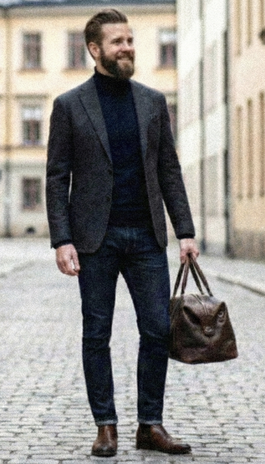
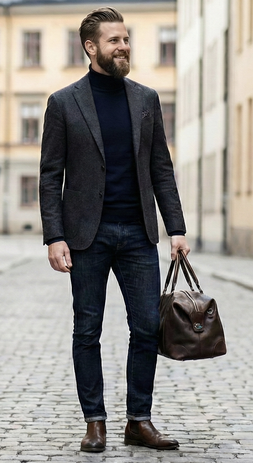
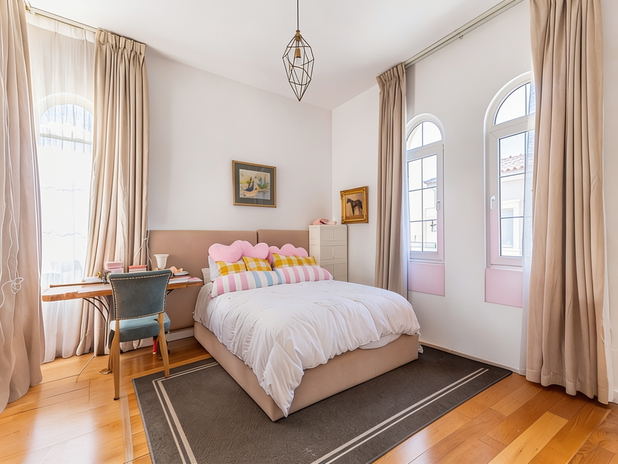
Tools that pair well with the AI Video Upscaler.
TESTIMONIALS
Real customers.
Real reviews.
Real people, real posts. Every review below is written by a GoStudio.ai customer on social media — not edited, not paid for. Click any review to read the original.
Two years ago we spent thousands on branded images and professional headshots. Then I found GoStudio.ai — it helps you look like yourself, just on your best, most confident day.

Sometimes, you don't need a photo shoot to look like your future self. You just need a visual story that says, 'I made it.' That's where GoStudio.ai can help.

The founder personally fixed all of my photos. Her commitment to giving everyone an excellent experience makes her a cut above many others. I have to give the experience 5 stars.

The images look so close to my original that if I didn't tell you they were AI-generated, you'd probably never notice. AI is your assistant — not your identity.

Kanika personally hopped on a call to help. That level of professionalism and kindness really impressed me. The AI photo is beautiful — GoStudio.ai makes professional identity accessible.

GoStudio.ai helped me show up as who I'm actually becoming — not who I thought I was supposed to be. It replaced two photographers and a retoucher for our catalog.

Kanika built GoStudio.ai — an app that turns your daily selfies into professional photos. She built it solo, and it's jaw-droppingly good.

I've seen other companies do AI headshots, but I've found her images to be the best. Dozens of images in 30 minutes — why do this yourself?

Two years ago we spent thousands on branded images and professional headshots. Then I found GoStudio.ai — it helps you look like yourself, just on your best, most confident day.
Sometimes, you don't need a photo shoot to look like your future self. You just need a visual story that says, 'I made it.' That's where GoStudio.ai can help.
The founder personally fixed all of my photos. Her commitment to giving everyone an excellent experience makes her a cut above many others. I have to give the experience 5 stars.
The images look so close to my original that if I didn't tell you they were AI-generated, you'd probably never notice. AI is your assistant — not your identity.
Kanika personally hopped on a call to help. That level of professionalism and kindness really impressed me. The AI photo is beautiful — GoStudio.ai makes professional identity accessible.
GoStudio.ai helped me show up as who I'm actually becoming — not who I thought I was supposed to be. It replaced two photographers and a retoucher for our catalog.
Kanika built GoStudio.ai — an app that turns your daily selfies into professional photos. She built it solo, and it's jaw-droppingly good.
About AI video upscaling
AI Video Upscaler — FAQ
Everything about upscaling a video with AI. Search a keyword or pick a topic — and if the answer is not here, our team replies at support@gostudio.ai.
STILL LOOKING?
Didn't find what you came for? Tell us.
You scrolled the whole way so tell us what you're trying to create. A real person on our team will help you make it, point you to the right tool, or build it if it doesn't exist yet. Every GoStudio feature started exactly like this.