Beard Filter: Try a Beard or Go Clean-Shaven in One Click
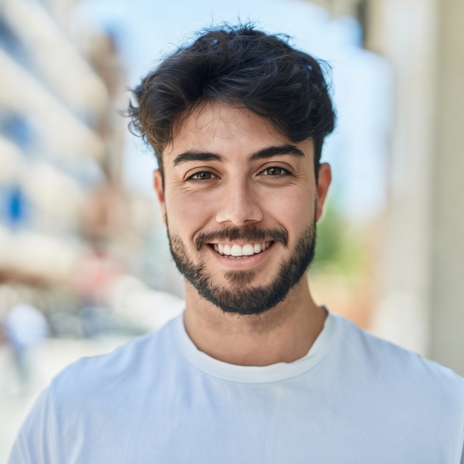
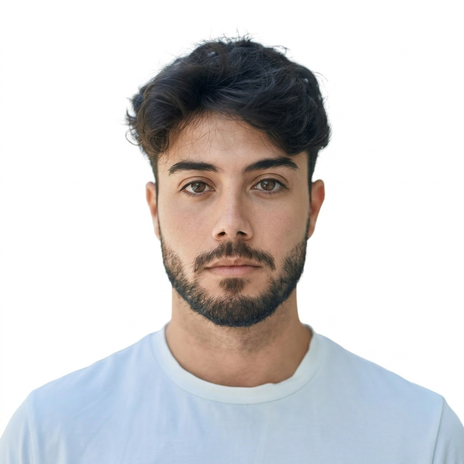
See what you’d look like with a beard before you grow one. Or see your face with no beard before you shave. Upload a photo, pick a style, download.
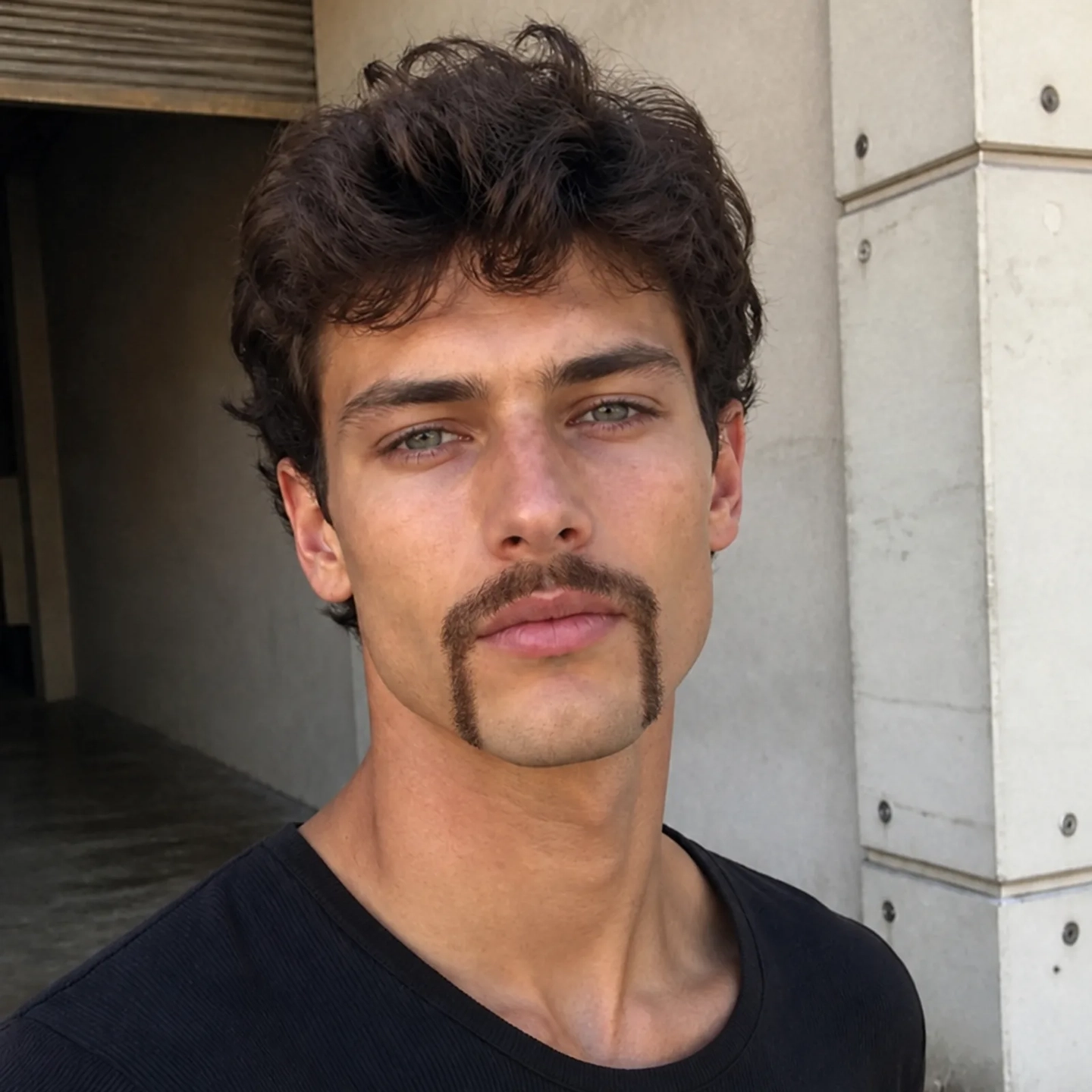
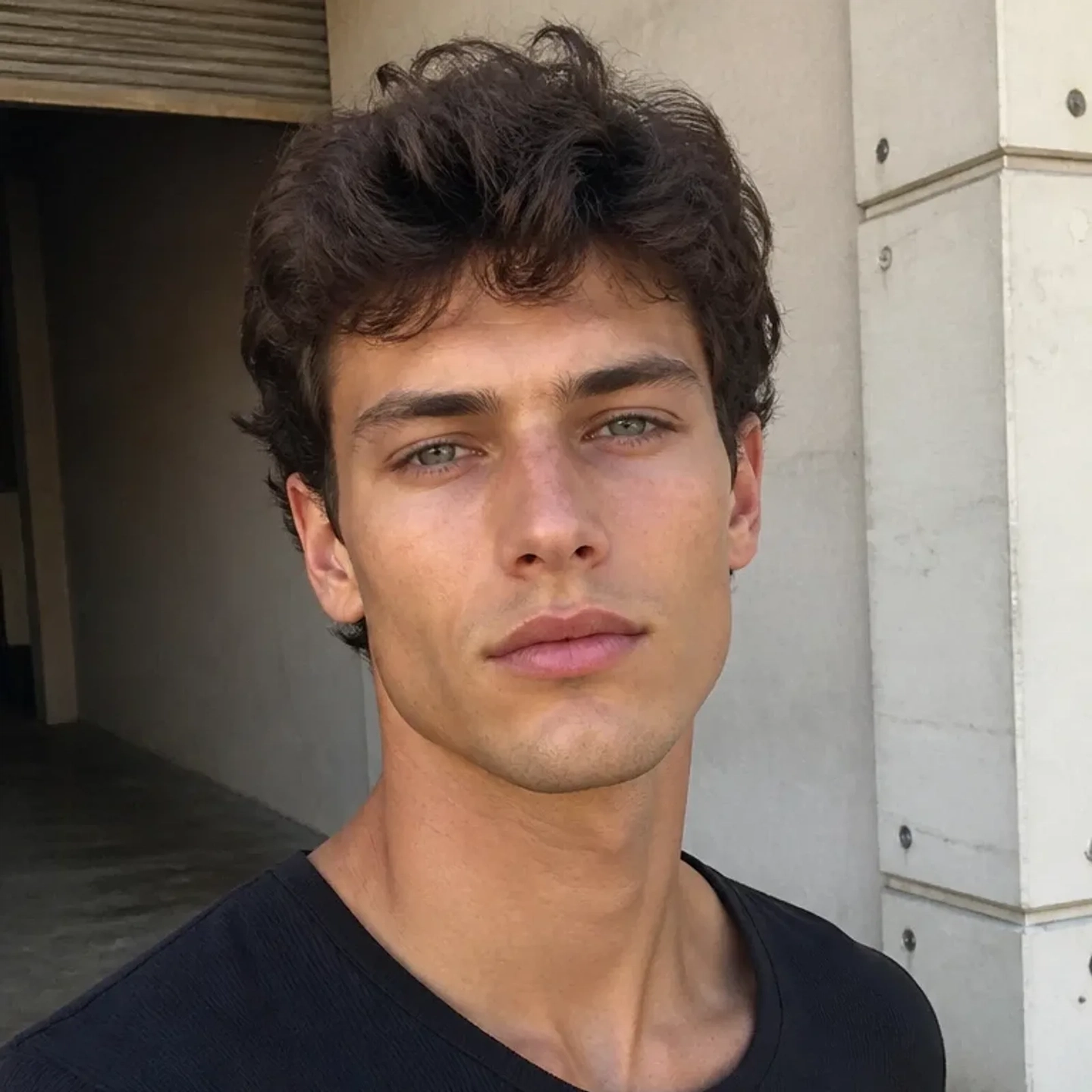
Drop your photo here
PNG, JPG, JPEG, WEBP, HEIC — up to 10MB
Use a photo of you, or of someone who said yes. We use your photo only to make your edit. Nude or explicit photos are blocked.
No image to test? Try one of our samples
How to add a beard to a photo
Three steps. No brush, no masking, no prompts.
or drop a photo here
PNG, JPG, JPEG, WEBP up to 10MB
Upload your photo
Any photo where your face shows: a selfie, a headshot, a wedding photo. Phone photos work fine.
Pick a beard style
Full beard, goatee, stubble or a mustache. Or pick Clean-Shaven to take a beard off. The AI finds your jaw on its own.
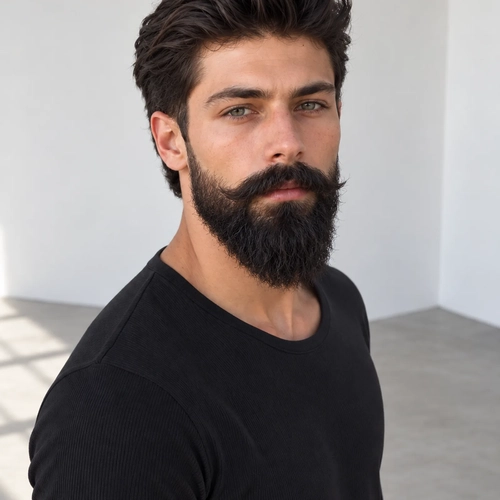
Compare, then download
Drag the slider to check the new look against your photo. Download it with no watermark.
What would you look like with a beard? When to try one
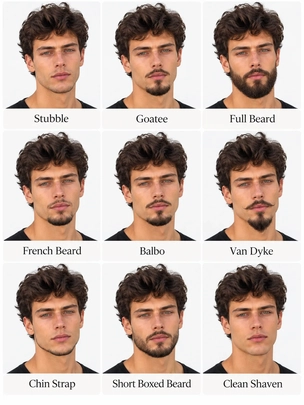
Before the barber
A photo on the barbershop wall shows someone else’s face. Show your barber your own face with the style instead. Then you both know what you mean.
Why this beard filter still looks like you
Most beard filters give you a new face with a beard on it. This one changes only the facial hair on the face that’s already in your photo. Going gray? The beard comes back gray too. Wear glasses? The beard goes behind the frames.
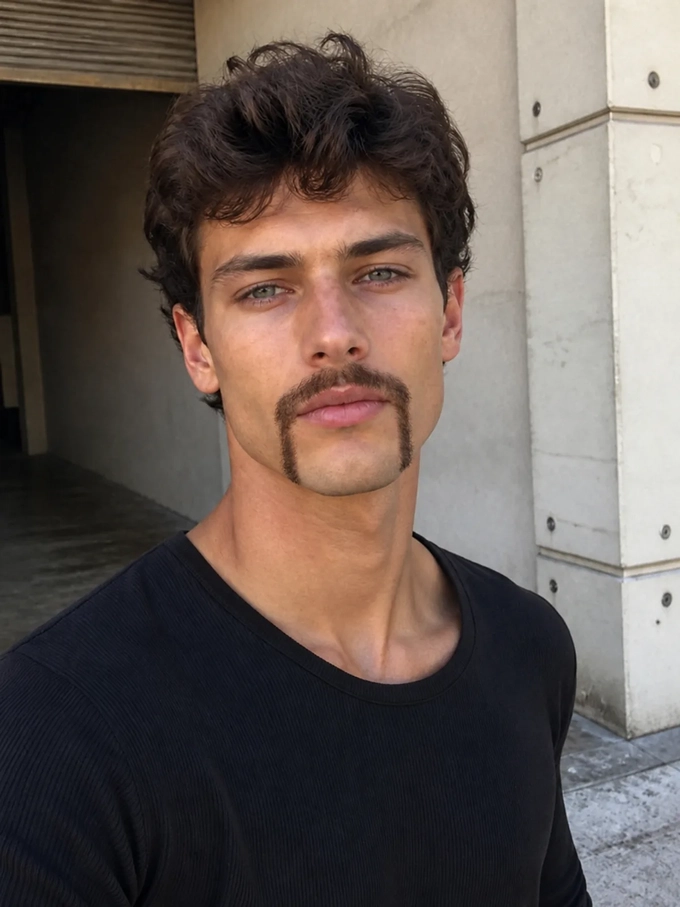
Only the beard changes
Your haircut, your shirt, your glasses and the wall behind you stay the same. In a fake beard photo, the beard is rarely the giveaway. It’s everything else that moved.
Only the beard changes
Your haircut, your shirt, your glasses and the wall behind you stay the same. In a fake beard photo, the beard is rarely the giveaway. It’s everything else that moved.
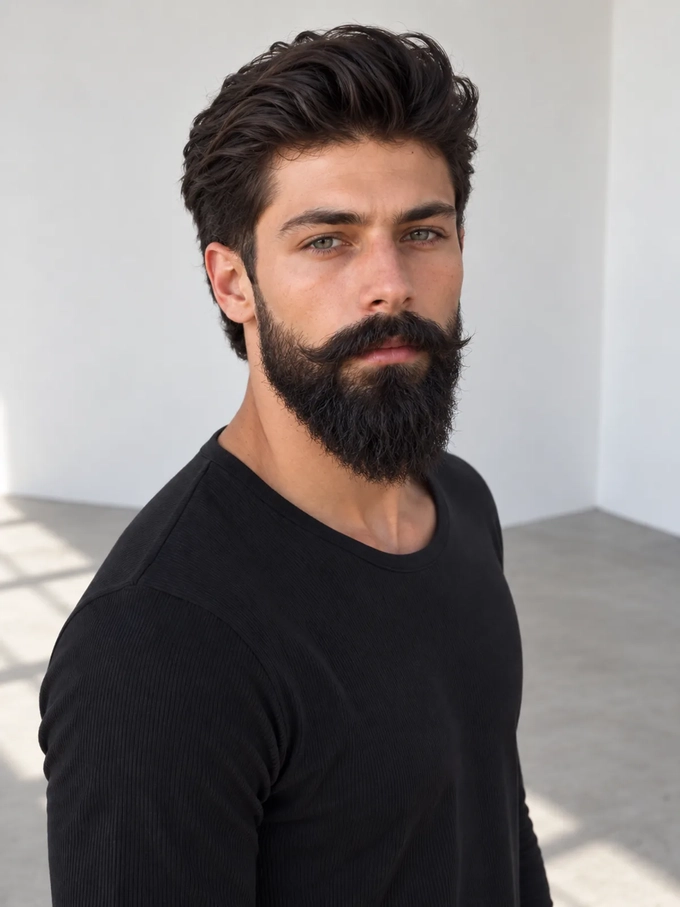
The beard matches your hair color
Many tools add the same dark brown beard to everyone. This one picks the color from your own hair, so your beard and your hair look like they belong to the same person.
The beard matches your hair color
Many tools add the same dark brown beard to everyone. This one picks the color from your own hair, so your beard and your hair look like they belong to the same person.
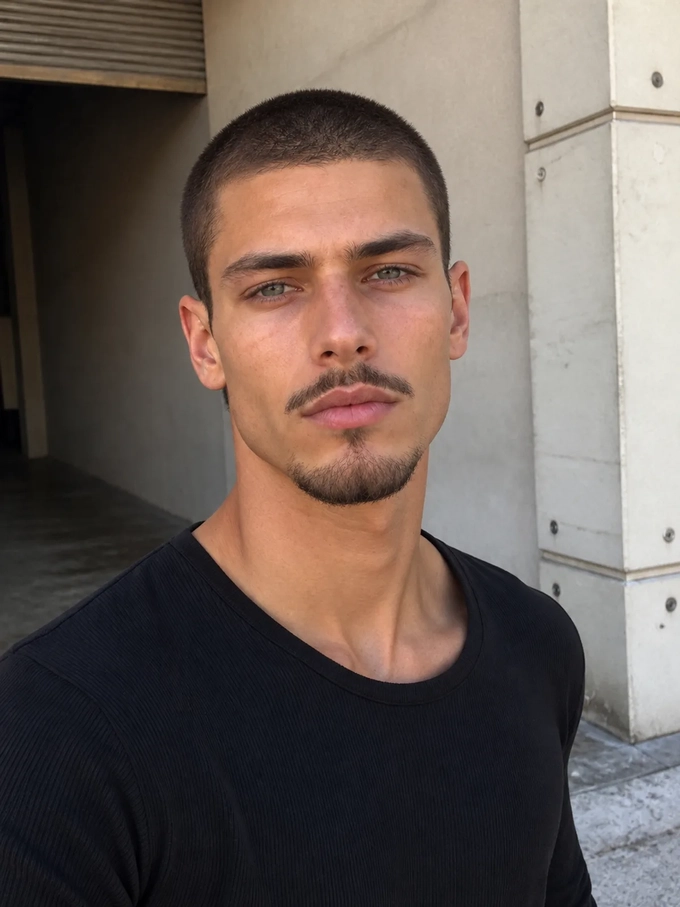
Stubble that looks real
Thin hair is the hard part. A flat patch can pass as a thick beard, but not as stubble. Here you can see skin between the hairs.
Stubble that looks real
Thin hair is the hard part. A flat patch can pass as a thick beard, but not as stubble. Here you can see skin between the hairs.
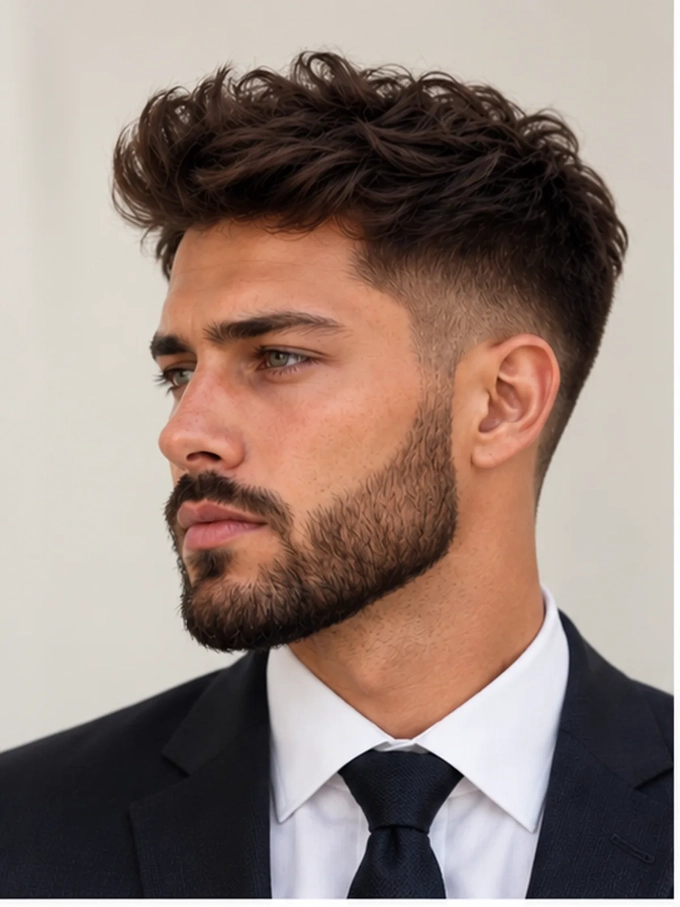
Good enough for a work photo
The edge along your cheek still looks like hair at profile-photo size. The new look works in a LinkedIn photo, not just as a joke.
Good enough for a work photo
The edge along your cheek still looks like hair at profile-photo size. The new look works in a LinkedIn photo, not just as a joke.
Beard filter pricing.
Free to start.
10 free credits, no credit card. Then pay only for the photos you edit, with every tool in the studio included.
Lite
Billed monthly
80 credits/month
10 beard edits
10 photos and 1 short video
Every app, template and handpicked model · Credits work across photos and videos
Pro
Billed monthly
150 credits/month
18 beard edits
18 photos and 2 short videos
Every app, template and handpicked model · Credits work across photos and videos
Max
Billed monthly
500 credits/month
62 beard edits
62 photos and 9 short videos
Every app, template and handpicked model · Credits work across photos and videos
Sign up for 10 free credits — no credit card required. Free credits go to eligible new accounts. Seeing wrong pricing? Contact us
Our Best Tools
The tools creators and businesses use most on GoStudio.



Related Tools
More tools that pair well with this one.
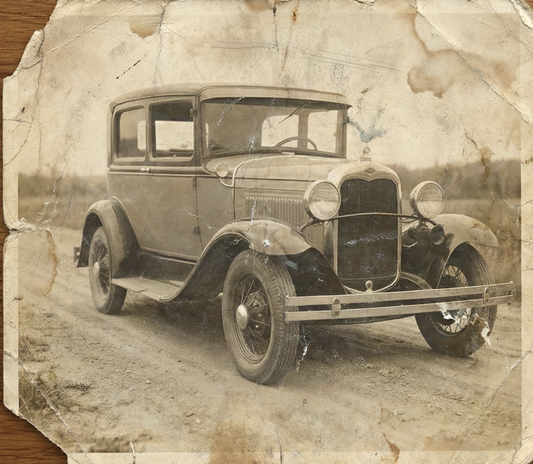
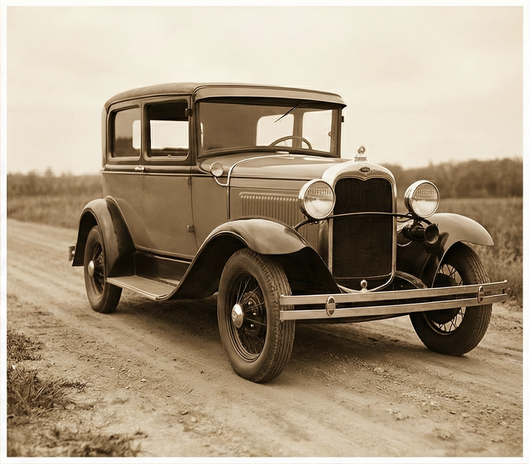
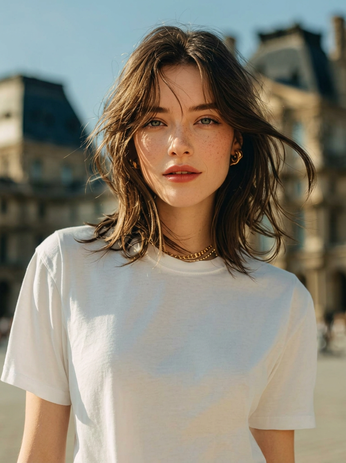
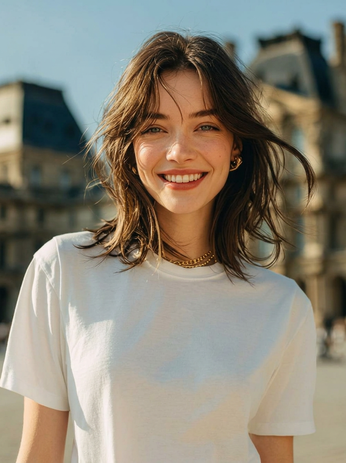
GOSTUDIO.AI REVIEWS
What customers say
about GoStudio.ai.
Real people, real posts. Every review below is written by a GoStudio.ai customer on social media — not edited, not paid for. Click any review to read the original.
Two years ago we spent thousands on branded images and professional headshots. Then I found GoStudio.ai — it helps you look like yourself, just on your best, most confident day.

Sometimes, you don't need a photo shoot to look like your future self. You just need a visual story that says, 'I made it.' That's where GoStudio.ai can help.
The founder personally fixed all of my photos. Her commitment to giving everyone an excellent experience makes her a cut above many others. I have to give the experience 5 stars.
The images look so close to my original that if I didn't tell you they were AI-generated, you'd probably never notice. AI is your assistant — not your identity.

Kanika personally hopped on a call to help. That level of professionalism and kindness really impressed me. The AI photo is beautiful — GoStudio.ai makes professional identity accessible.
GoStudio.ai helped me show up as who I'm actually becoming — not who I thought I was supposed to be. It replaced two photographers and a retoucher for our catalog.
Kanika built GoStudio.ai — an app that turns your daily selfies into professional photos. She built it solo, and it's jaw-droppingly good.

I've seen other companies do AI headshots, but I've found her images to be the best. Dozens of images in 30 minutes — why do this yourself?
Two years ago we spent thousands on branded images and professional headshots. Then I found GoStudio.ai — it helps you look like yourself, just on your best, most confident day.
Sometimes, you don't need a photo shoot to look like your future self. You just need a visual story that says, 'I made it.' That's where GoStudio.ai can help.
The founder personally fixed all of my photos. Her commitment to giving everyone an excellent experience makes her a cut above many others. I have to give the experience 5 stars.
The images look so close to my original that if I didn't tell you they were AI-generated, you'd probably never notice. AI is your assistant — not your identity.
Kanika personally hopped on a call to help. That level of professionalism and kindness really impressed me. The AI photo is beautiful — GoStudio.ai makes professional identity accessible.
GoStudio.ai helped me show up as who I'm actually becoming — not who I thought I was supposed to be. It replaced two photographers and a retoucher for our catalog.
Kanika built GoStudio.ai — an app that turns your daily selfies into professional photos. She built it solo, and it's jaw-droppingly good.
As of October 2026, more than 46,000 people in over 180 countries have used GoStudio.ai and generated over 90,000 photos. Figures from GoStudio.ai account and generation records.
What is a beard filter?
Frequently Asked Questions
Adding, changing and removing a beard on your own photo. Search a keyword or pick a topic, or email support@gostudio.ai.
STILL LOOKING?
Didn't find what you came for? Tell us.
You scrolled the whole way so tell us what you're trying to create. A real person on our team will help you make it, point you to the right tool, or build it if it doesn't exist yet. Every GoStudio feature started exactly like this.