AI Background Blur
Blur backgrounds from images with a single click using GoStudio.ai. Create professional depth-of-field effects while keeping your subject sharp.
Free transparent PNG · No watermark · Full resolution
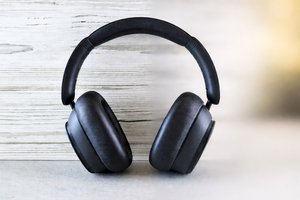
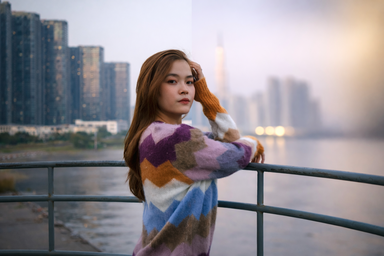
Everyday photo blur. Free and unlimited.
Or drop an image here
JPG, PNG, WebP, HEIC
Transparent is free and gives you a transparent PNG. Color puts your subject on any solid color. Scene paints a new background from a sentence you type.
No image? Try one of these:
How to Blur a Background on a Photo
Three steps. Under 30 seconds. No software needed.
Click or drag and drop
PNG, JPG, HEIC up to 10MB
Upload your image
Click to upload or drag and drop. JPG, PNG, WebP, and HEIC all work.
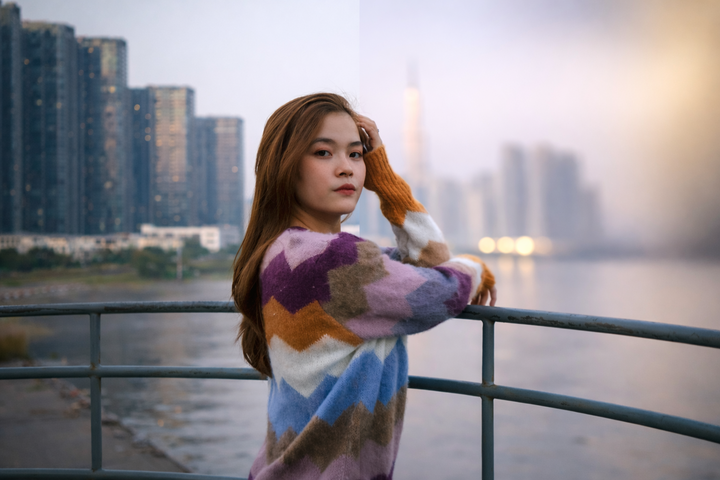
AI blurs the background
The model detects your subject, keeps it sharp, and softens everything behind it.
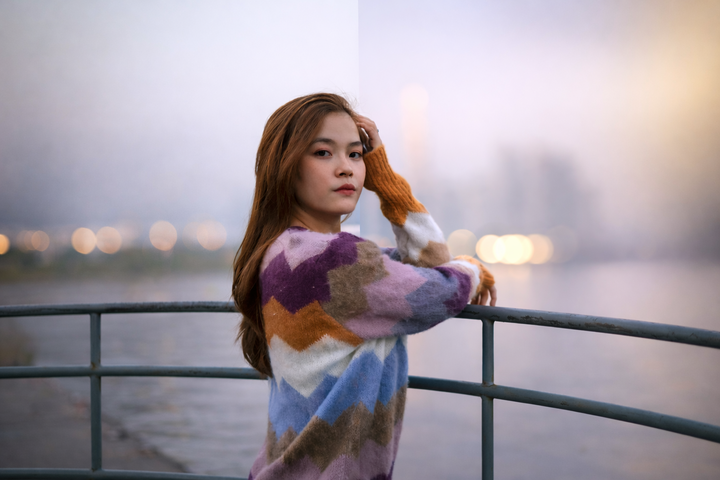
Adjust and download
Fine-tune the blur strength with the slider, then download PNG, WebP, or JPG.
What is Background Blur Used For?
From e-commerce product shots to pet portraits — any photo, any use.
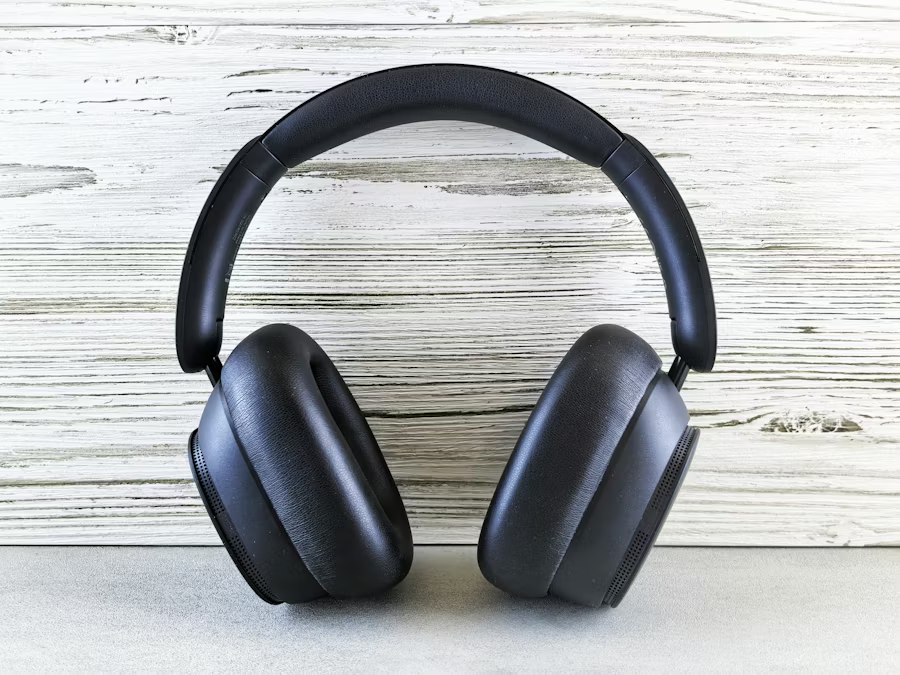
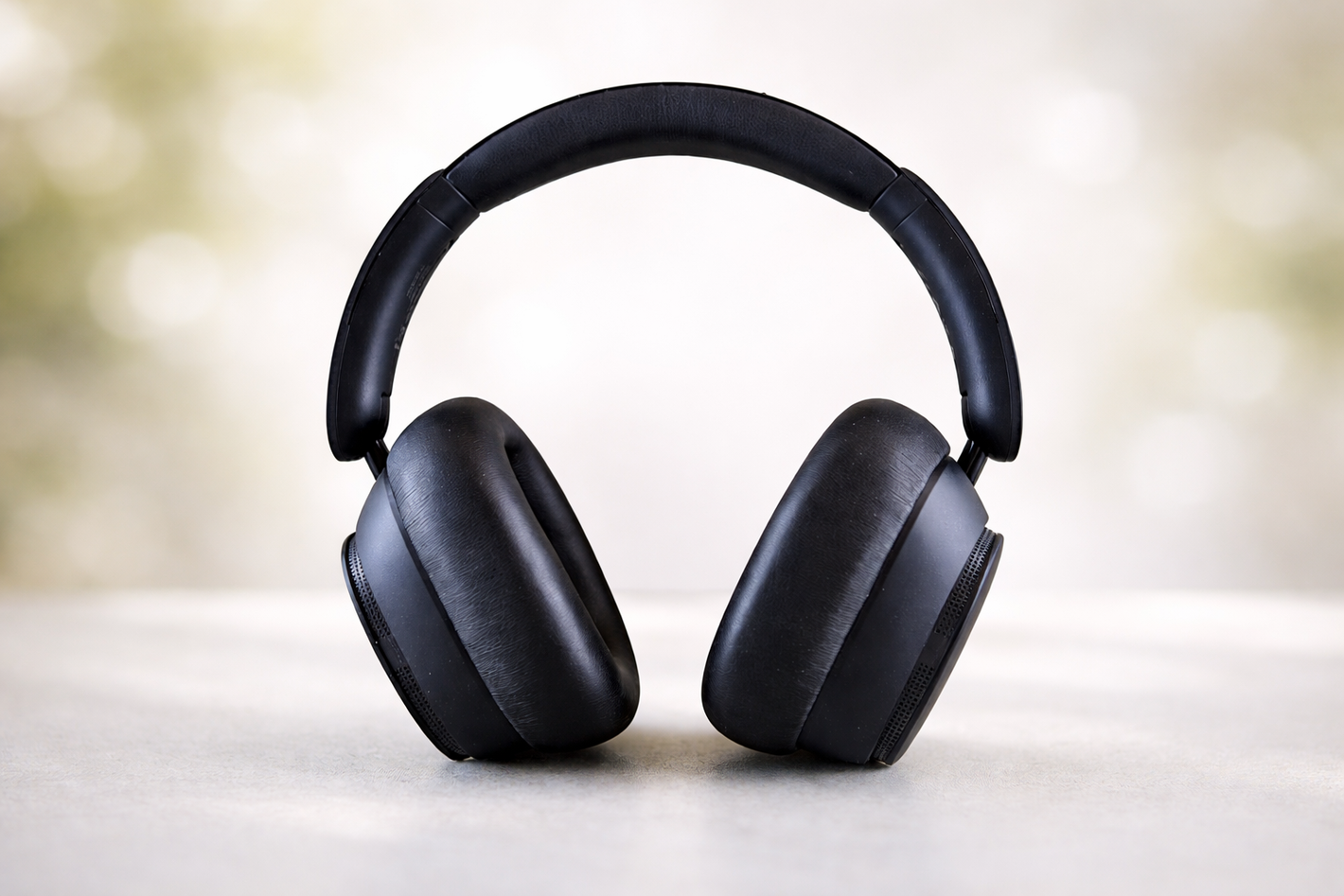
Bring your products into focus with professional looking photos
Soften distracting tags, labels, and other products to put the spotlight on what you are selling.
Simple pricing.
Pay only for what you use.
Every plan unlocks every AI model and every editing tool. Pick the credit pack that fits.
Lite
Billed monthly
80 credits/month
GPT Image 2 · 8 images
Nano Banana 2 · 10 photos
Wan 2.7 · 1 video
Seedance 2 · 1 video (5s)
Full access to all AI image & video models
Pro
Billed monthly
160 credits/month
GPT Image 2 · 16 images
Nano Banana 2 · 20 photos
Wan 2.7 · 2 videos
Seedance 2 · 2 videos (5s)
Full access to all AI image & video models
Max
Billed monthly
500 credits/month
GPT Image 2 · 50 images
Nano Banana 2 · 62 photos
Wan 2.7 · 9 videos
Seedance 2 · 8 videos (5s)
Full access to all AI image & video models
Sign up for 10 free credits — no credit card required. Free credits go to eligible new accounts. Seeing wrong pricing? Contact us
What You Can Do With AI Background Blur
Add a professional depth-of-field blur to portraits, product shots, and social posts while keeping your subject perfectly sharp. GoStudio.ai blurs the background in seconds — no watermark, full resolution.
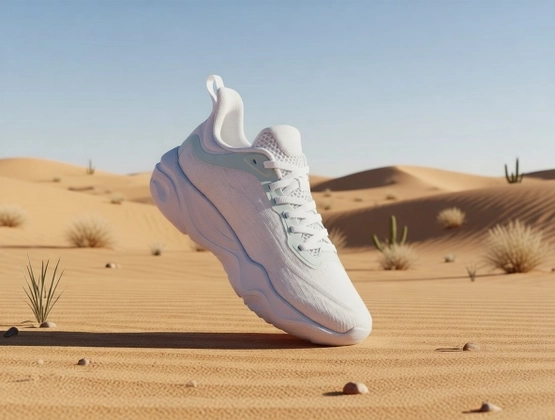
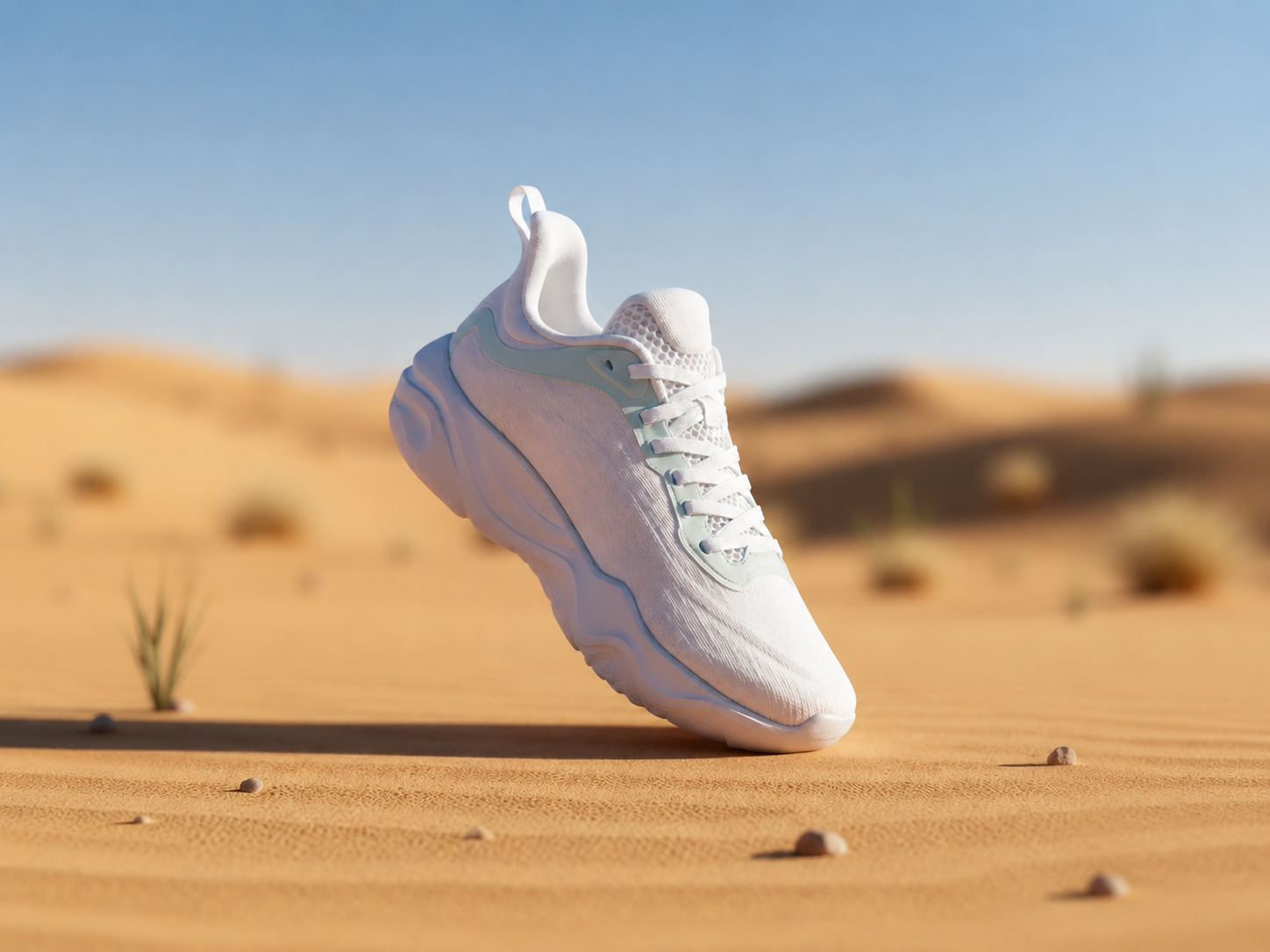
Sharp product, blurred background
Add a smooth depth-of-field blur behind shoes, gadgets, and products so the item stays crisp for Shopify, Etsy, and Amazon.
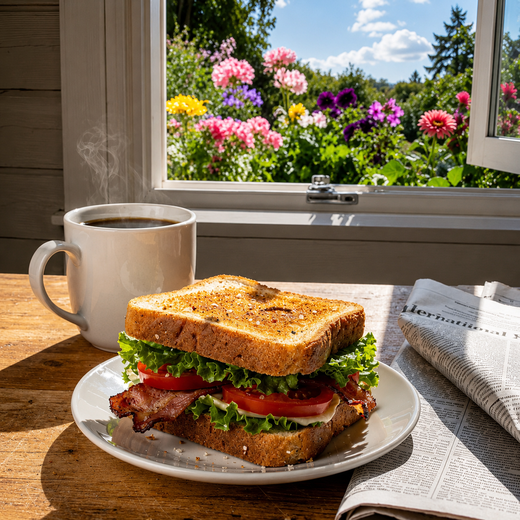
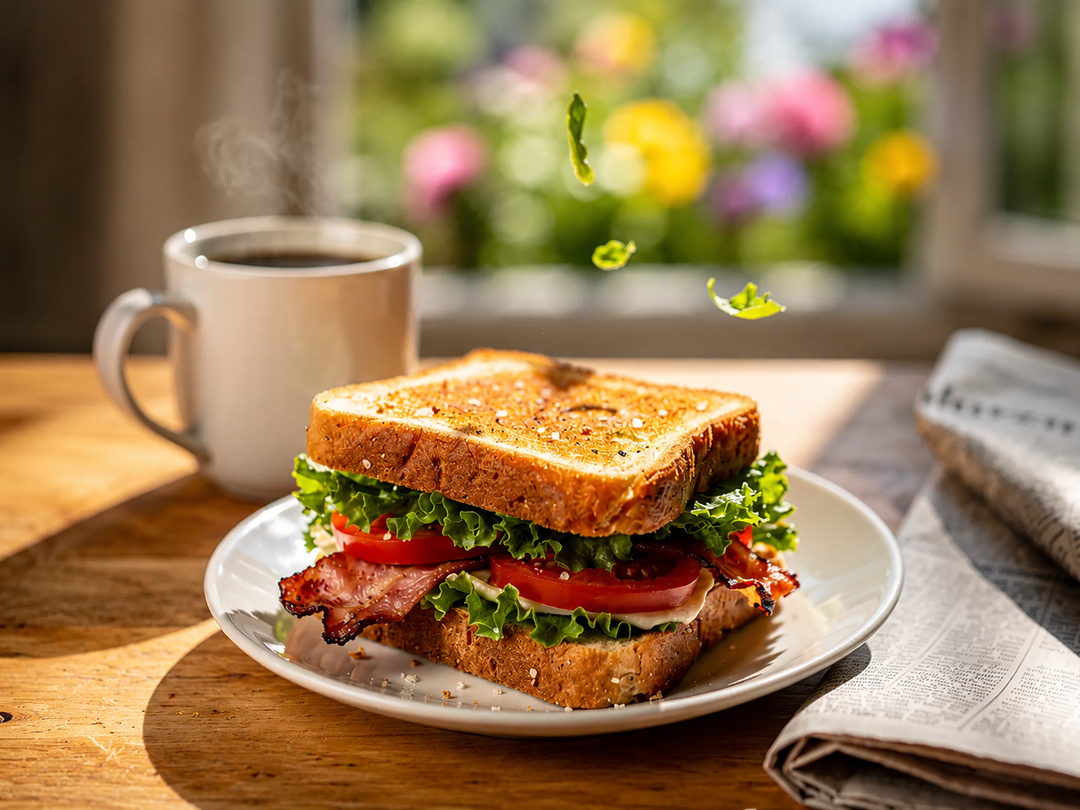
Appetising food with a soft blur
Push distracting counters out of focus so the dish pops — menu-ready shots for Uber Eats, DoorDash, and social posts.
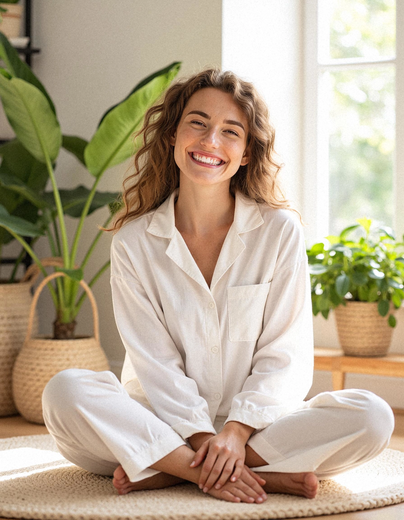
Portraits with a studio blur
Keep yourself sharp while the busy background softens — LinkedIn, resume, and team photos that look shot on a prime lens.

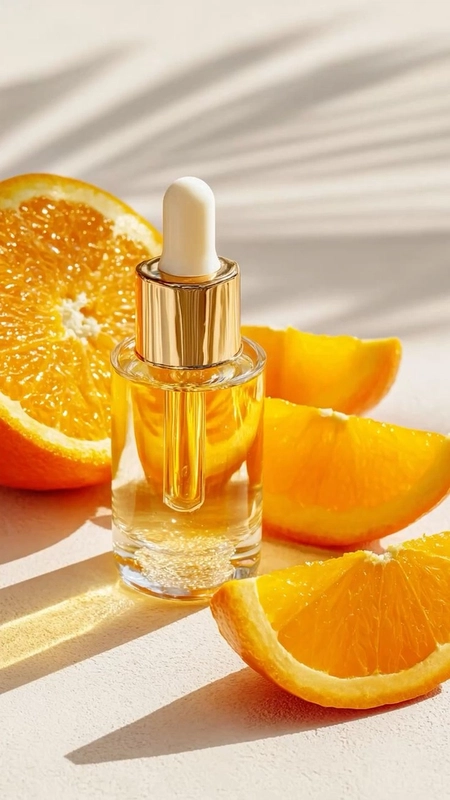
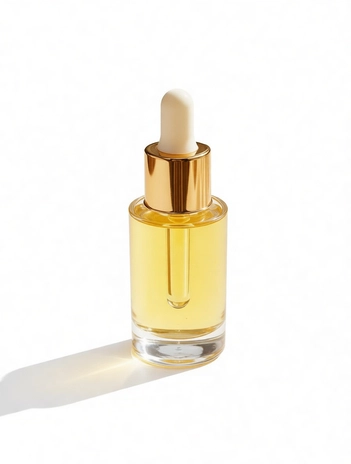
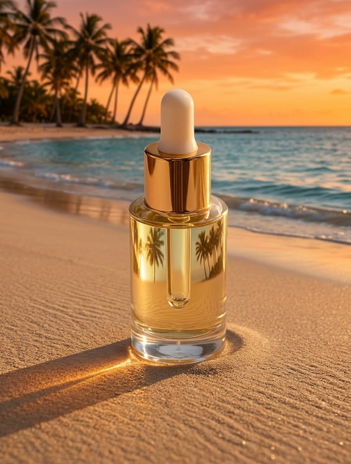
Beauty shots with a soft blur
Blur the clutter behind serums, bottles, and palettes so beauty listings stay editorial across Shopify and Instagram.
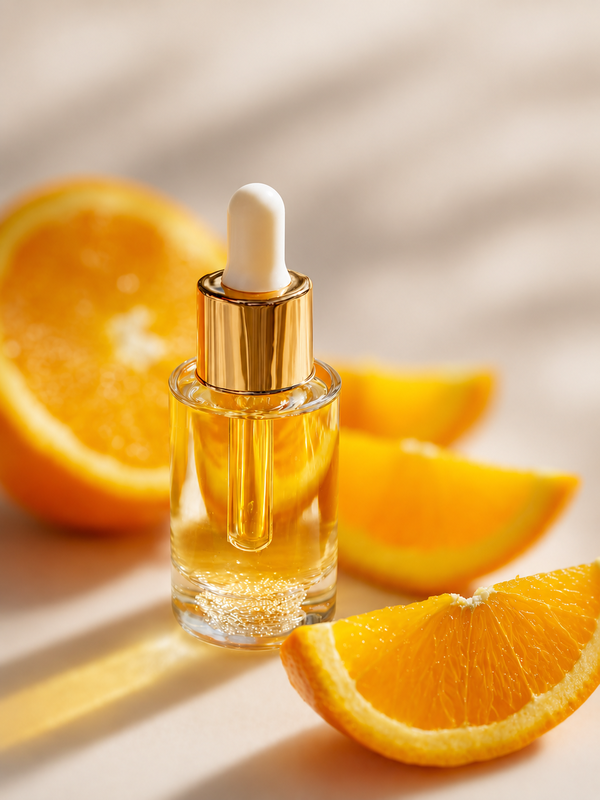
Background blurred — what next?
Prefer a clean cutout instead? Remove the background entirely or drop it on a solid color.
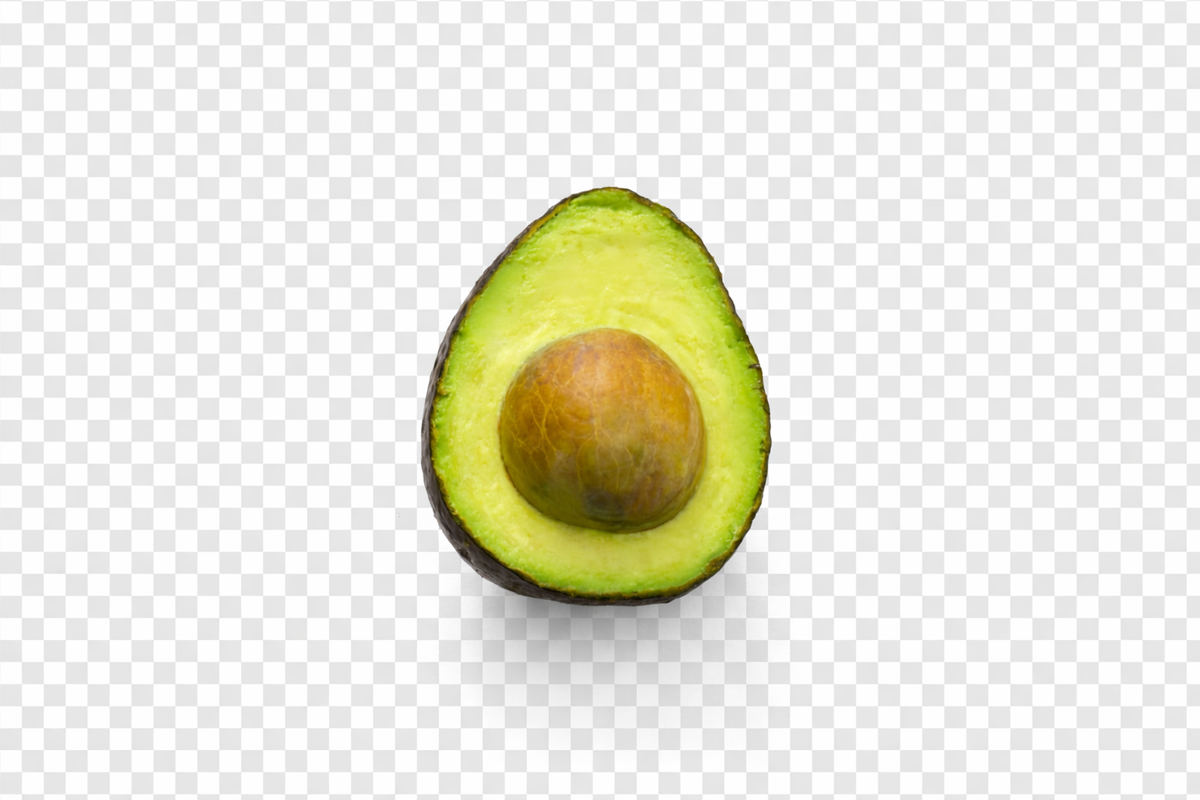
Transparent background
Transparent PNG — nothing behind your subject. Drops straight into Canva, Figma, PowerPoint, or any design tool.
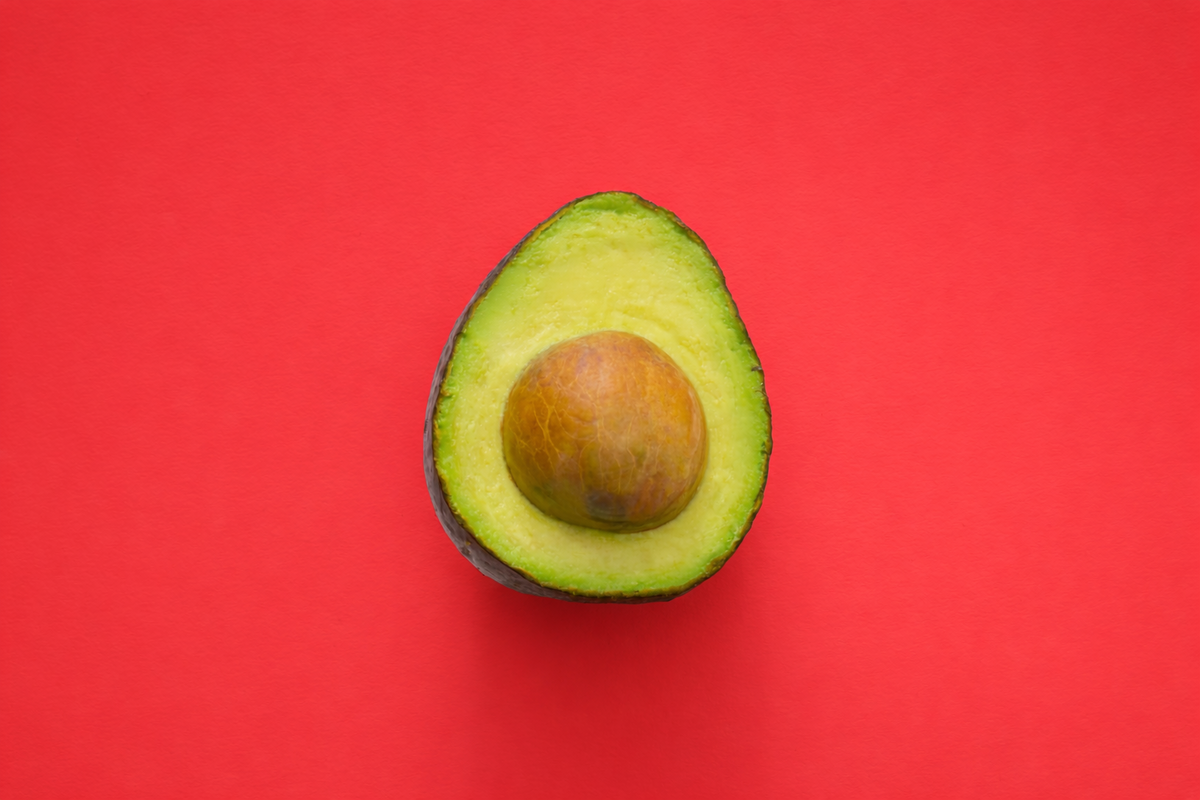
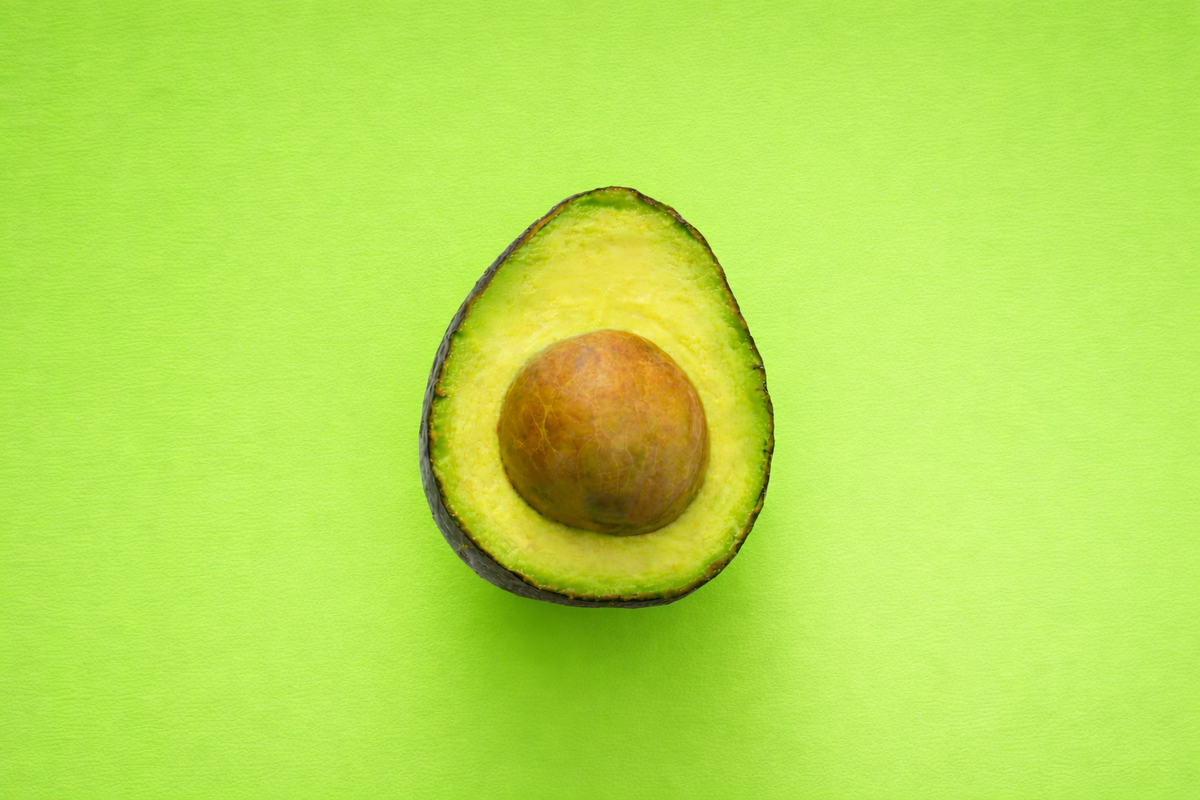
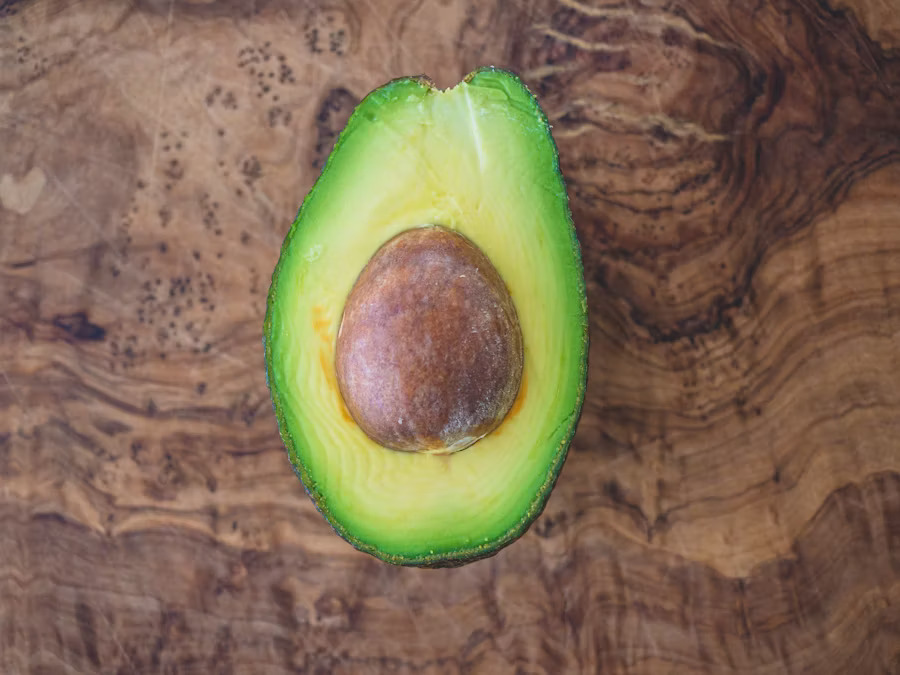
Add any background with AI
Use the AI photo editor
Our Best Tools
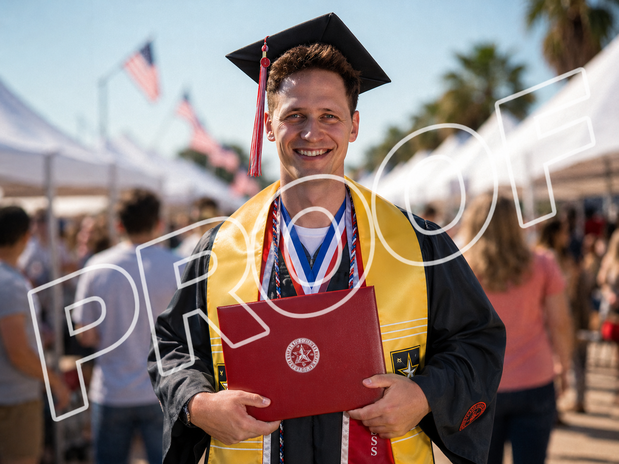
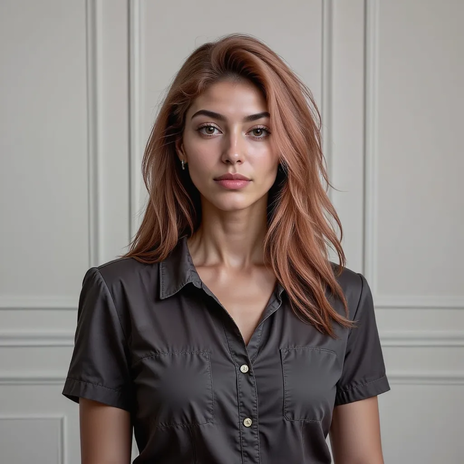
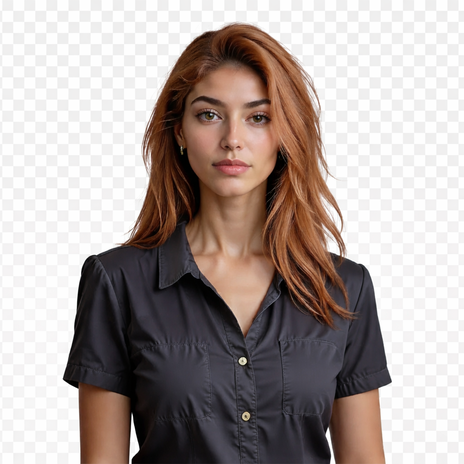
Tools that pair well with the Background Remover.



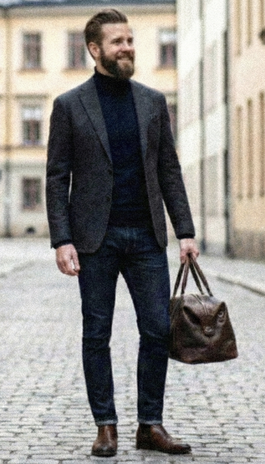
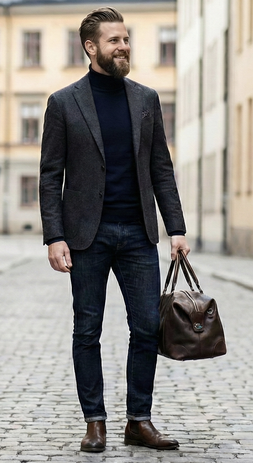
TESTIMONIALS
Real customers.
Real reviews.
Real people, real posts. Every review below is written by a GoStudio.ai customer on social media — not edited, not paid for. Click any review to read the original.
Two years ago we spent thousands on branded images and professional headshots. Then I found GoStudio.ai — it helps you look like yourself, just on your best, most confident day.

Sometimes, you don't need a photo shoot to look like your future self. You just need a visual story that says, 'I made it.' That's where GoStudio.ai can help.
The founder personally fixed all of my photos. Her commitment to giving everyone an excellent experience makes her a cut above many others. I have to give the experience 5 stars.
The images look so close to my original that if I didn't tell you they were AI-generated, you'd probably never notice. AI is your assistant — not your identity.

Kanika personally hopped on a call to help. That level of professionalism and kindness really impressed me. The AI photo is beautiful — GoStudio.ai makes professional identity accessible.
GoStudio.ai helped me show up as who I'm actually becoming — not who I thought I was supposed to be. It replaced two photographers and a retoucher for our catalog.
Kanika built GoStudio.ai — an app that turns your daily selfies into professional photos. She built it solo, and it's jaw-droppingly good.

I've seen other companies do AI headshots, but I've found her images to be the best. Dozens of images in 30 minutes — why do this yourself?

Two years ago we spent thousands on branded images and professional headshots. Then I found GoStudio.ai — it helps you look like yourself, just on your best, most confident day.
Sometimes, you don't need a photo shoot to look like your future self. You just need a visual story that says, 'I made it.' That's where GoStudio.ai can help.
The founder personally fixed all of my photos. Her commitment to giving everyone an excellent experience makes her a cut above many others. I have to give the experience 5 stars.
The images look so close to my original that if I didn't tell you they were AI-generated, you'd probably never notice. AI is your assistant — not your identity.
Kanika personally hopped on a call to help. That level of professionalism and kindness really impressed me. The AI photo is beautiful — GoStudio.ai makes professional identity accessible.
GoStudio.ai helped me show up as who I'm actually becoming — not who I thought I was supposed to be. It replaced two photographers and a retoucher for our catalog.
Kanika built GoStudio.ai — an app that turns your daily selfies into professional photos. She built it solo, and it's jaw-droppingly good.
About AI Background Removal
Background Blur — Frequently Asked Questions
Everything you need to know about blurring your photo background.
STILL LOOKING?
Didn't find what you came for? Tell us.
You scrolled the whole way so tell us what you're trying to create. A real person on our team will help you make it, point you to the right tool, or build it if it doesn't exist yet. Every GoStudio feature started exactly like this.