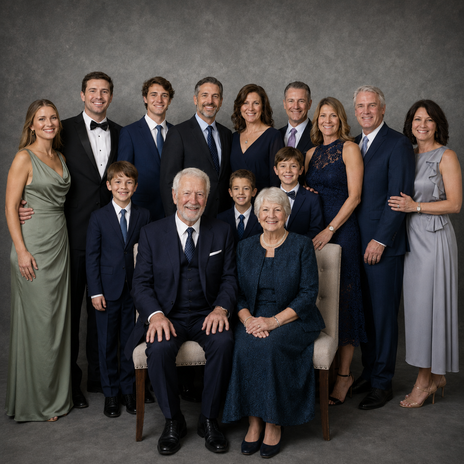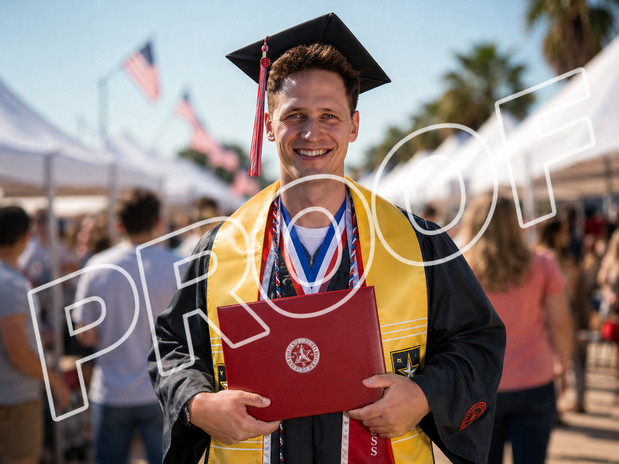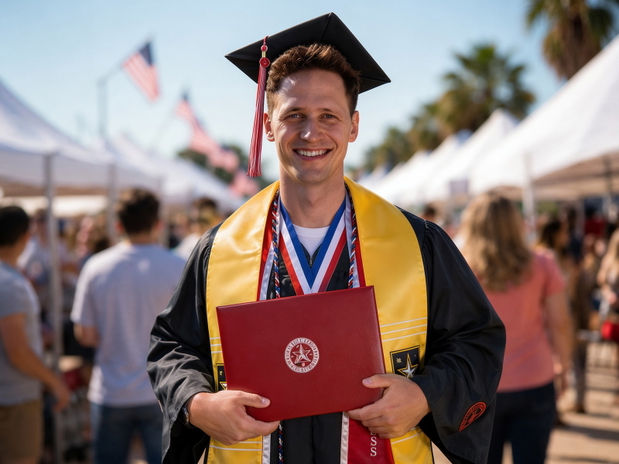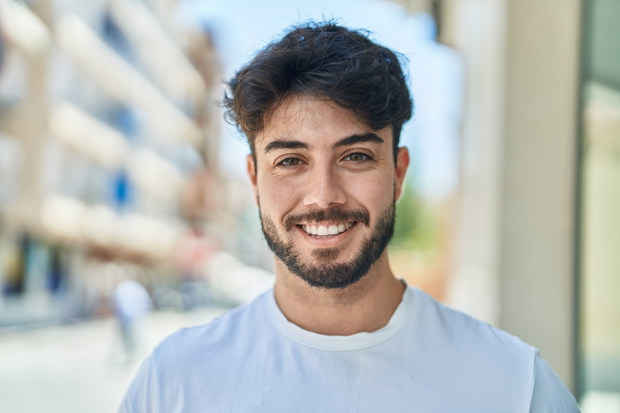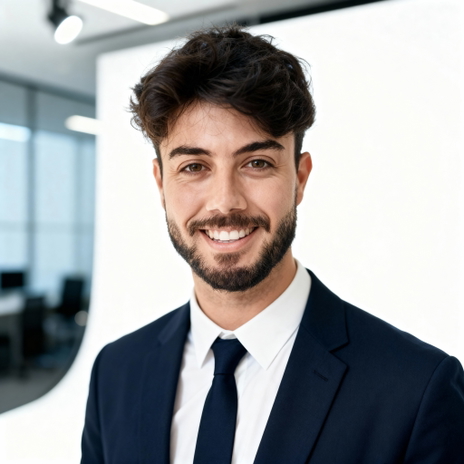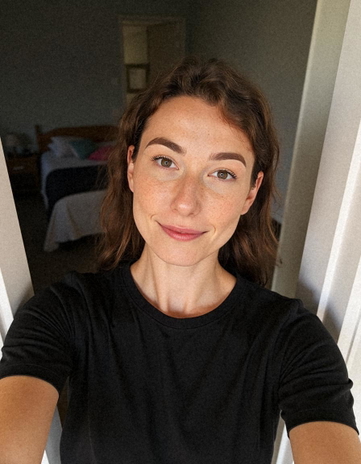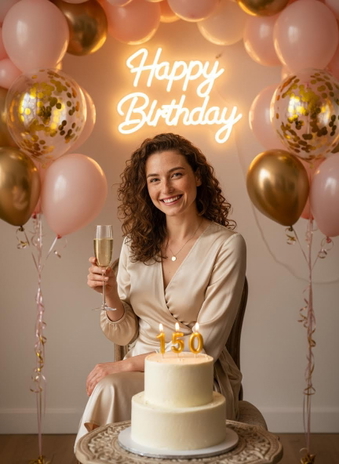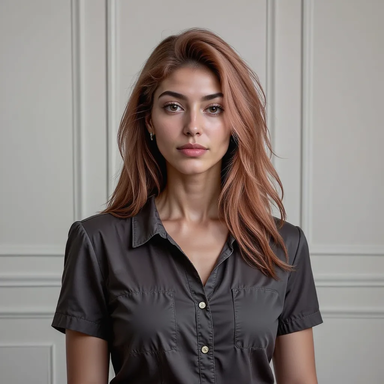
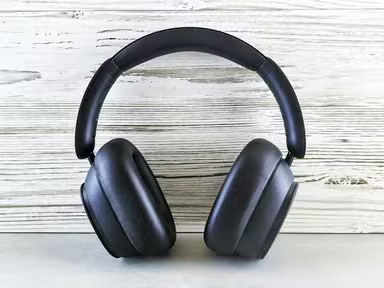
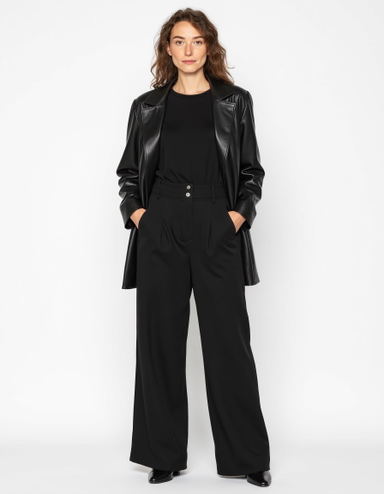
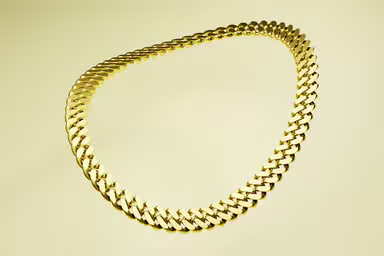
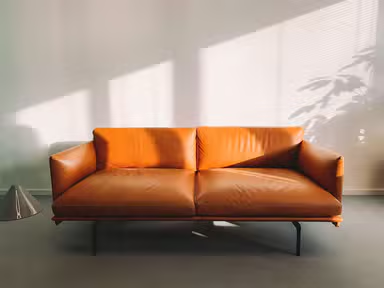
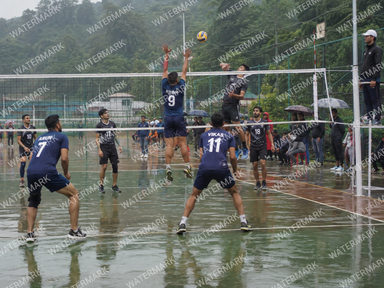
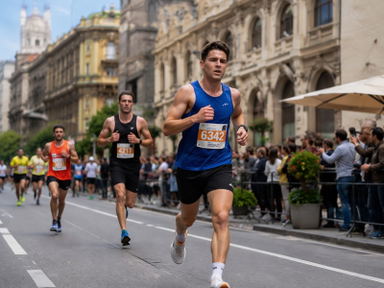
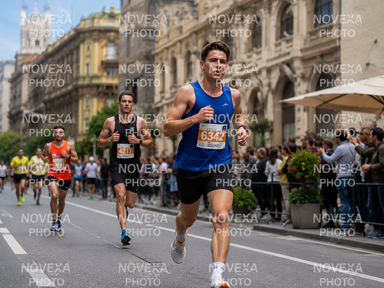

Step 01
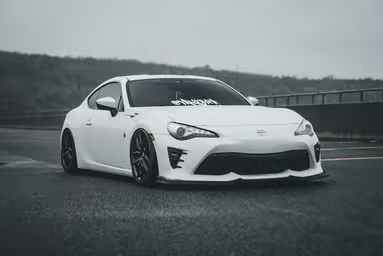
Upload up to 50 photos
Drag them in or choose them from your phone or computer. JPG, PNG, WEBP and HEIC all work.
AI bulk photo editor
Batch edit up to 50 photos at once. Pick a tool or type one prompt, then download them all.
Upload up to 50 photosJPG, PNG, WEBP or HEIC. Phone photos are fine.Edit my photos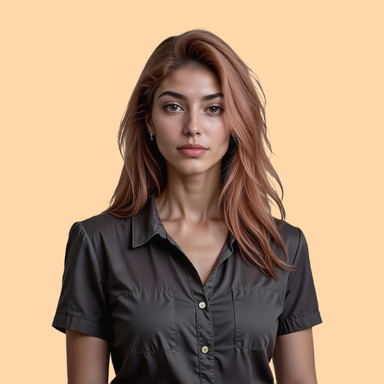
HOW IT WORKS
Upload the whole set, pick one edit, download every photo. No editing one by one.
Step 01
Drag them in or choose them from your phone or computer. JPG, PNG, WEBP and HEIC all work.
Step 02
Choose a tool like Watermark Remover, or type one prompt. The edit runs on every photo at once.

Step 03
Compare every result side by side, undo or redo any photo, then save the whole batch in one click.
Batch tools and prompts
Pick a tool or describe the change in your own words. The same edit is applied to every photo in your batch.
Edit with words
Type the change once, like "put every product on a soft peach background" or "add warm evening light", and it's applied to every photo in the batch, with no sliders or layers.
Edit with words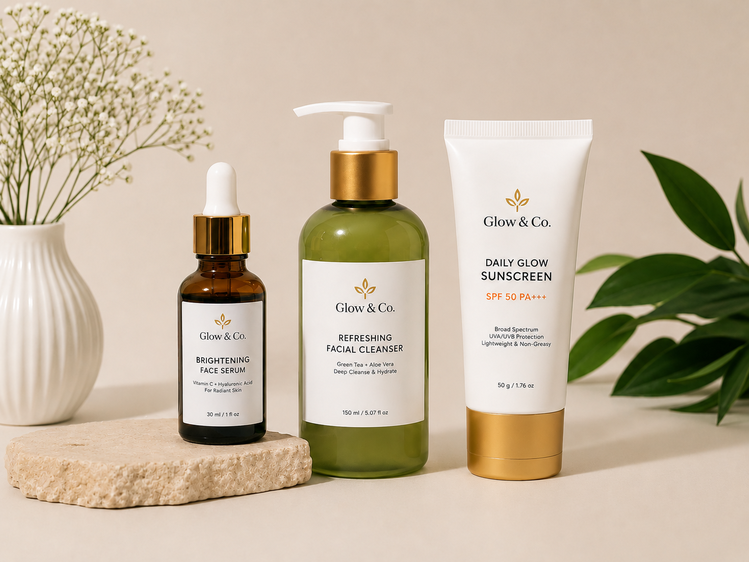
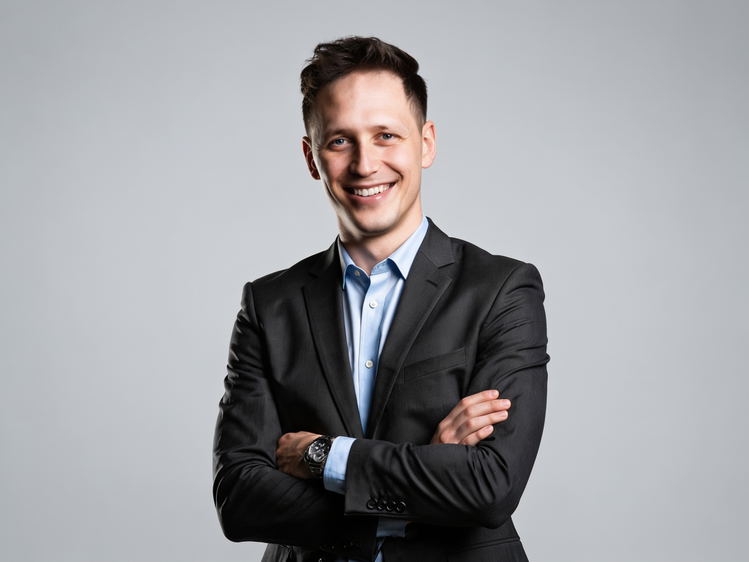
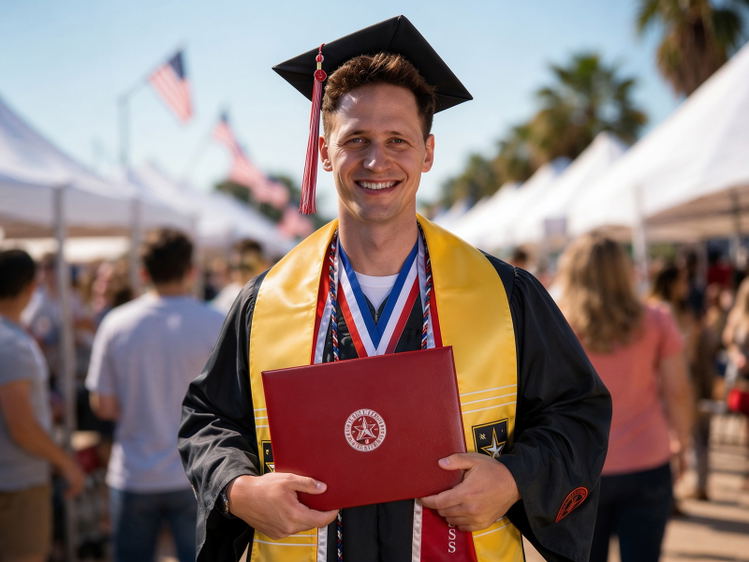
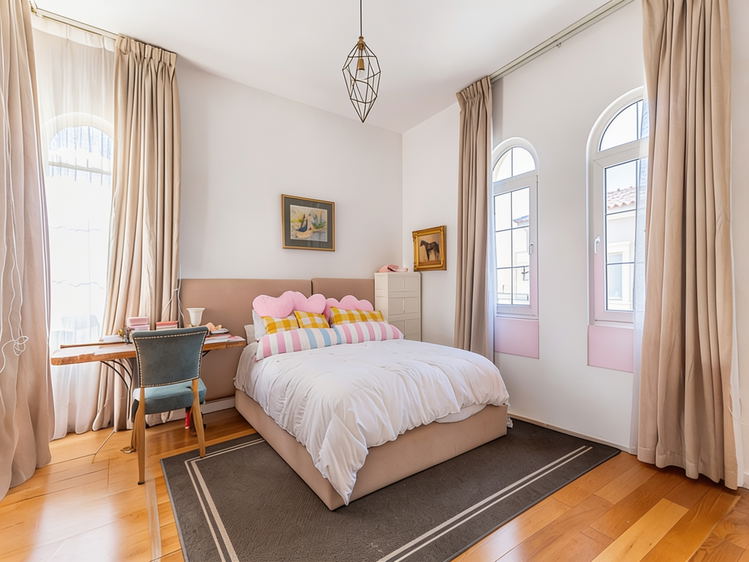
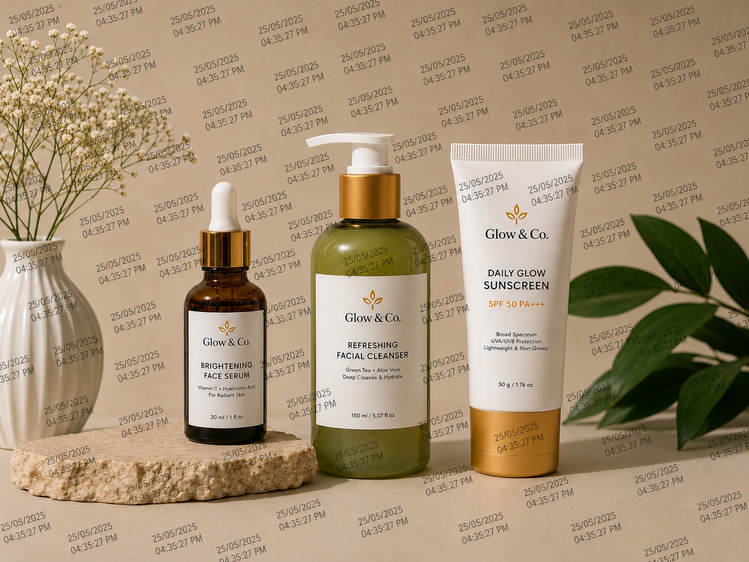
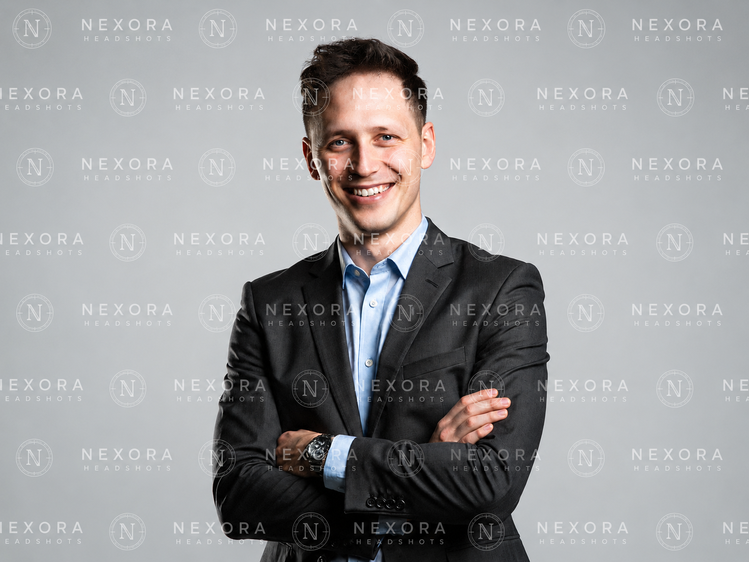
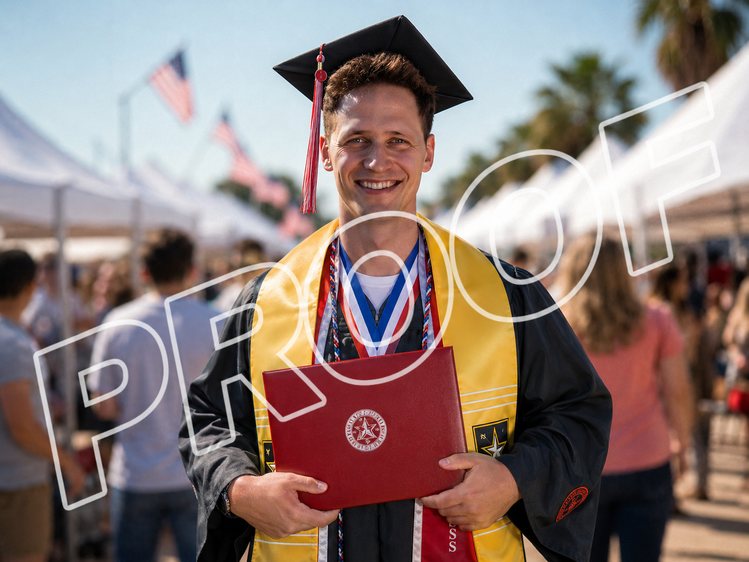
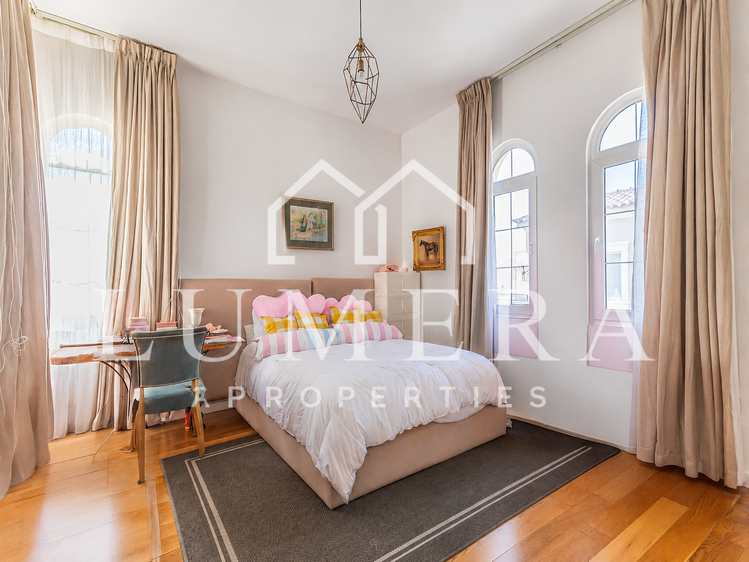
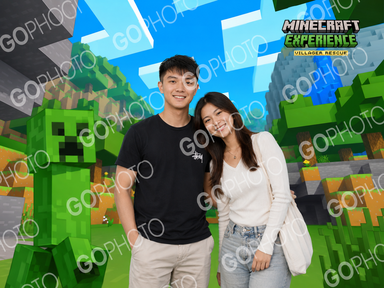
Watermark Remover
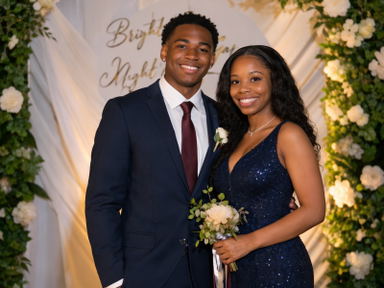
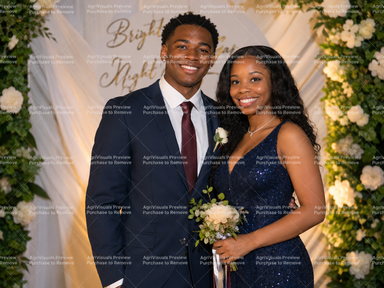
Clear date stamps, logos and text marks across the whole batch. Use it on photos you own or have the right to edit.
Remove the watermarks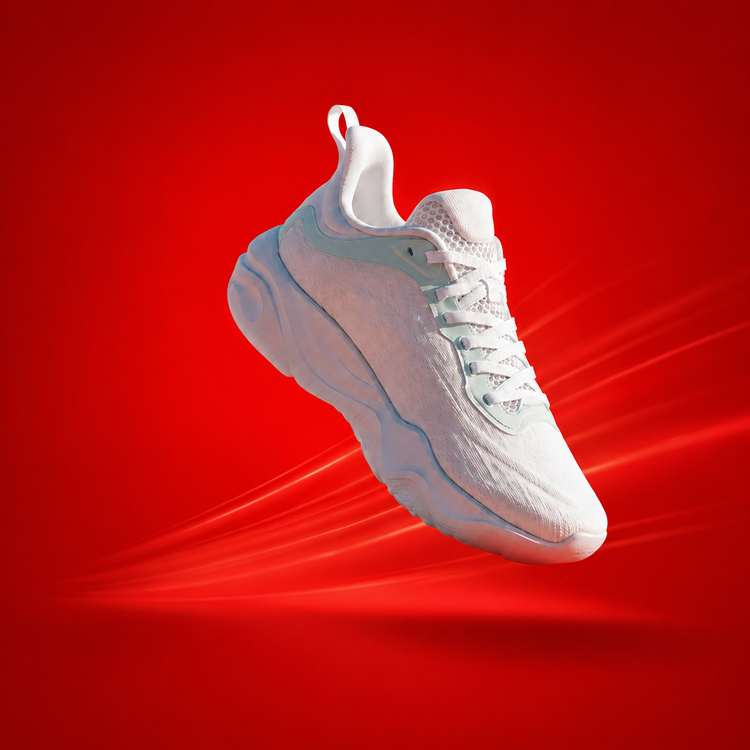
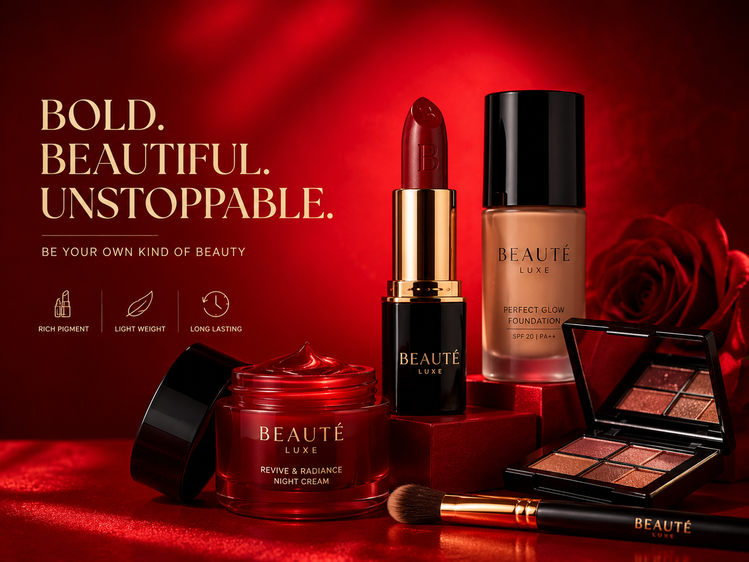
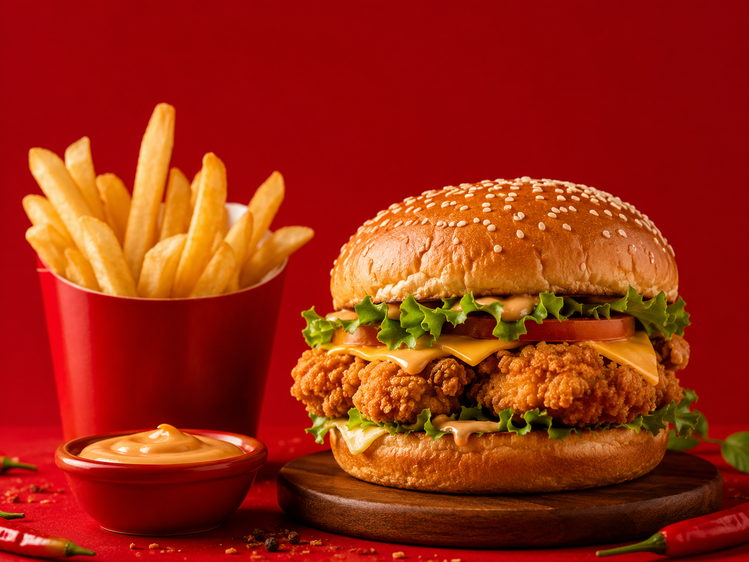
AI Background
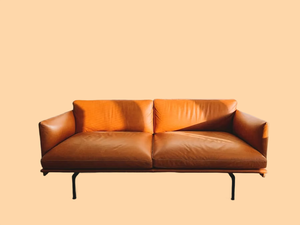
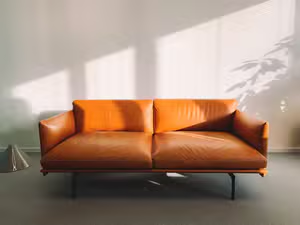
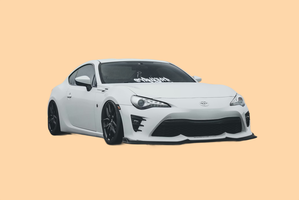
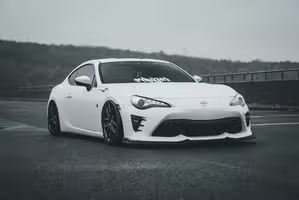
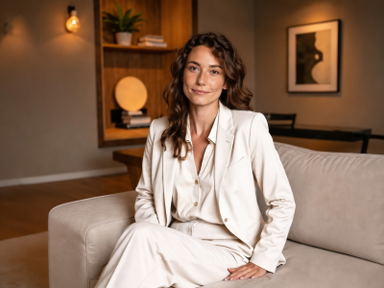
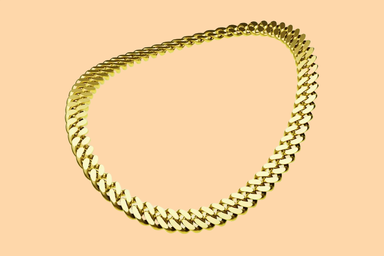
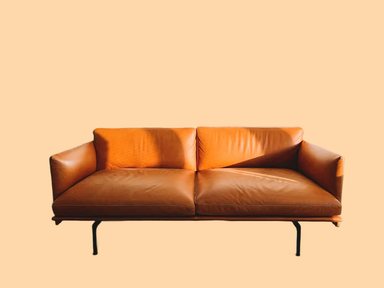
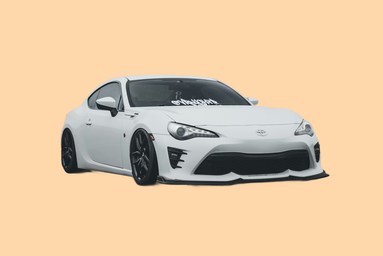
Cut out every subject to a see-through PNG, put them all on one solid color, or place them in the same new scene. Every product photo in your shop gets the same look.
Change the backgrounds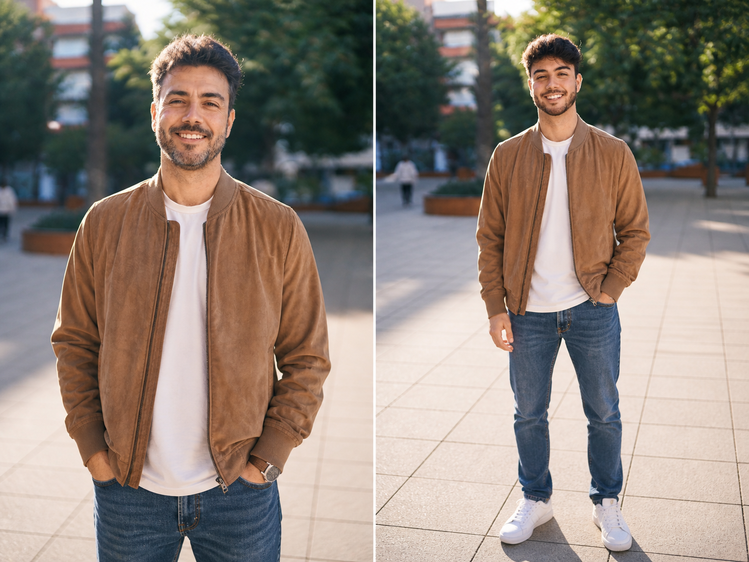
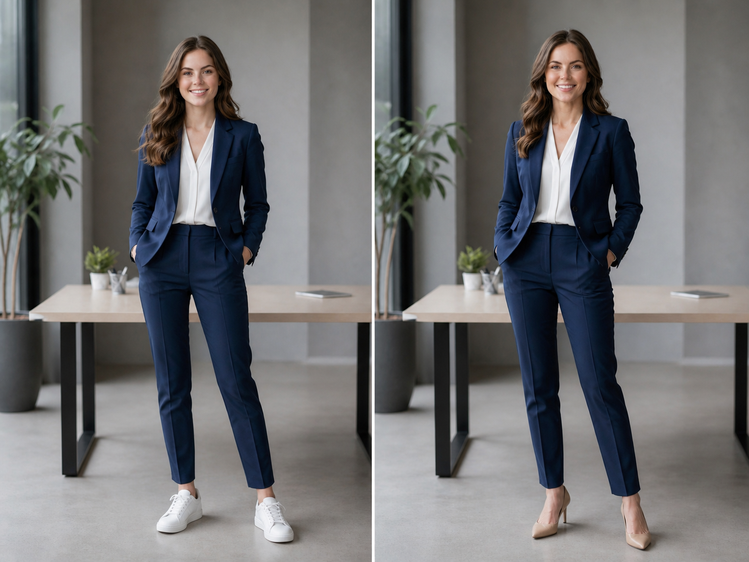
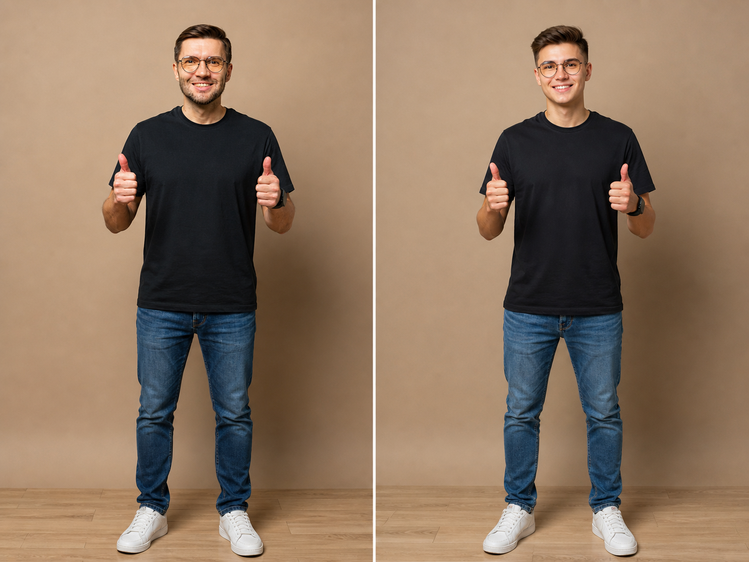
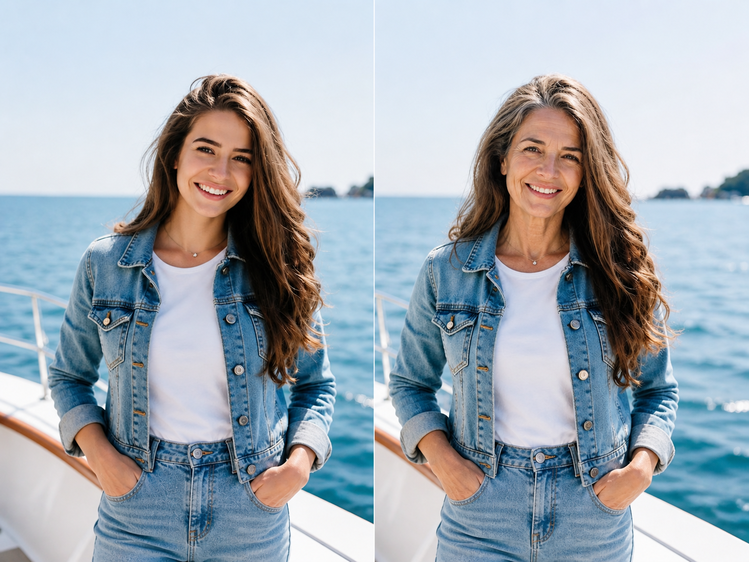
Age Modify
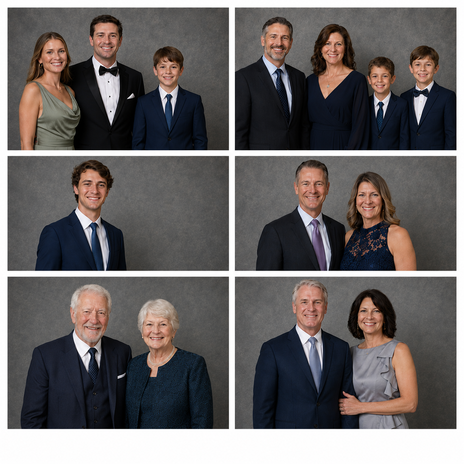
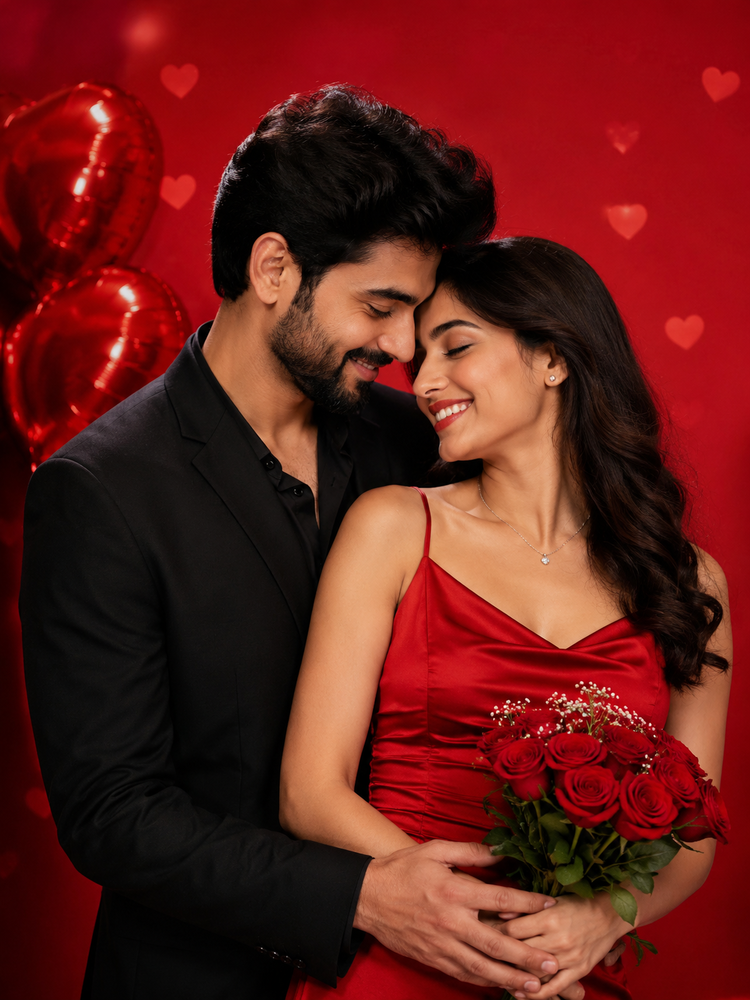
Add photos of your family, friends or team, pick younger or older, and every photo changes in one run. Only edit people who said yes.
Change the age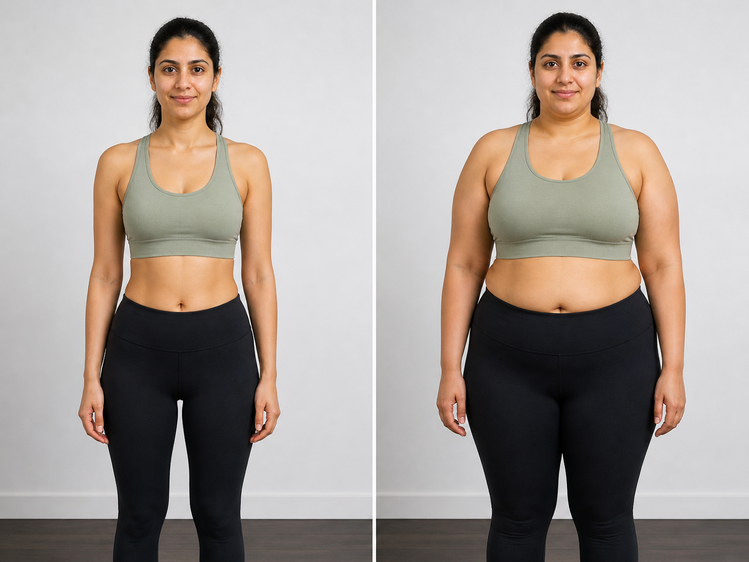
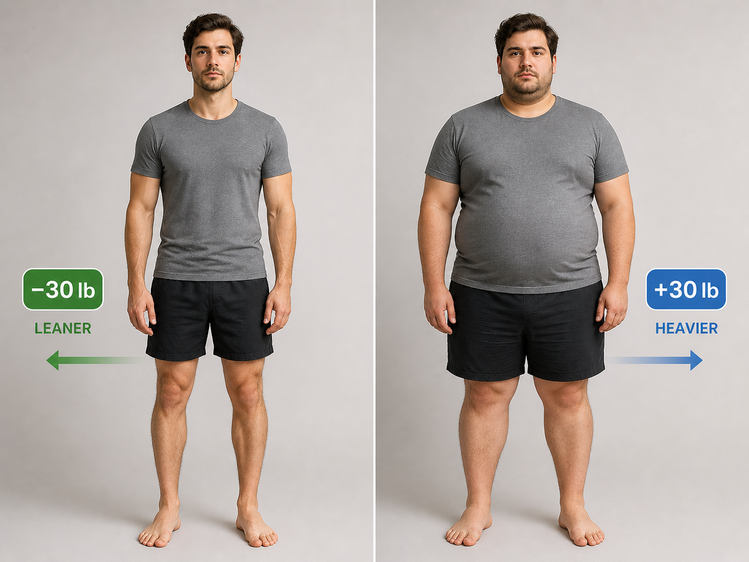
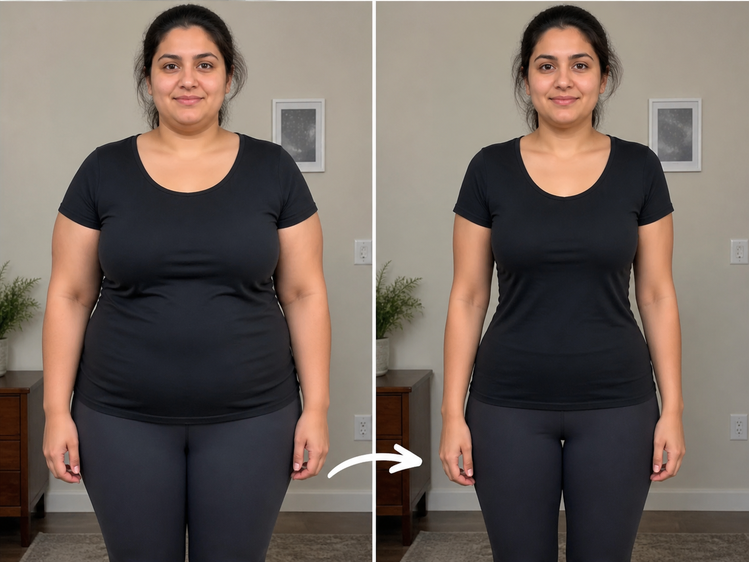
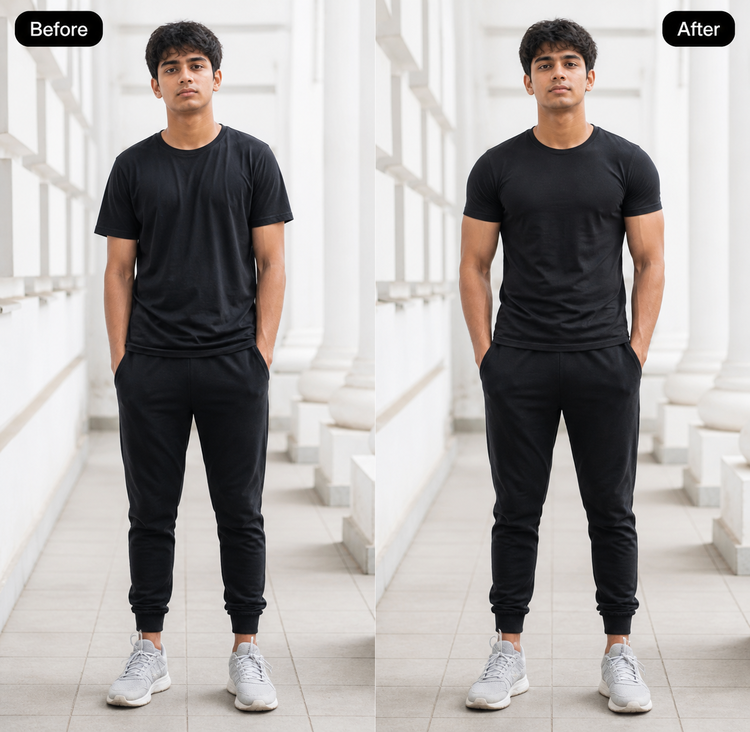
Weight Shift
Add photos of everyone in your gym, class or fitness group, pick lighter or heavier, and each person sees their goal in one run. Only edit people who said yes.
Picture my goalTop use cases
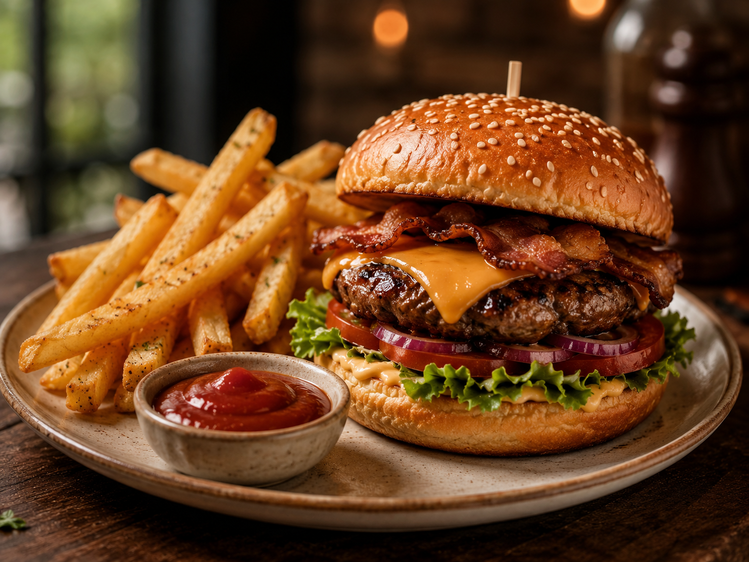
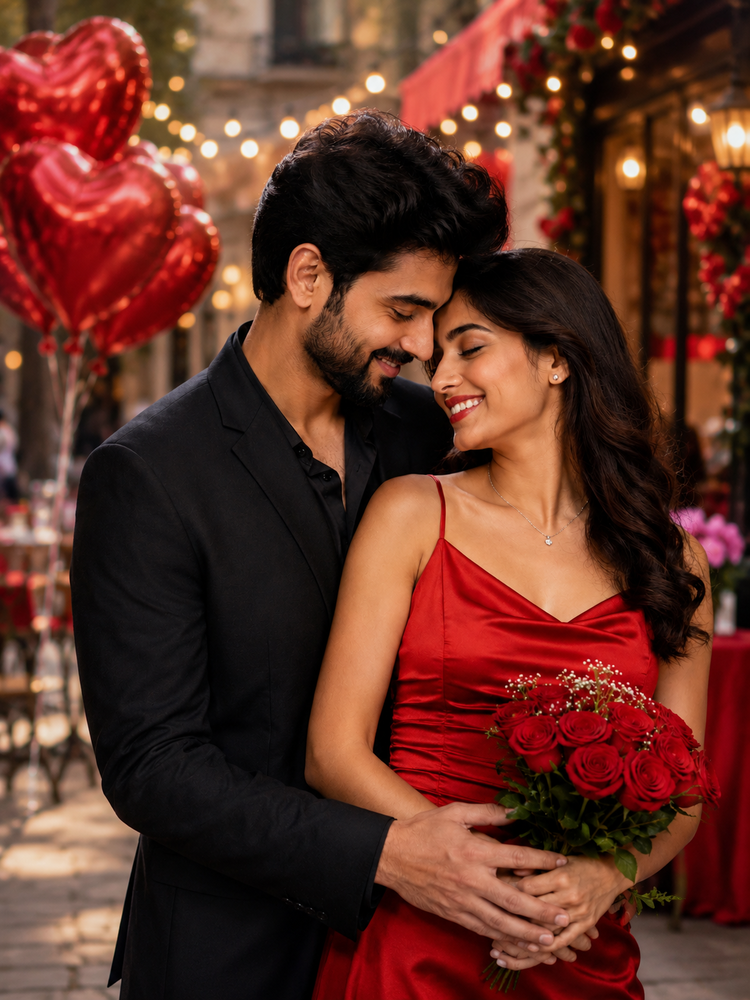
Bulk edit product, listing, event and family photos.
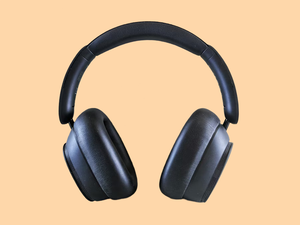
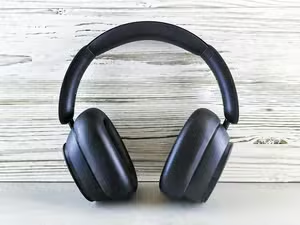
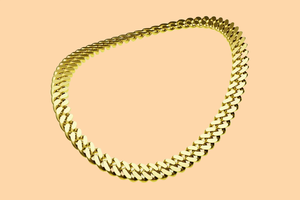
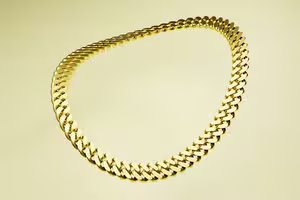
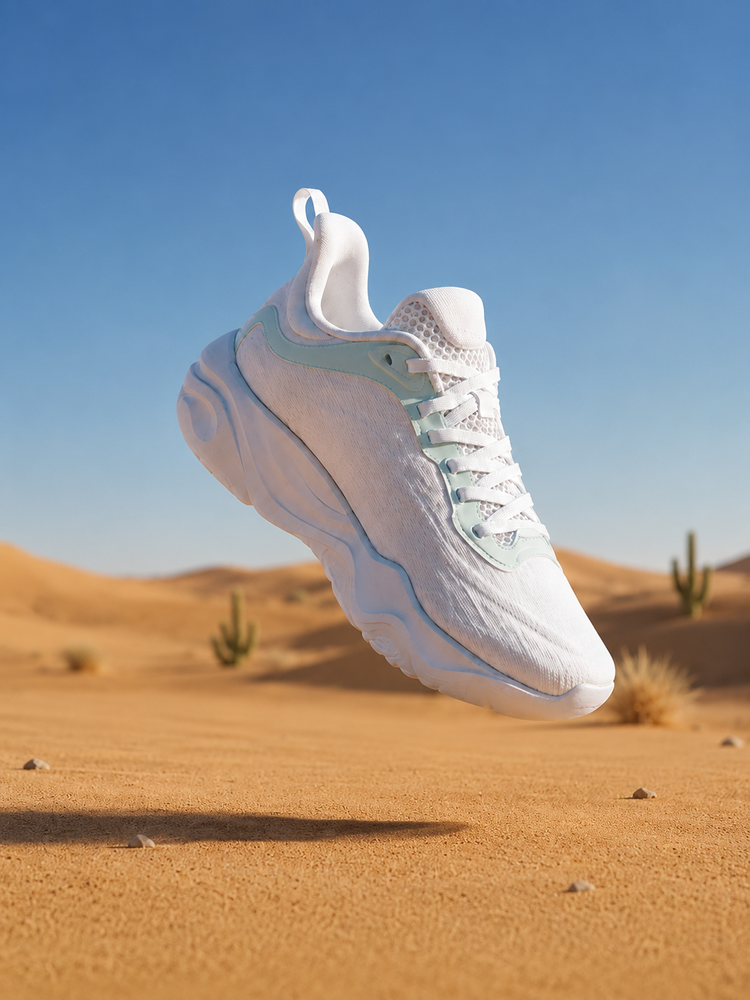
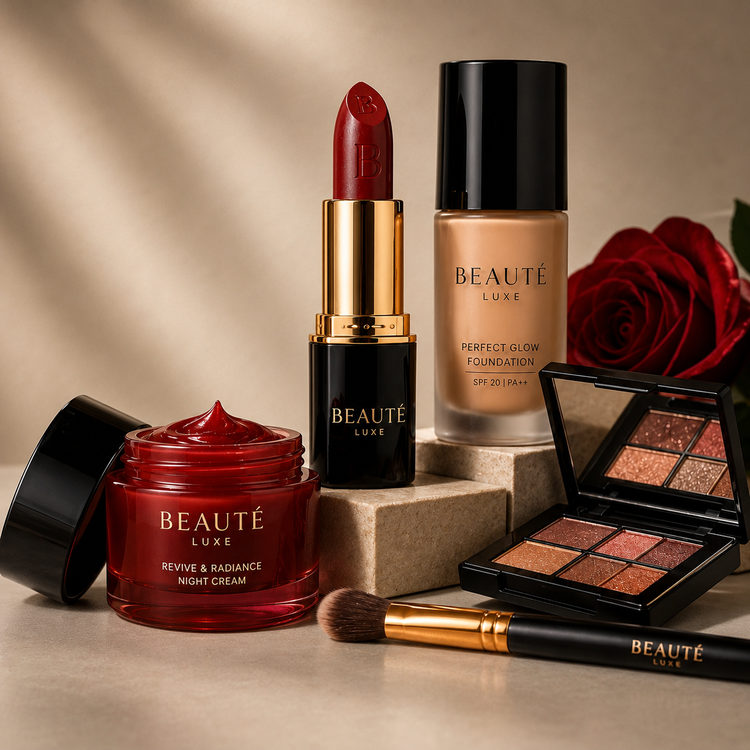
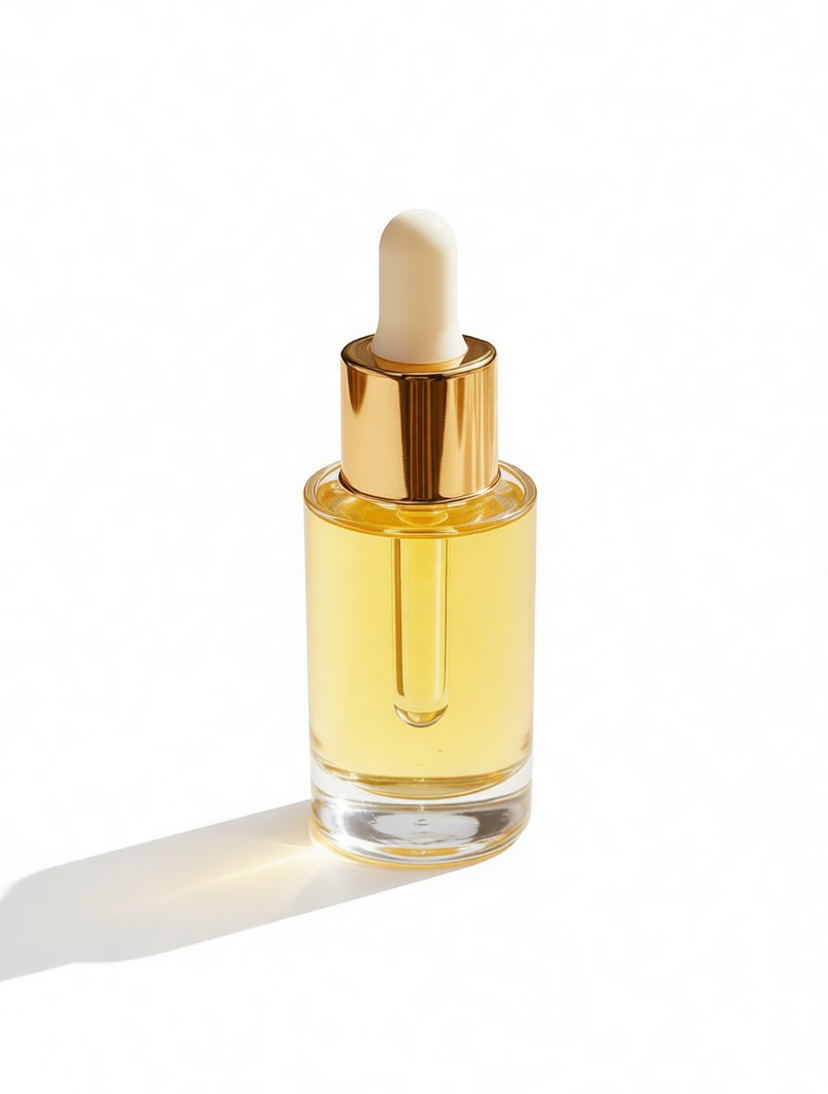
Place every product in the same styled scene, so your whole catalog looks like one shoot.
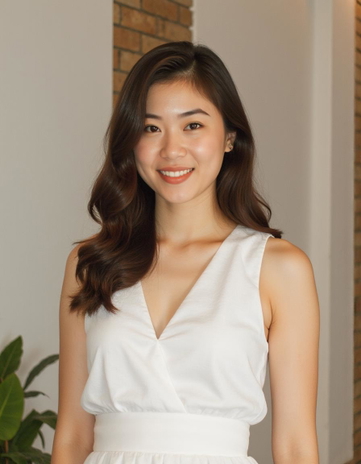
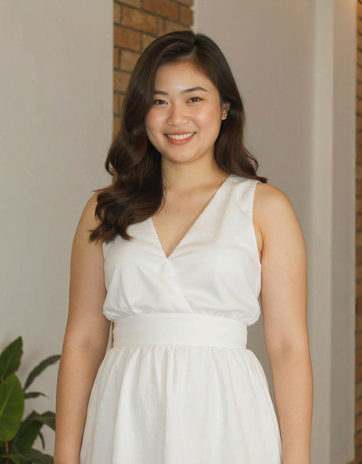
 Before
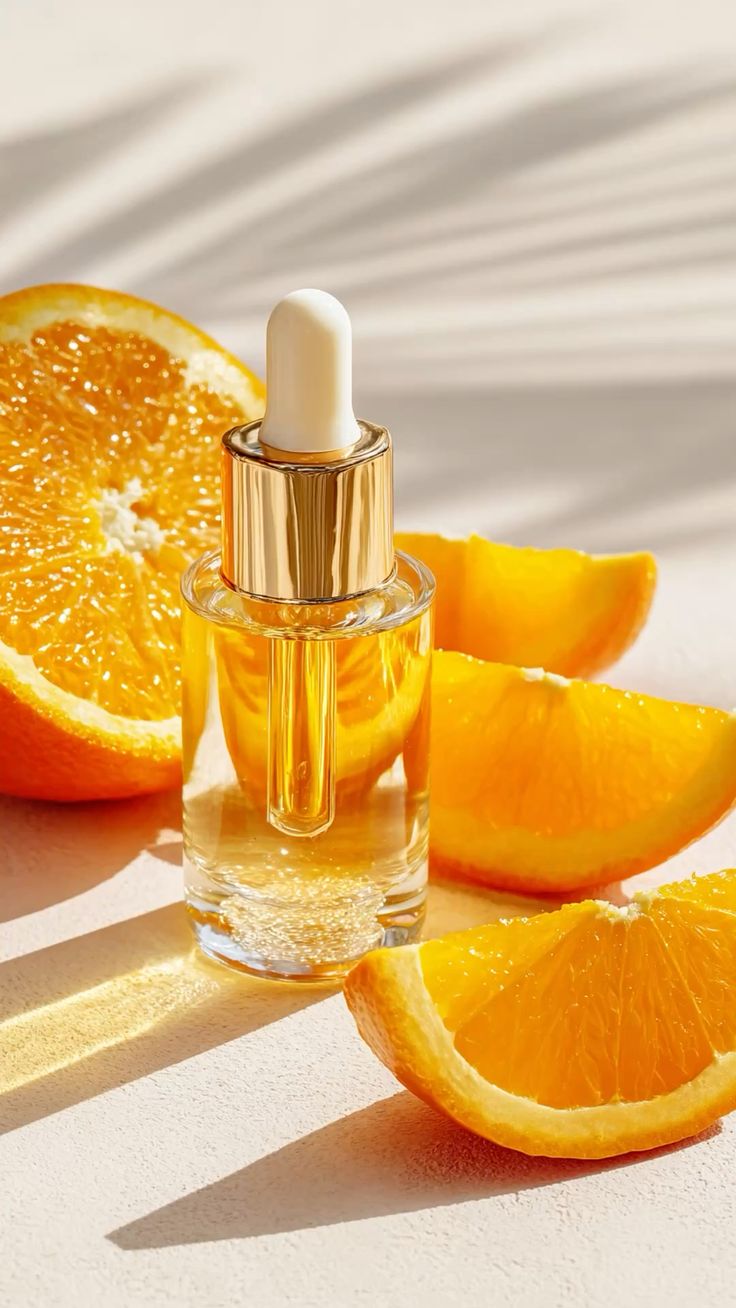 After
Every plan includes the batch photo editor and all five batch tools. Each photo in a batch uses the same credits as editing it on its own.
Lite
Billed monthly
80 credits/month
10 photos and 1 short video
Same price per photo as a single edit
Use your credits on any tool
Pro
Billed monthly
150 credits/month
18 photos and 2 short videos
Same price per photo as a single edit
Use your credits on any tool
Max
Billed monthly
500 credits/month
62 photos and 9 short videos
Same price per photo as a single edit
Use your credits on any tool
Sign up for 10 free credits — no credit card required. Free credits go to eligible new accounts. Seeing wrong pricing? Contact us
GOSTUDIO.AI REVIEWS
Real people, real posts. Every review below is written by a GoStudio.ai customer on social media — not edited, not paid for. Click any review to read the original.
Two years ago we spent thousands on branded images and professional headshots. Then I found GoStudio.ai — it helps you look like yourself, just on your best, most confident day.
Sometimes, you don't need a photo shoot to look like your future self. You just need a visual story that says, 'I made it.' That's where GoStudio.ai can help.
The founder personally fixed all of my photos. Her commitment to giving everyone an excellent experience makes her a cut above many others. I have to give the experience 5 stars.
The images look so close to my original that if I didn't tell you they were AI-generated, you'd probably never notice. AI is your assistant — not your identity.
Kanika personally hopped on a call to help. That level of professionalism and kindness really impressed me. The AI photo is beautiful — GoStudio.ai makes professional identity accessible.
GoStudio.ai helped me show up as who I'm actually becoming — not who I thought I was supposed to be. It replaced two photographers and a retoucher for our catalog.
Kanika built GoStudio.ai — an app that turns your daily selfies into professional photos. She built it solo, and it's jaw-droppingly good.
I've seen other companies do AI headshots, but I've found her images to be the best. Dozens of images in 30 minutes — why do this yourself?
Two years ago we spent thousands on branded images and professional headshots. Then I found GoStudio.ai — it helps you look like yourself, just on your best, most confident day.
Sometimes, you don't need a photo shoot to look like your future self. You just need a visual story that says, 'I made it.' That's where GoStudio.ai can help.
The founder personally fixed all of my photos. Her commitment to giving everyone an excellent experience makes her a cut above many others. I have to give the experience 5 stars.
The images look so close to my original that if I didn't tell you they were AI-generated, you'd probably never notice. AI is your assistant — not your identity.
Kanika personally hopped on a call to help. That level of professionalism and kindness really impressed me. The AI photo is beautiful — GoStudio.ai makes professional identity accessible.
GoStudio.ai helped me show up as who I'm actually becoming — not who I thought I was supposed to be. It replaced two photographers and a retoucher for our catalog.
Kanika built GoStudio.ai — an app that turns your daily selfies into professional photos. She built it solo, and it's jaw-droppingly good.
As of October 2026, more than 46,000 people in over 180 countries have used GoStudio.ai and generated over 90,000 photos. Figures from GoStudio.ai account and generation records.
The tools creators and businesses use most on GoStudio.
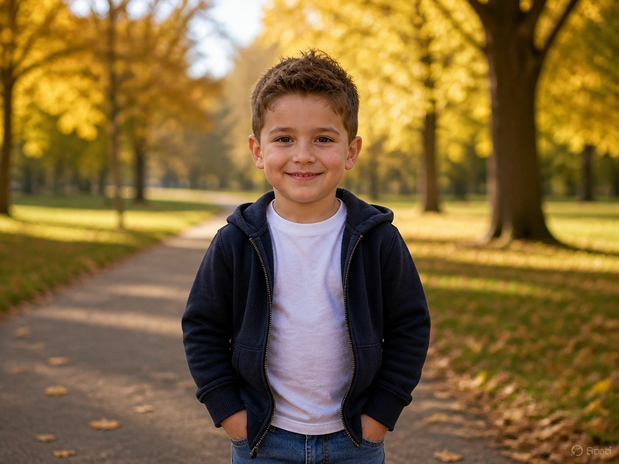
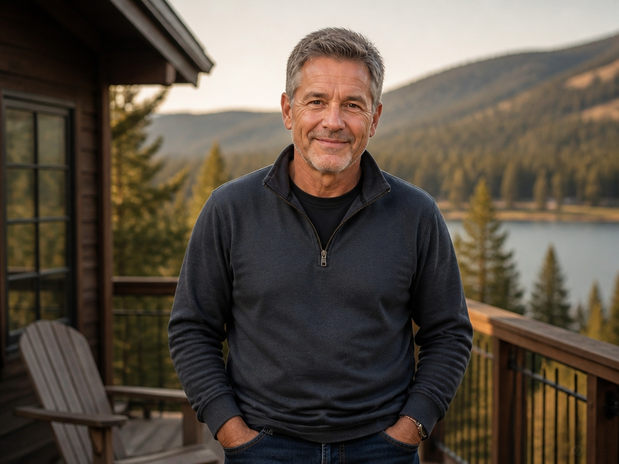
Next steps
Batch edit the whole set first. Then use these tools to fix or improve a single photo.

 BeforeAfter
Clear strangers and passers-by from the background.

Put your subject on a clean wall or a new scene.

Sharpen the detail and fix the colors before you post.

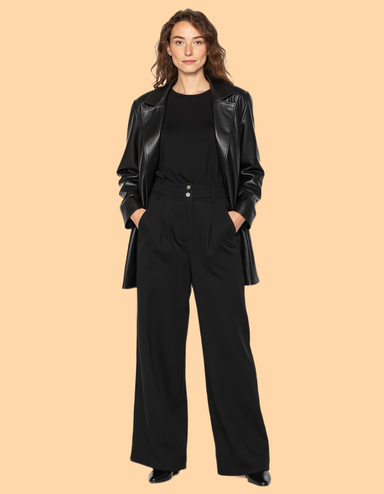
Dress the same model in a new outfit, no reshoot.

Place your product in a real-looking scene.

Get front, back and side views from one photo.
Batch photo editor questions: how batch editing works, what it costs, and what you can upload.