v4.9.0
New Feature — Edit Up to 50 Photos at Once
New FeatureAI Tools
New Feature — Edit Up to 50 Photos at Once
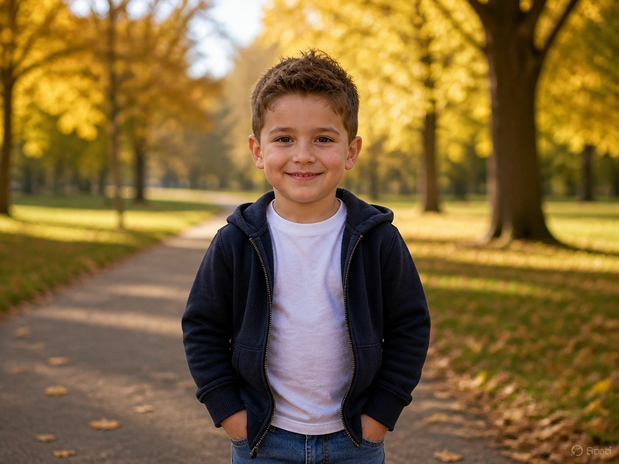
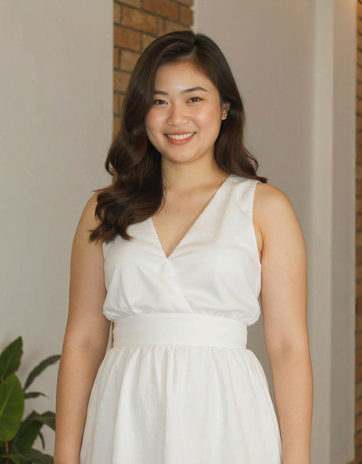
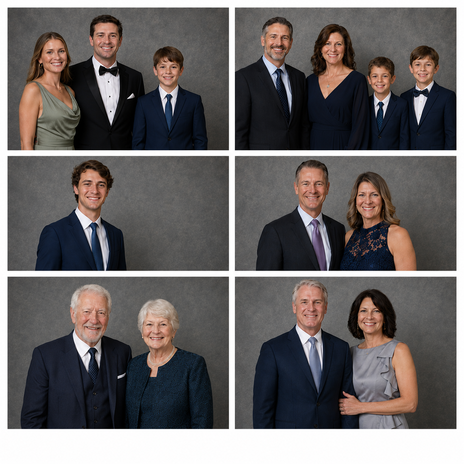
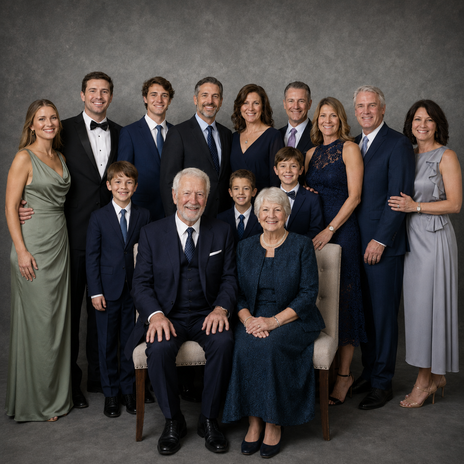
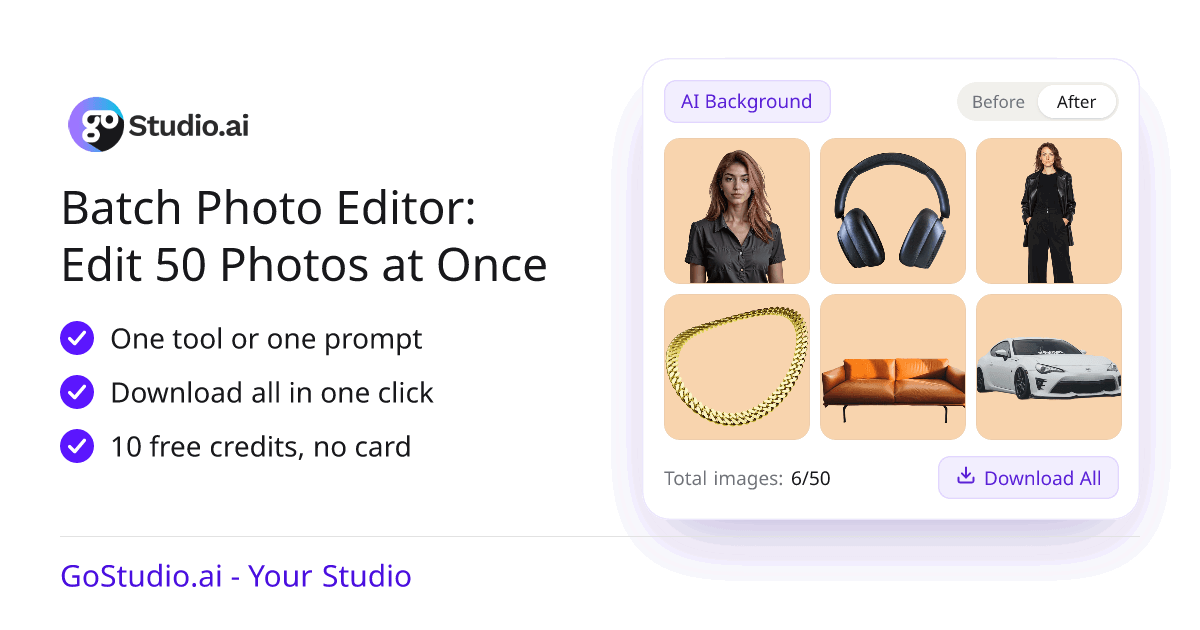
The Batch Photo Editor has its own page. Upload up to 50 photos, pick one tool or type one prompt, and the same edit runs on every photo. Then download them all in one click.
What’s New
- Up to 50 photos at once — drag them in or choose them from your phone or computer. JPG, PNG, WEBP and HEIC all work.
- Edit with words — type the change once, like “put every product on a soft peach background”, and it is applied to every photo in the batch.
- Four batch tools — Watermark Remover, AI Background, Age Modify and Weight Shift each run on the whole batch in one go.
- Review and download all — compare every result side by side, undo or redo any photo, then save the whole batch with Download All.
- Open the tool you want — every button on the page opens the batch editor on that tool, and it stays on that tool after you log in.
- Ideas for your work — see how online stores, real estate agents, event photographers, social media creators and families use batch editing.
- Smaller fixes — uploading a photo now works on iPhones and iPads where it used to do nothing, and a very large photo no longer stops a tool’s button from working.
Each photo in a batch uses the same credits as editing it on its own. Eligible new accounts get 10 free credits to try it, with no credit card.
Try the Batch Photo Editor