v5.0.0
New Feature — The Creator Program, the GoStudio API and New AI Models
New FeaturePlatform
New Feature — The Creator Program, the GoStudio API and New AI Models
You can now earn from your best AI images. Publish them as templates in the new Creator Program and get 10% of the credits every time a paid user creates with one. Developers can now make images and videos through the GoStudio API, and AI Image and AI Video get new models.

What’s New
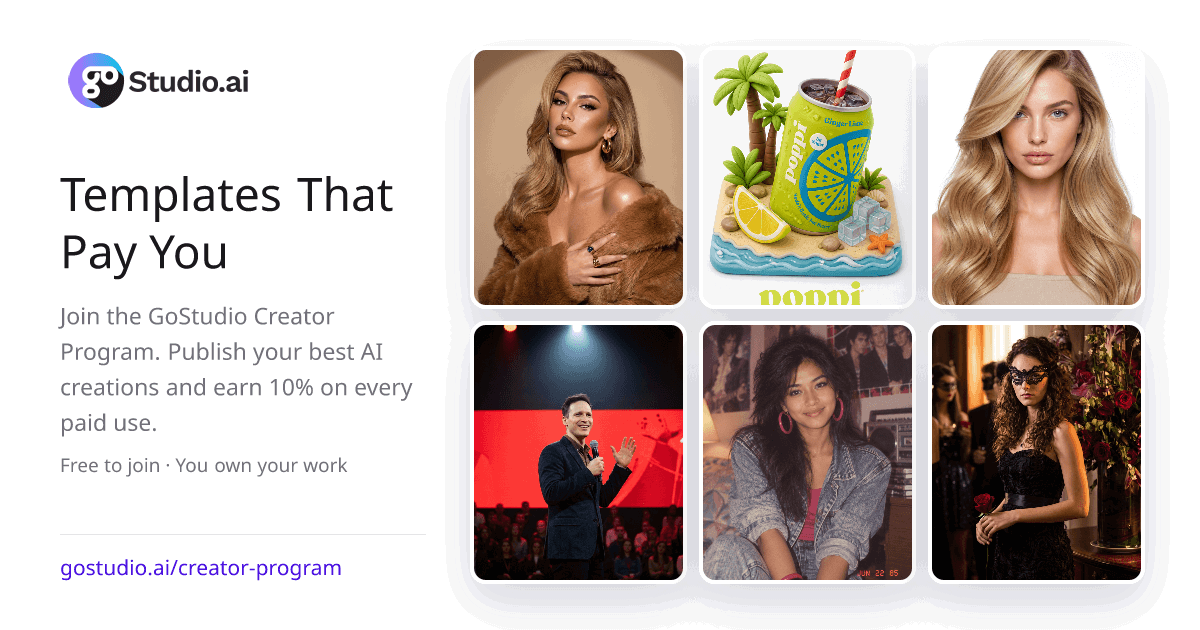
- The Creator Program — publish your best generations as templates and earn a 10% royalty on every paid use. It is free to join, you own everything you publish, and you can publish up to 50 templates. See how it works.
- Get paid your way — take your earnings as GoStudio credits right away, or by PayPal in USD each month once you have earned $50. Read the Creator Program terms.
- Publish from any image viewer — open a finished image in Generations, Gallery, Credit history, a tool’s history or Batch Processing, tap Share, and choose Publish as template. The publish window fits on phones too.
- Your creator dashboard — a Start here guide walks you through each step: complete your profile, submit a template, get verified, then earn. Get verified for a badge, 500 bonus credits and priority placement for your templates. Open your creator dashboard.
- Grow with us — a new Grow with us button at the top of the app takes you straight to the Creator Program. It replaces Refer & Earn. The side menu always lists the Creator Program and the Affiliate Program, and the Affiliate page has a fresh design.
- AI Image and AI Video in the API — developers can now create and edit images, and create videos from text, photos, start and end frames or reference images, through the GoStudio API. Weight Shift is in the API too. Read the API docs.
- New video models — Omni Flash v1.2 makes 3 to 15 second clips, takes up to 10 reference images, and costs fewer credits per second than v1.1 at 720p and above. MiniMax H3 Lite (480P or 768P) and MiniMax H3 Highspeed (768P) make 4 to 15 second clips with up to 9 reference images, at 8 credits per second. Try them in AI Video.
- New image models — GPT Image 2.6 Quality (Sunburst) and GPT Image 2.6 Fast (Flare) replace GPT Image 2.5, at the same credits. Seedream 5.5 costs 4 credits to create, plus 1.5 for each photo you add. MiniMax H3 Image costs 8 credits. Try them in AI Image.
- A simpler video model list — Veo 3.1, Seedance V1.5, Kling 3.0 and Cinematic are no longer in AI Video. New videos start in 9:16, the shape for phones and Reels.
- See input and reference photos large — in any image viewer, tap an Input or Reference thumbnail to see it full size. Use the arrows to move between them, and press Esc to go back. Open your Gallery.
- A new loading card — while your image or video is made, the card shows the GoStudio mark and what is happening, and it fits neatly in square, tall and wide results.
- You asked, we fixed it — you told us a prompt typed on Home should not need a second tap, so it now starts generating as soon as AI Image or AI Video opens. You found the Recreate panel hard to fill in, so it is now clearer and tells you exactly what is missing. You wanted to know the cost before running a batch, so Batch Processing now shows the credits per photo and the total before you start. And you asked for a quicker way to share how GoStudio is working for you, so the review popup now starts with a simple star rating.
Every new model works with the credits you already have. Nothing changes about your plan or your saved work.
Join the Creator Program