v4.5.0
New Feature — Eleven New Photo Tools, and We’re Hiring
New FeatureAI Tools
New Feature — Eleven New Photo Tools, and We’re Hiring
Eleven new photo tools are live, from a Hair Color Changer to a Realism Enhancer that makes AI photos look real. The AI Background Remover and Upscale do more on one page, and many tool pages now have a short video that shows how they work. We also opened a Careers page with two paid internships in Bengaluru.
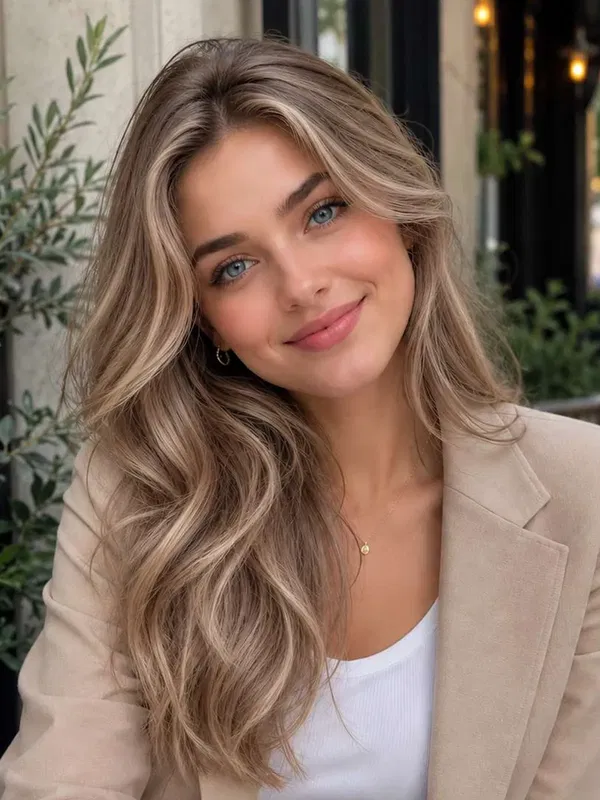
- Hair Color Changer
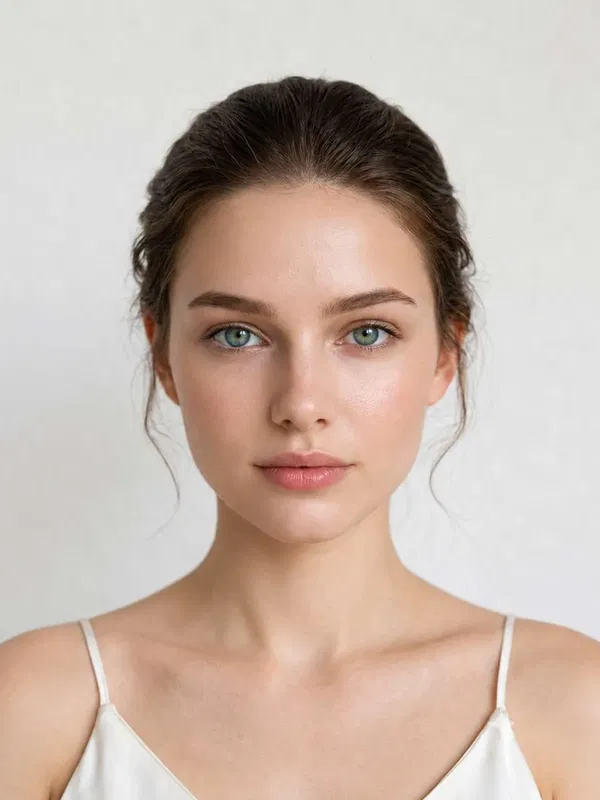
- Eye Color Changer
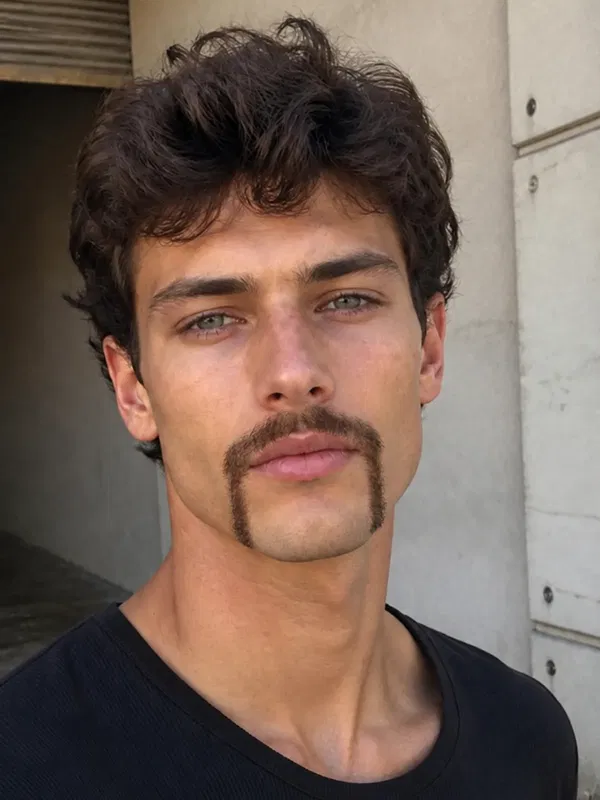
- Beard Filter
- Blemish Remover

- AI Pose Changer
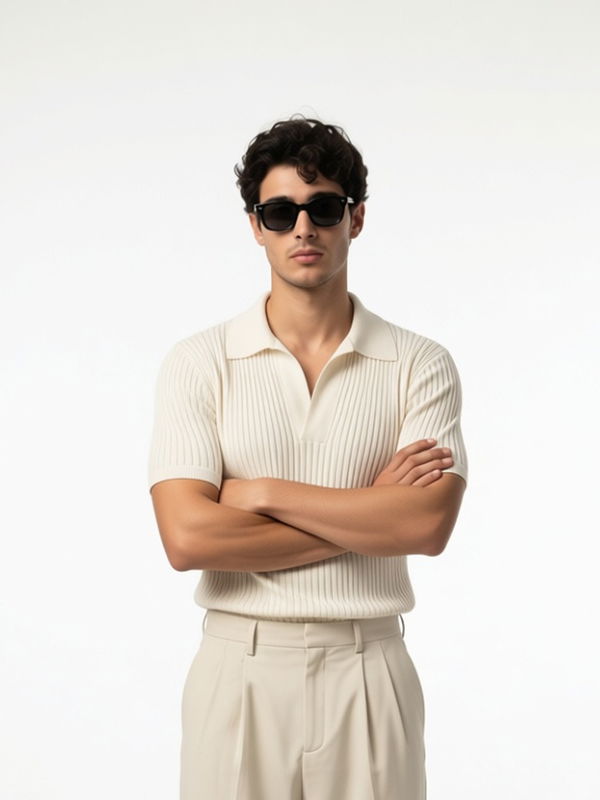
- Realism Enhancer
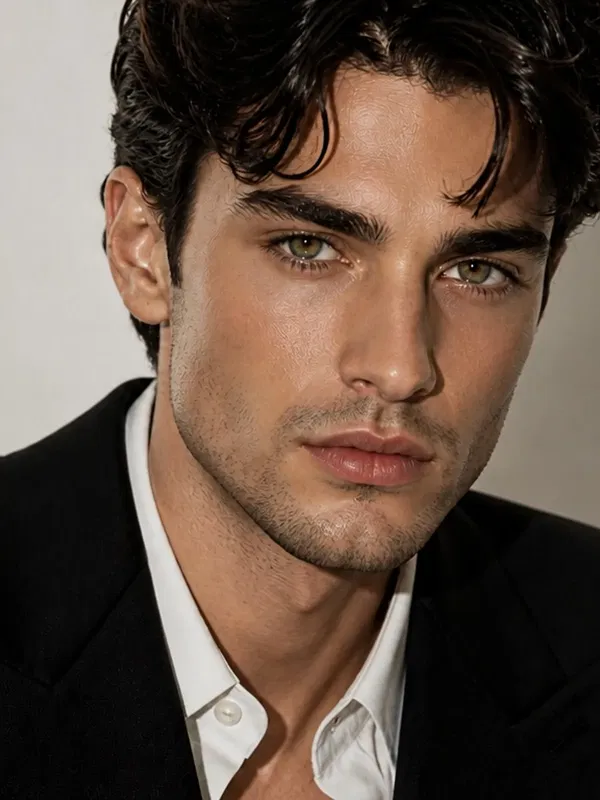
- AI Image Replacer

- Change Color of Object

- Color Correction

- Lens Distortion Correction
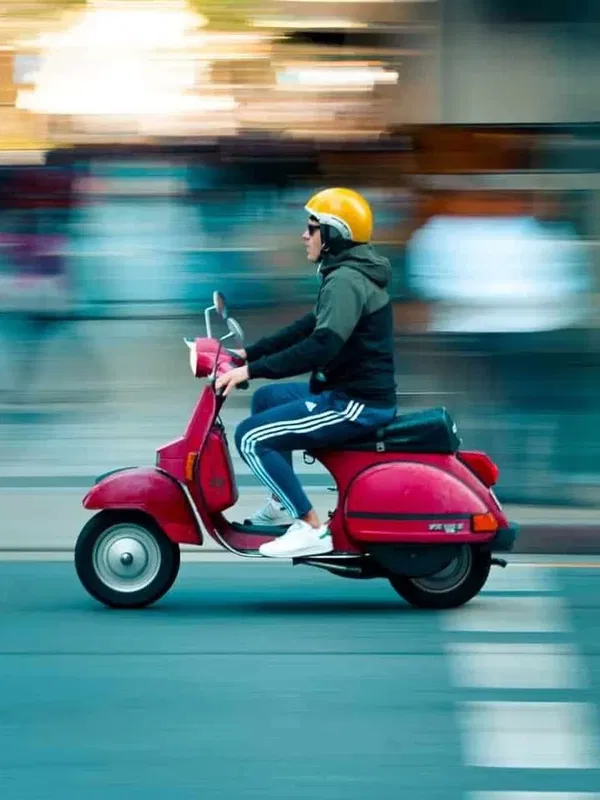
- Motion Blur Effect
What’s New
- Eleven new photo tools — AI Image Replacer, AI Pose Changer, Beard Filter, Blemish Remover, Change Color of Object, Color Correction, Eye Color Changer, Hair Color Changer, Lens Distortion Correction, Motion Blur Effect and Realism Enhancer each have their own page.
- Upload first on your phone — on the new tools and pages like Free Halloween Photos and the AI Baby Generator, the upload box is the first thing you see.
- AI Background Remover, all in one place — choose Transparent for a clean PNG, Color to put your subject on a solid color, or AI Background to describe a new scene. Results come back at your photo’s full size, with no watermark.
- Upscale up to 10x — pick a scale up to 10x, or a target size from 720p to 2160p (4K). If your photo is smaller than 512 pixels, the upload box tells you before you spend credits. Our new upscale benchmark on the blog shows how it compares, image by image.
- Watch how it works — the AI Background Remover and its color and background pages now have a short YouTube walkthrough, and so do Age Modify, Watermark Remover, Photo Restoration, Image Deblur, Free Halloween Photos, Free Birthday Photoshoot and Free Hijab Headshot. The video plays right on the page.
- We’re hiring — the new Careers page lists two paid internships at our Indiranagar, Bengaluru office: Digital Marketing Intern and Product Engineering Intern. Apply right on the page.
- A fresh About Us and reviews — About Us now opens with a photo of our founder and the story of how GoStudio started, and the reviews section shows 46K+ users, 90K+ photos made, 180+ countries and 38+ AI tools, as of October 2026.
- Ask AI and Copy page — the footer suggests questions about the page you are on to ask ChatGPT, Gemini or Perplexity, and six tool pages have a Copy page button.
- Enhance tools at medium quality — Sharpener, Noise Remover, Creative Upscale, Image Deblur, Colorize Photo, Photo Restoration, Red Eye Remover and Blur Background now run at medium quality, which costs 8 credits a photo.
- Smaller fixes — pricing cards on tool pages now list three clear points, the Halloween page has clearer steps and pricing, the Upscale scale menu opens upward so it stays on screen, and a new watermark remover benchmark is on the blog.
Every new tool works with the credits you already have. Old links to retired pages still take you to the right place.
Try the Hair Color Changer